NOTE: Turning the power on for the first time or leaving the power
continuously off for a long time may cause the date error (error code:
E0500) prompting the resetting of the date. In this case, set the date
and the time using the [Date & Time Settings] of MODE FUNCTION.
(Refer to Section 6.3)
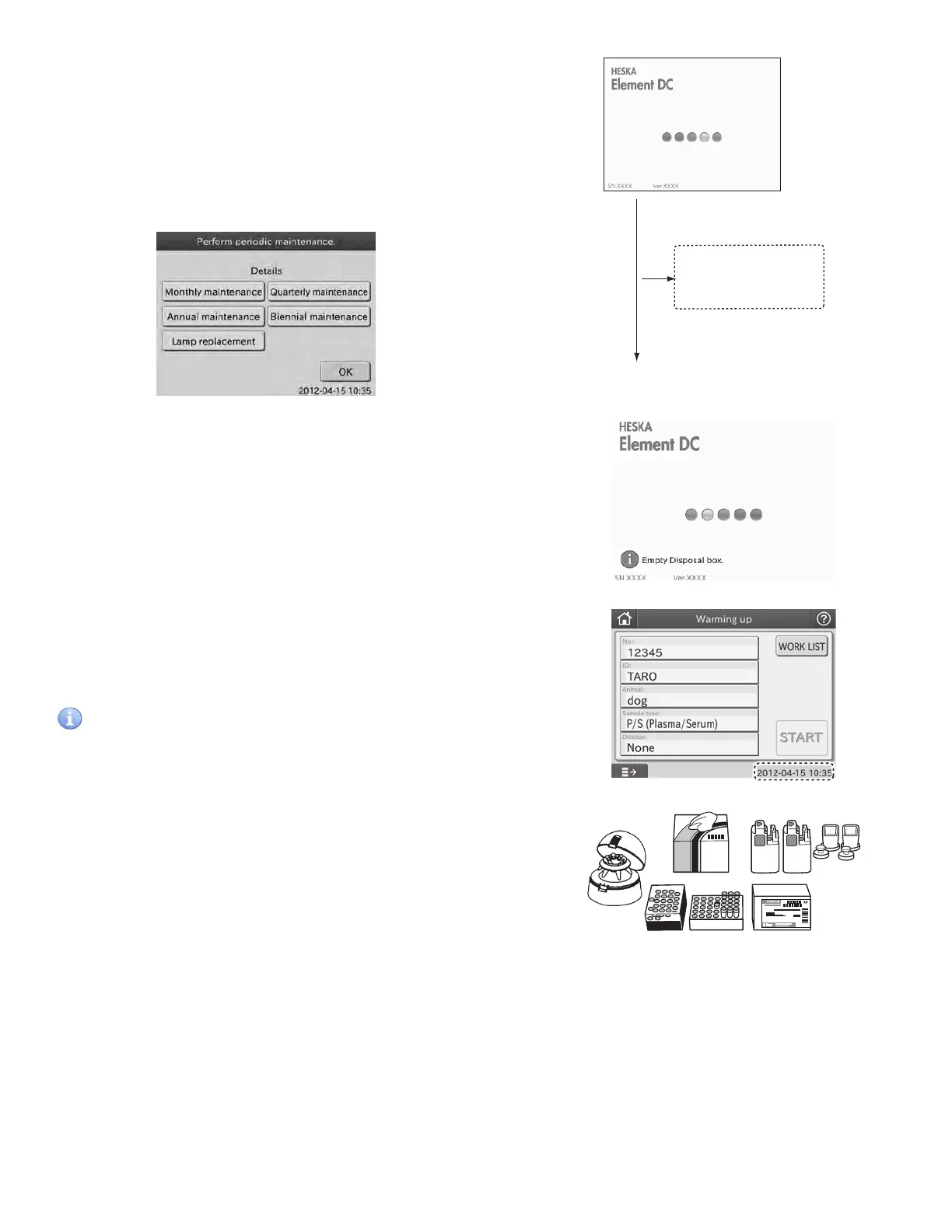
NOTE: At the beginning of a month, the [Perform Periodic
Maintenance] dialogue may be displayed.
By touching the appropriate maintenance button, the help dialogue
is displayed. Perform the periodic maintenance according to
instructions. For further periodic maintenance information, refer to
Section 4, Periodic Maintenance.
4. Check the [Warming Up] dialogue. Or check printed date and
time. If either the date or time is incorrect, adjust it using the
[Date & Time Settings] of MODE FUNCTION. (For details, refer to
Section 6.3.)
IMPORTANT
In case that the date and time are not adjusted correctly, the
analyzer may fail to determine the expirations of the slides, so that
the test results may NOT be accurate.
5. Prepare the necessary peripheral accessories. Take out the
slides from the refrigerator and allow them to stand without
unwrapping until they reach room temperature.
6. The test preparation dialogue is displayed. (Refer to Section 2.2.2)
When turning the power on for
the first time at the beginning of
a month, the [Perform periodic
maintenance.] dialogue is
displayed.
When turning the power on for
the first time at the beginning of
a month, the [Perform periodic
maintenance.] dialogue is
displayed.
28



 To Next Page