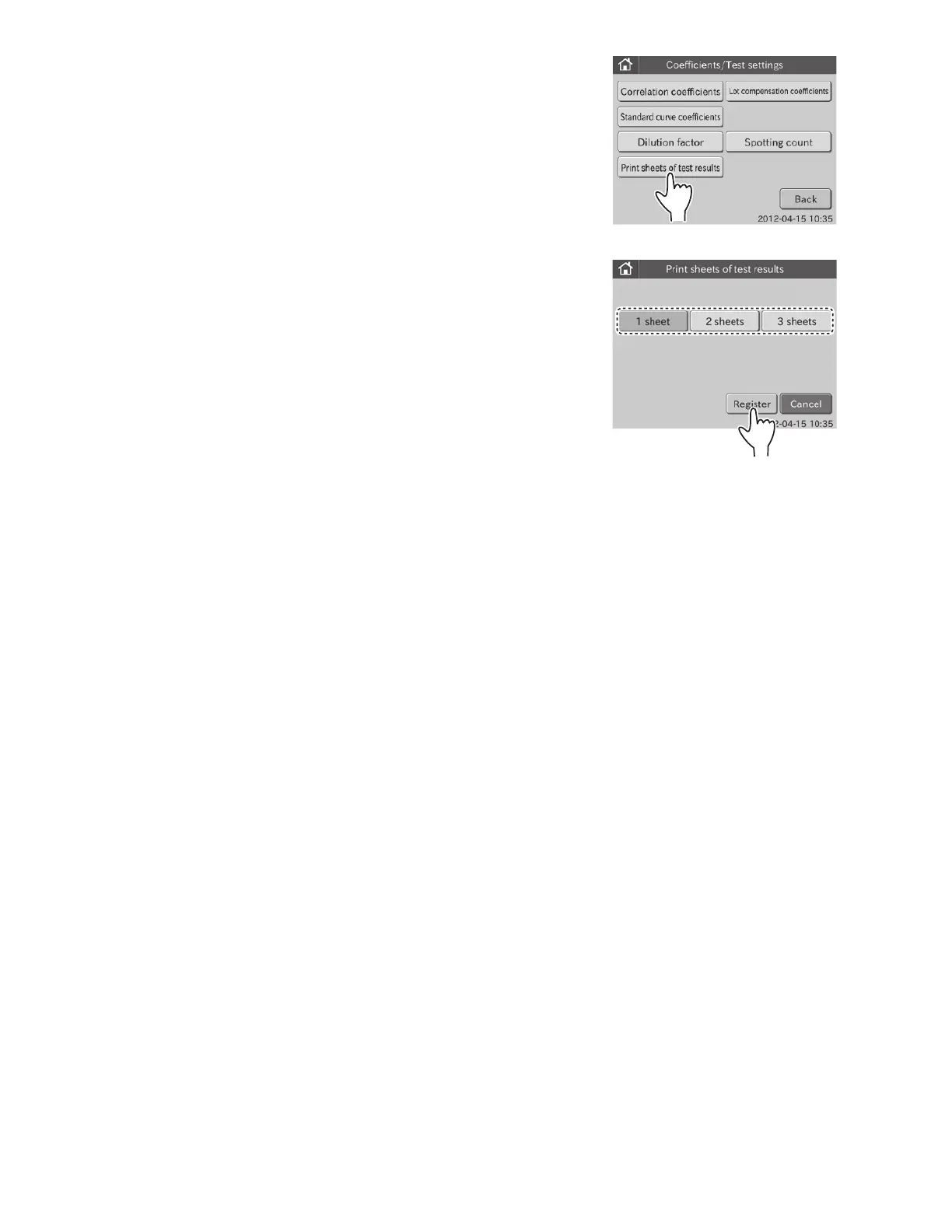
2. Touch PRINT SHEETS OF TEST RESULTS in the menu
dialogue.
The dialogue to set a number of test result print sheets is
displayed.
NOTE: To cancel setting, touch CANCEL.
3. Select the desired number of sheets, and then touch
REGISTER.
The setting is registered, and then the display returns to the
COEFFICIENTS/TEST SETTINGS menu dialogue.
NOTE: To cancel setting, touch CANCEL.
113



 To Next Page