If your system is congured in a diskless cluster environment, you must perform this step
for each diskless cno de and server.
If the /usr/pil/etc/hwcong.cf le was not mo died after HP-UX installation, copy the
template le provided by the HP 4062UX/F software as follows:
# cp /usr/pcs/newconfig/s700/hwconfig.cf /usr/pil/etc/hwconfig.cf
If the /usr/pil/etc/hwcong.cf was already mo died for other applications, you need to add
setups for the HP-IB interface card appropriate for your conguration. If your conguration
is dierent from the default setup of /usr/p cs/newcong/s700/hwcong.cf le, edit the
/usr/pil/etc/hwcong.cf le or add card setups to the end of the le according to the
following denitions.
HP-IB interface setup for HP 4062UX/F are provided at the end of the
/usr/p cs/newcong/s700/hwcong.cf le. This default setup is for mo del 745i
internal HP-IB interface card and E2071B HP-IB interface card installed in slot 1. Each
line corresponds to an interface card.
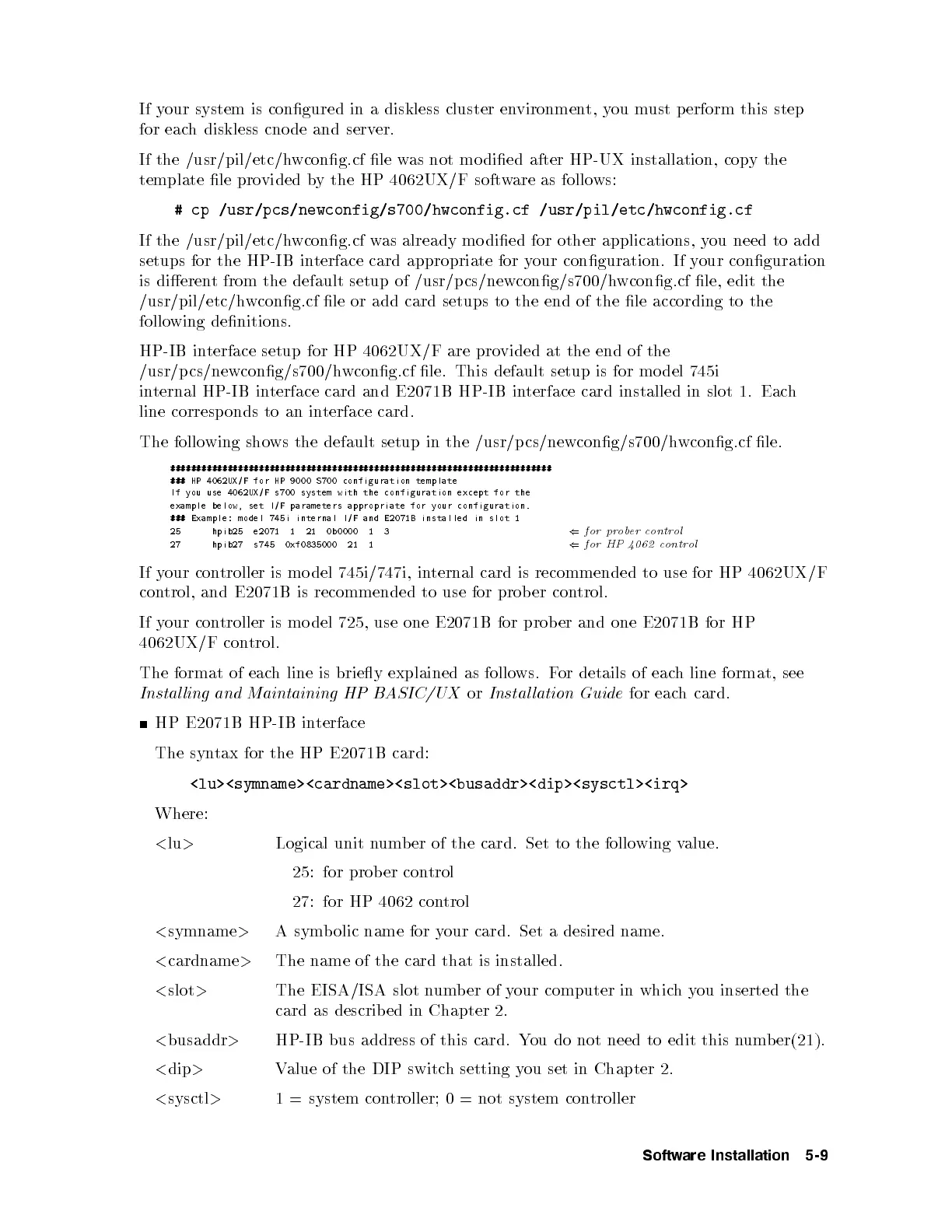
The follo wing shows the default setup in the /usr/p cs/newcong/s700/hwcong.cf le.
#########################################################################
### HP 4062UX/F for HP 9000 S700 configuration template
If you use 4062UX/F s700 system with the configuration except for the
example below, set I/F parameters appropriate for your configuration.
### Example: model 745i internal I/F and E2071B installed in slot 1
25 hpib25 e2071 1 21 0b0000 1 3
(
for prober control
27 hpib27 s745 0xf0835000 21 1
(
for HP 4062 control
If your controller is mo del 745i/747i, internal card is recommended to use for HP 4062UX/F
control, and E2071B is recommended to use for prob er con
trol.
If your controller is mo del 725, use one E2071B for prob er and one E2071B for HP
4062UX/F control.
The format of each line is briey explained as follows. For details of each line format, see
Instal ling and Maintaining HP BASIC/UX
or
Instal lation Guide
for each card.
HP E2071B HP-IB interface
The syntax for the HP E2071B card:
<lu><symname><cardname><slot><busaddr><dip><sysctl><irq>
Where:
<
lu
>
Logical unit numb er of the card. Set to the follo wing value.
25: for prob er control
27: for HP 4062 control
<
symname
>
A symbolic name for your card. Set a desired name.
<
cardname
>
The name of the card that is installed.
<
slot
>
The EISA/ISA slot number of your computer in whichyou inserted the
card as describ ed in Chapter 2.
<
busaddr
>
HP-IB bus address of this card. You do not need to edit this numb er(21).
<
dip
>
Value of the DIP switch setting you set in Chapter 2.
<
sysctl
>
1 = system controller; 0 = not system controller
Software Installation 5-9



 To Next Page