3.
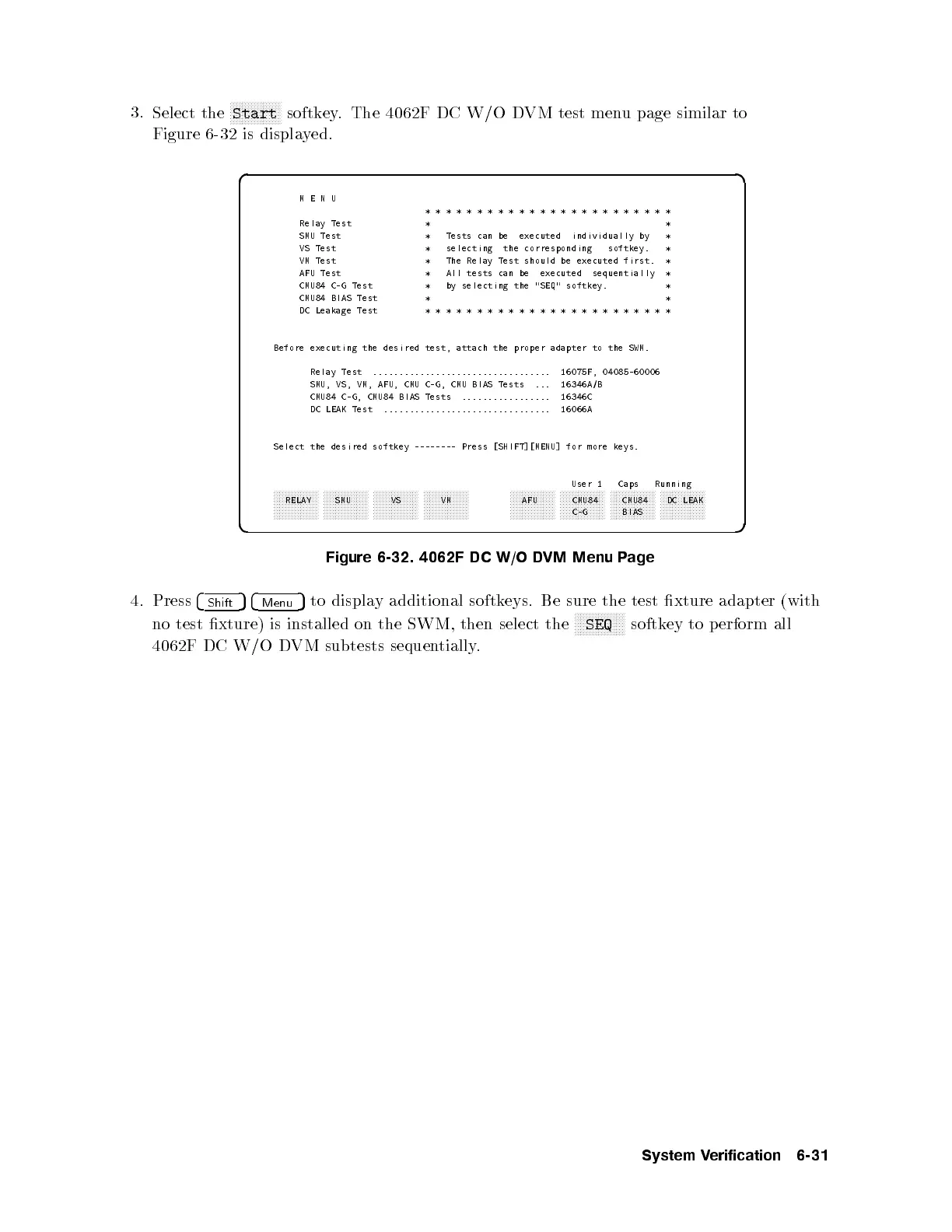
Select the
NNNNNNNNNNNNNNNNN
Start
softkey. The 4062F DC W/O DVM test menu page similar to
Figure 6-32 is displayed.
d a
c b
MENU
************************
Relay Test * *
SMU Test * Tests can be executed individually by *
VS Test * selecting the corresponding softkey. *
VM Test * The Relay Test should be executed first. *
AFU Test * All tests can be executed sequentially *
CMU84 C-G Test * by selecting the "SEQ" softkey. *
CMU84 BIAS Test * *
DC Leakage Test ************************
Before executing the desired test, attach the proper adapter to the SWM.
Relay Test .................................. 16075F, 04085-60006
SMU, VS, VM, AFU, CMU C-G, CMU BIAS Tests ... 16346A/B
CMU84 C-G, CMU84 BIAS Tests ................. 16346C
DC LEAK Test ................................ 16066A
Select the desired softkey -------- Press [SHIFT][MENU] for more keys.
User 1 Caps Running
aaaaaaaaaaaaaaa
RELAY
aaaaaaaaaaaaaaa
SMU
aaaaaaaaaaaaaaa
VS
aaaaaaaaaaaaaaa
VM
aaaaaaaaaaaaaaa
AFU
aaaaaaaaaaaaaaa
CMU84
C-G
aaaaaaaaaaaaaaa
CMU84
BIAS
aaaaaaaaaaaaaaa
DC LEAK
Figure 6-32. 4062F DC W/O DVM Menu Page
4. Press
4
Shift
54
Menu
5
to display additional softkeys. Be sure the test xture adapter (with
no test xture) is installed on the SWM, then select the
NNNNNNNNNNNNNNNNN
SEQ
softkey to perform all
4062F DC W/O DVM subtests sequentially.
System Verification 6-31



 To Next Page