10 Micromate Operator Manual – 721U0201 Revision 6
Micromate in Monitor Mode Micromate Recording an Event
Step 7: View the Event Results
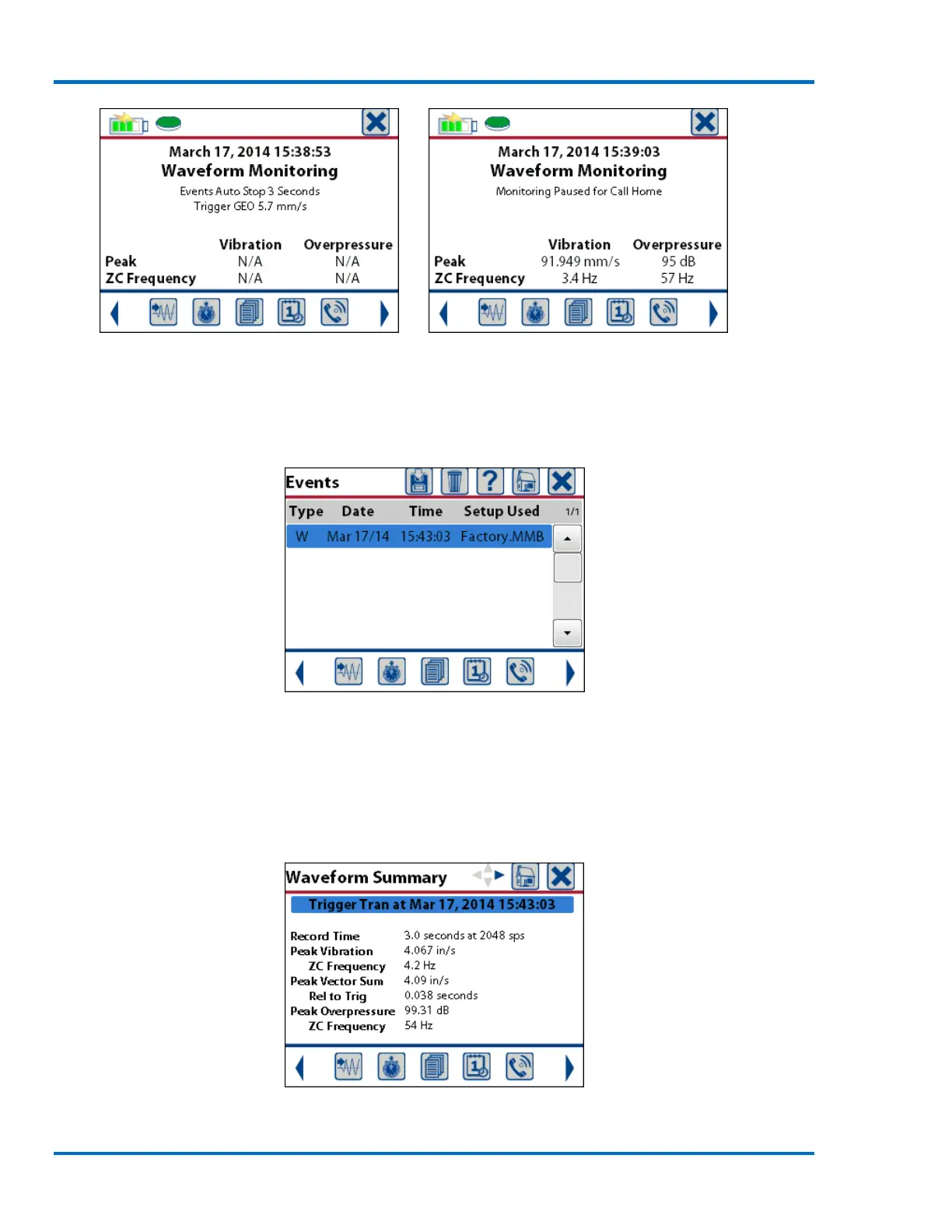
1) Press the List Events icon or the Down Arrow key to display the list of events on the
Micromate.
Event List
NOTE: If a USB memory stick or a USB printer is connected, these respective icons will appear at
the top of the display. Pressing the Save icon will copy the event to the memory stick. Pressing the
Printer icon will print the event on the external printer.
2) Double tap the Event entry or press the Right Arrow key to open the event and display the
event summary results.
Waveform Summary



 To Next Page