VIsualEyes 515/525 - Additional Information Page 98
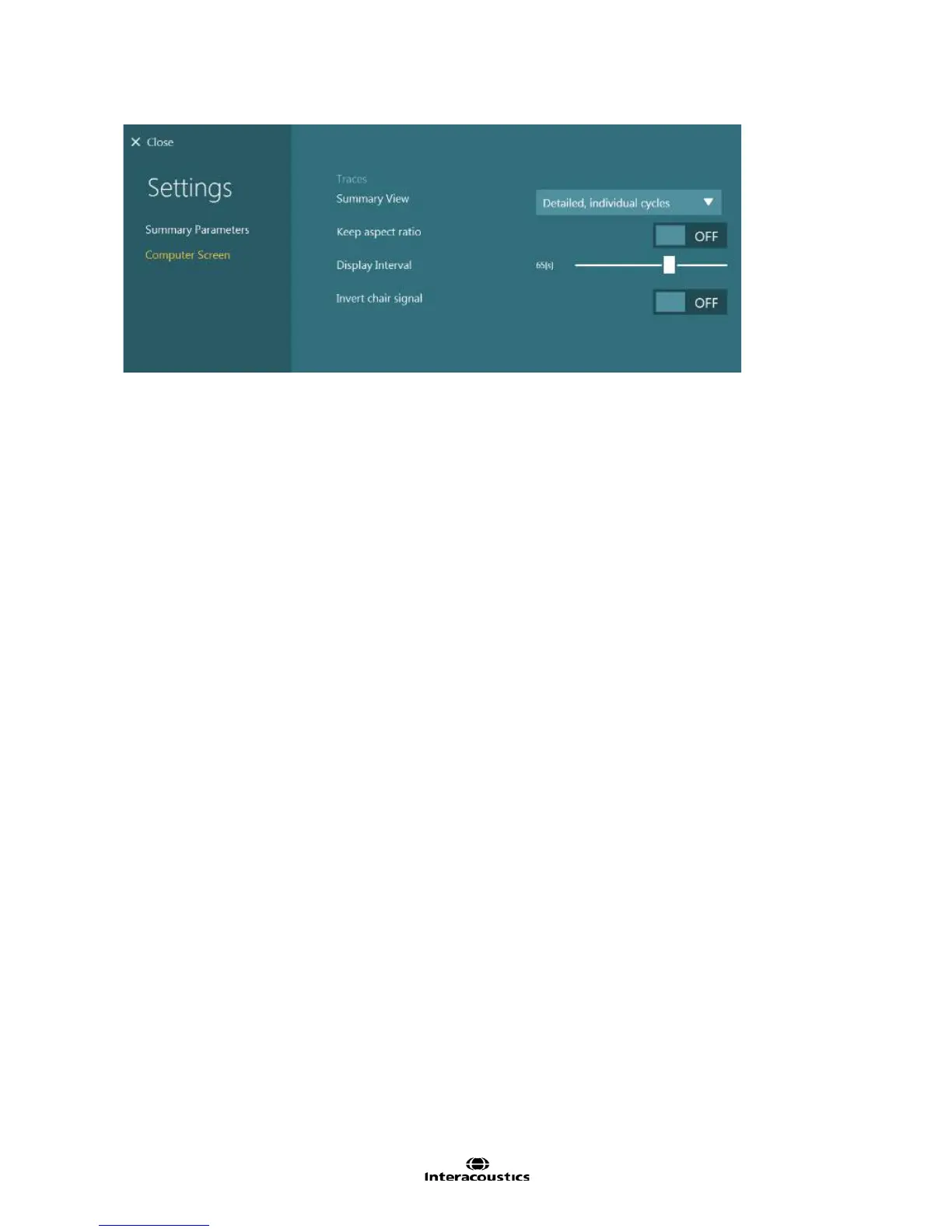
Figure 8.4.2 SHA Summary Computer Screen settings
Summary View:
Detailed, individual cycles: Detailed view will draw each cycle individually and fit a line to each cycle.
Concise combined cycles: Concise will show every cycle overlapped and a single fitted line is drawn
through the concise view.
Keep aspect ratio: This allows the nystagmus to be displayed in a non-compressed form, allowing for easy
recognition of the slow phase velocities of nystagmus. Disabling this feature will cause the nystagmus to
appear more compressed.
Display Interval: Set the desired length of time (in seconds) to display data in the test window. This feature
only becomes available when “Keep aspect ratio” is disabled.
Invert chair signal: Enabling this feature sets the eye trace to overlap the stimulus trace, providing a
different view for comparing results. By default the setting is disabled.














 To Next Page