VIsualEyes 515/525 - Additional Information Page 7
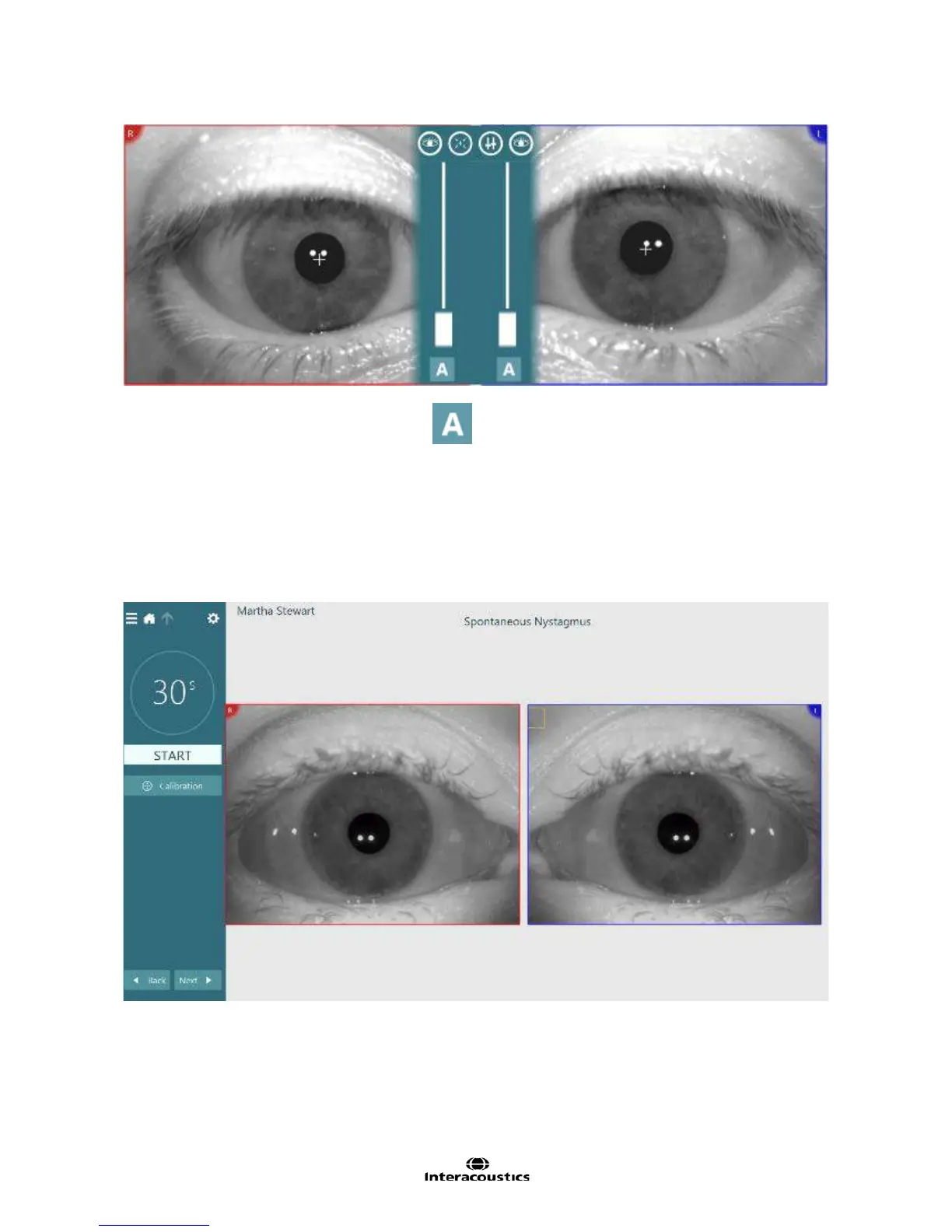
Figure 1.5.2 Threshold adjustment scrollbars
To reset it back to automatic threshold click the icon below each slider.
1.6 Enlarging eye images
Enlarging the eye images can help the clinician clearly visualize the eye image during eye image
adjustments and within different tests. Alternatively the eyes are displayed on the TV stimulus in VisualEyes
525 when no target is used, providing an even larger image of the eyes for viewing.
Double clicking on one of the displayed eyes will enlarge the eye windows on the screen. (Figure 1.6.1). The
eye position traces are hidden while the eye images are enlarged. To exit this viewing mode, double click on
the eyes again.
Figure 1.6.1 Enlarged eye images














 To Next Page