VIsualEyes 515/525 - Additional Information Page 70
F
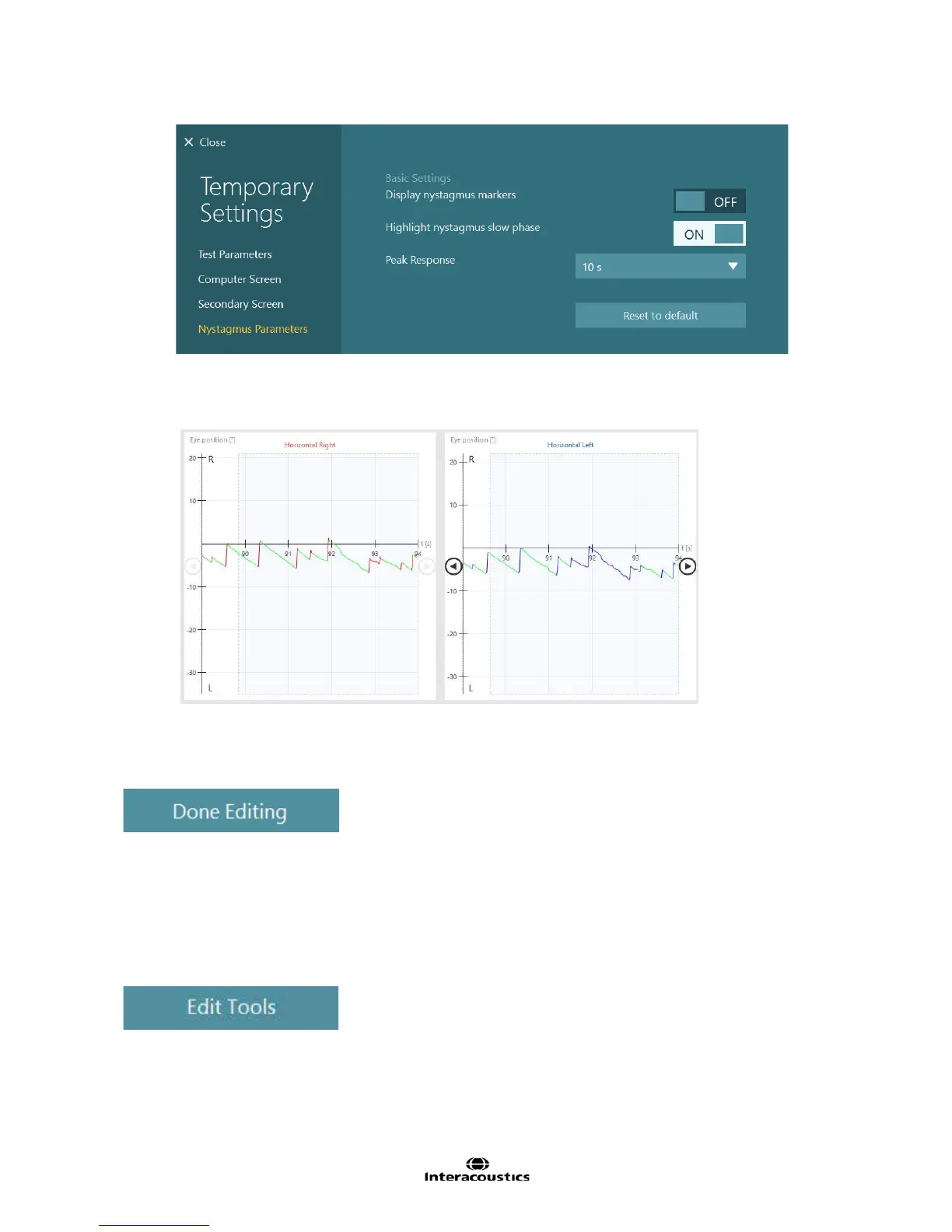
igure 6.4.11 Nystagmus Parameters
• This will give a quick view of the actual slow phase velocity of the nystagmus (Figure 6.4.12)
Figure 6.4.12 Slow phase velocities highlighted and eyes split into separate graphs
6.4.6 Done Editing
F
igure 6.4.13 Done Editing button
T
his function saves the edits made to the data and hides the editing tools.
6.5 Editing saccade test results
Editing tools are available for viewing and editing the saccades. These tools are accessed after the data
collection is complete by selecting the Edit Tools button. These tools are also available from the Saccade
summary view. If accessed from the Saccade summary, select the tool then select the test to edit.
F
igure 6.5.1 Edit Tools button for Saccade tests














 To Next Page