VIsualEyes 515/525 - Additional Information Page 57
4 Patient session
4.1 Selecting a session
VisualEyes™ VNG software easily allows review of current and or previous sessions for the selected patient.
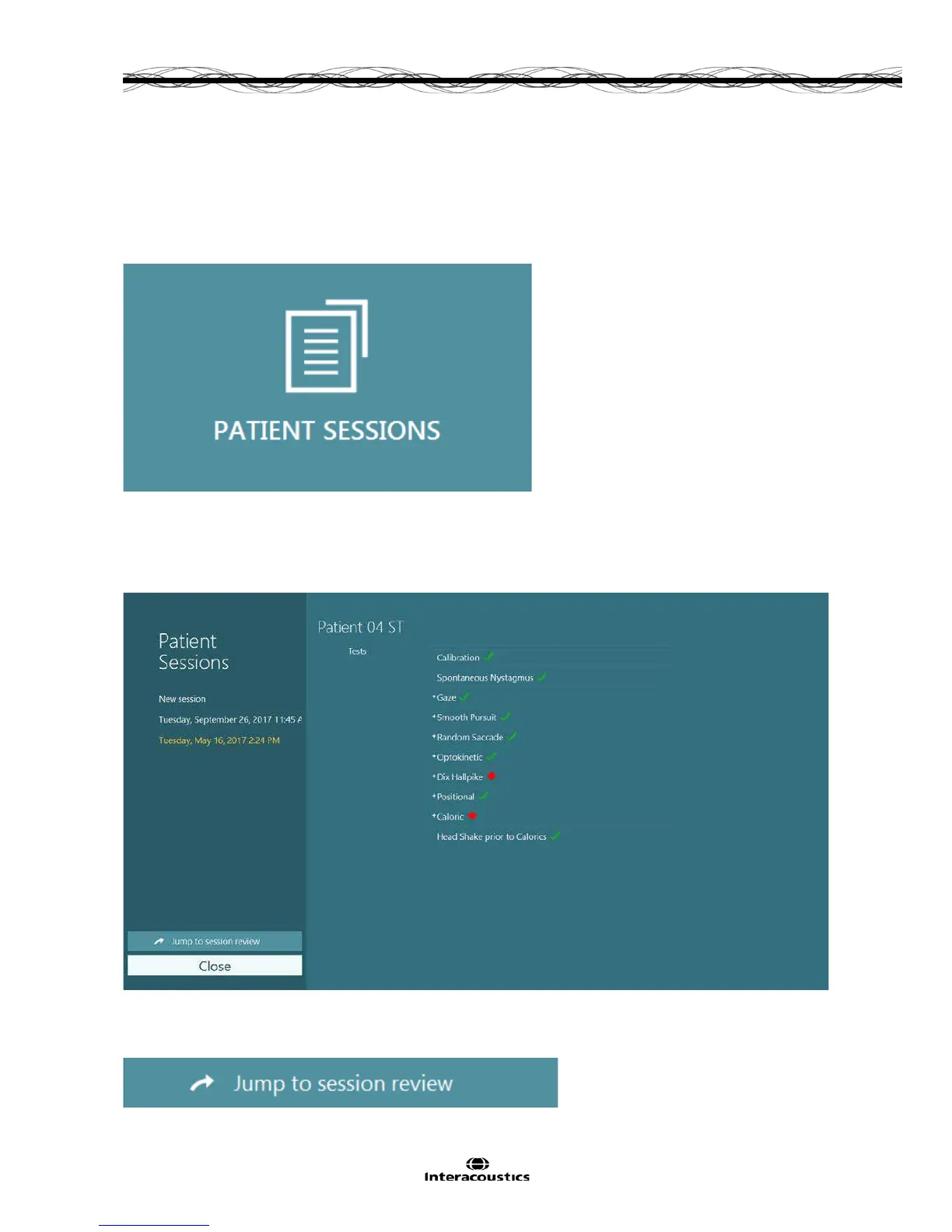
To review a previous patient session, select the Patient Sessions button (Figure 4.1.1) from the main
screen.
Figure 4.1.1 Patient Sessions button
The Patient Sessions screen displays a list of all patient session in the side panel menu.
Selection of a specific session date will display the tests performed on that date and an indication of whether
the test results were completed (green checkmark). When completed and test is outside of threshold it will be
marked with a red diamond.
Figure 4.1.2 Patient Sessions screen
After selecting the patient session from the listing, click on the Jump to session review button to go to the
Session Review screen.
Figure 4.1.3 Jump to session review button














 To Next Page