VIsualEyes 515/525 - Additional Information Page 118
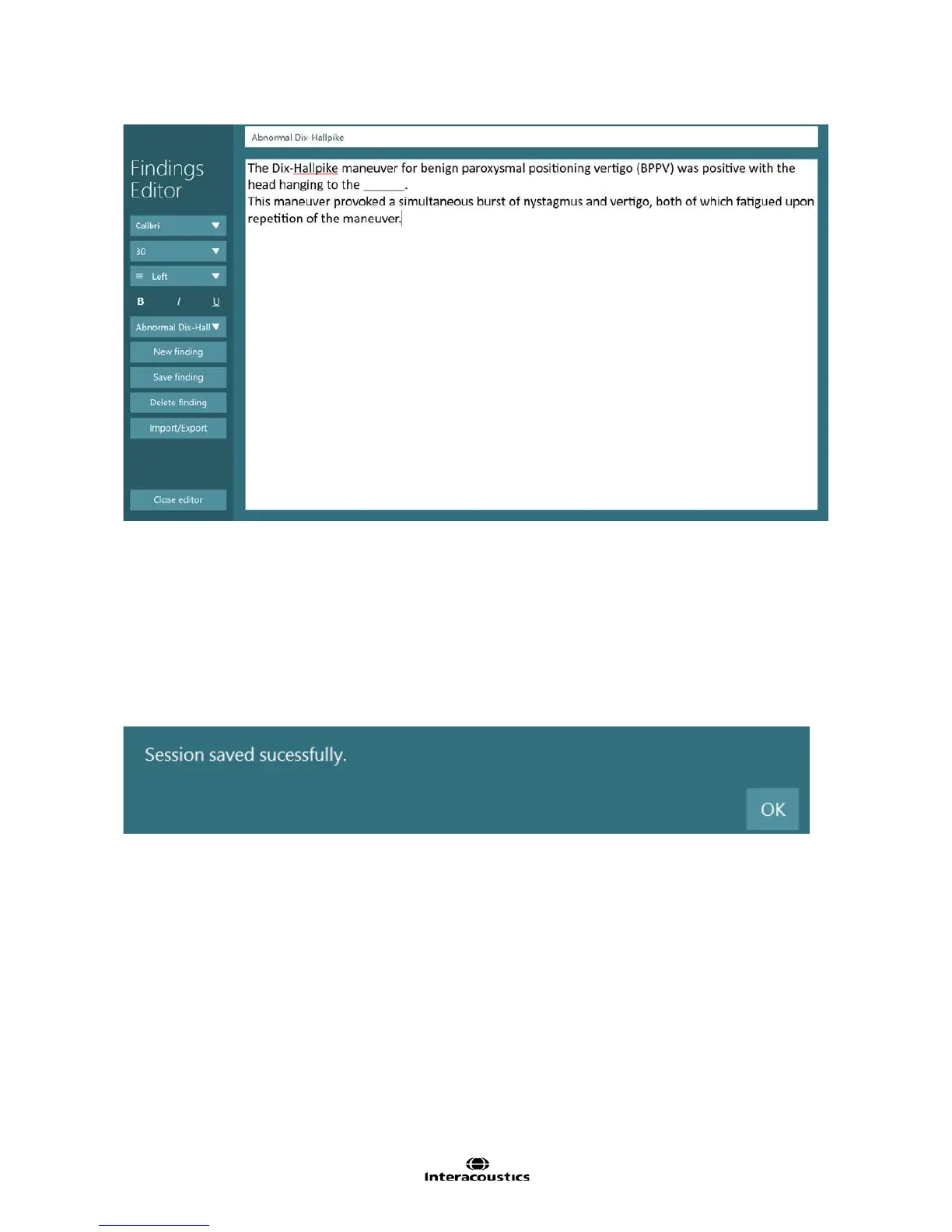
Figure 10.4.2 Findings Editor screen
To create a new finding, tap New finding. A new finding called New Finding 1 will be displayed. Overwrite
New Finding 1 in the upper white text box with the desired keyword for the finding. Next enter the text for the
finding in the lower white text box. The font name, size, and other style attributes will be kept with the text
and will be displayed as such when added to the report. Click on the Save finding button when finished, then
click on the Close editor button to return to the Report Editor screen. The new finding will now appear within
the dropdown menu when selecting the Findings button.
10.5 Save report
Once a report is complete, select the Close editor button to save the report with the patient’s current session.
Figure 10.5.1 Session saved confirmation














 To Next Page