VIsualEyes 515/525 - Additional Information Page 114
10 Patient report
10.1 Write report editor
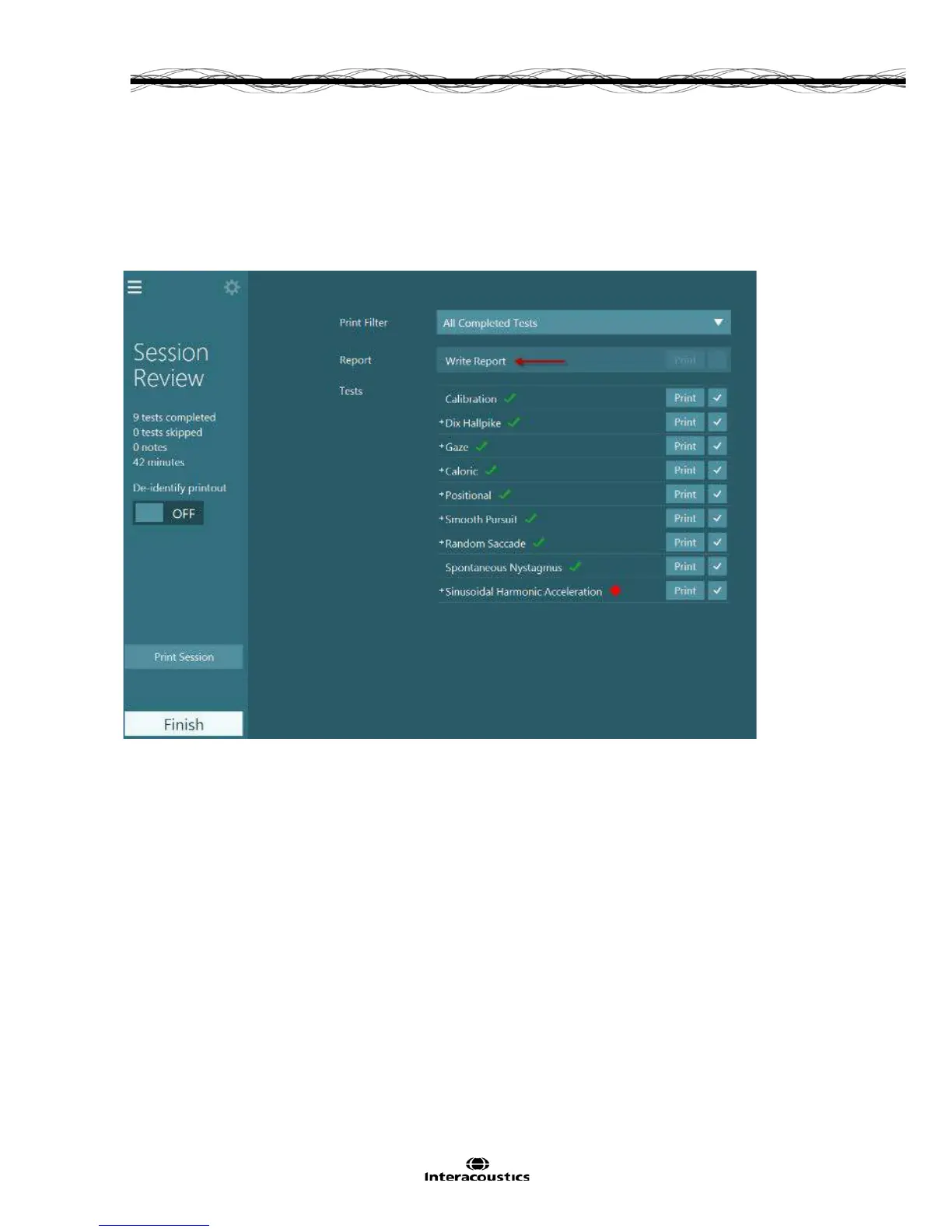
A written report can be created within the VisualEyes™ 515/525 software. This is a word processor that
saves the created document in the patient review sessions for later viewing or printing. The write report
editor can be accessed from the session review screen by selecting ‘Write report’ from the Session Review
screen.
Figure 10.1.1 Write Report feature
10.2 Text styles
The report can be written as per a normal word processor. There are options within the left menu panel in
the report editor to change the font, size and alignment of the text, as well as the font weight of bold, italics,
and underline.














 To Next Page