VIsualEyes 515/525 - Additional Information Page 125
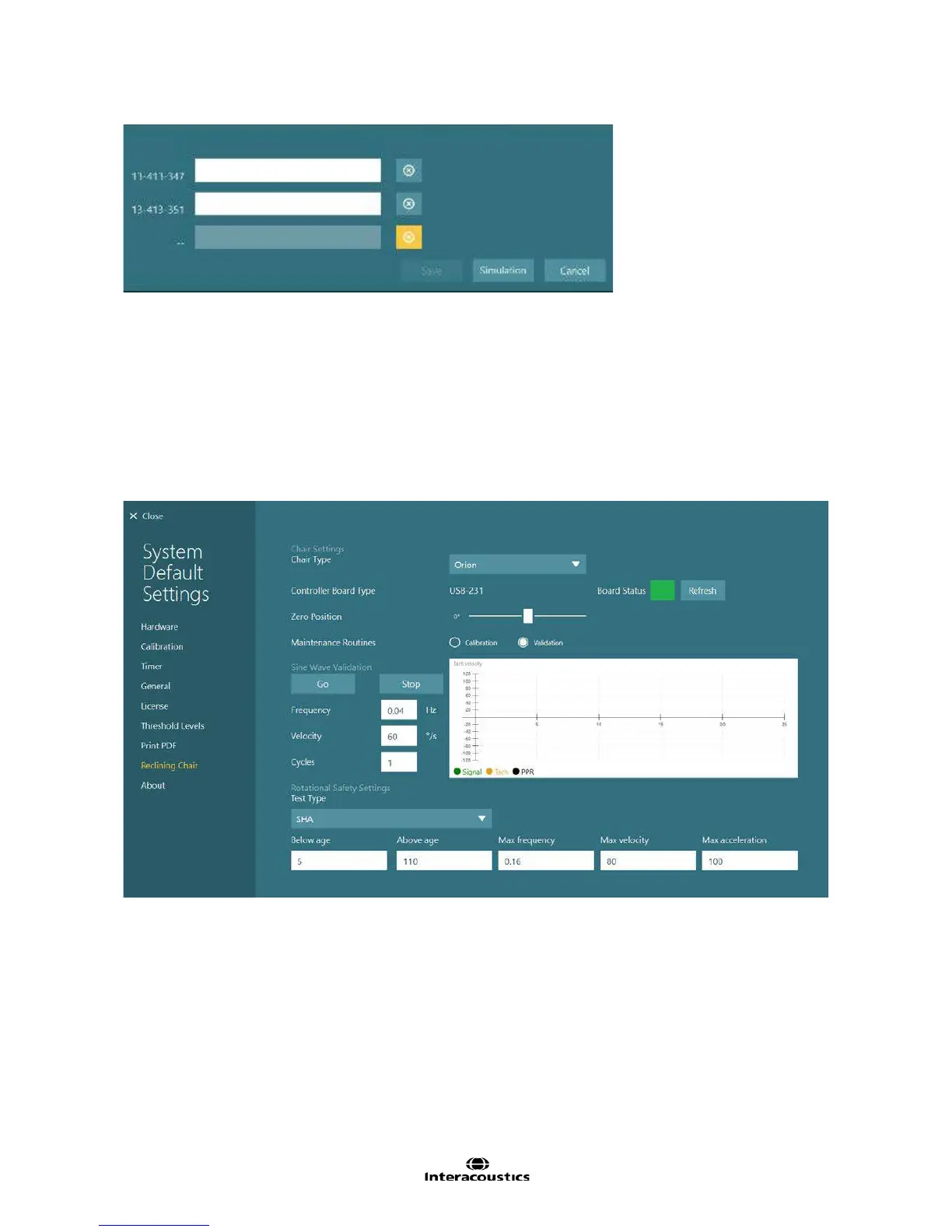
Figure 12.6.2 License dialog
12.7 Threshold levels
The Threshold Levels settings screen contains age-matched thresholds for various VNG and Rotary Chair
tests. The theshold levels are explained in detail in Chapter 9 Suggested threshold values.
12.8 Reclining chair
The Reclining Chair settings screen provides access to selecting the reclining rotational chair type
connected, calibration of the black reclining rotational chair, and the safety limits for the tests that can be
performed for patients of different age groups.
Figure 12.8.1 Reclining Chair settings (Orion chair selected)
12.8.1 Selecting the reclining rotational chair
The VisualEyes™ software supports the Nydiag 200, System 2000 Reclining, and Orion Reclining chairs. If
the VisualEyes™ system has a reclining chair option, the Chair Type will need to be selected to match the
chair. Nydiag 200 and Orion Reclining chairs can choose a new Zero Position location if the chair needs to
be turned away from the zero position to allow the patient to exit the chair easily.














 To Next Page