VIsualEyes 515/525 - Additional Information Page 81
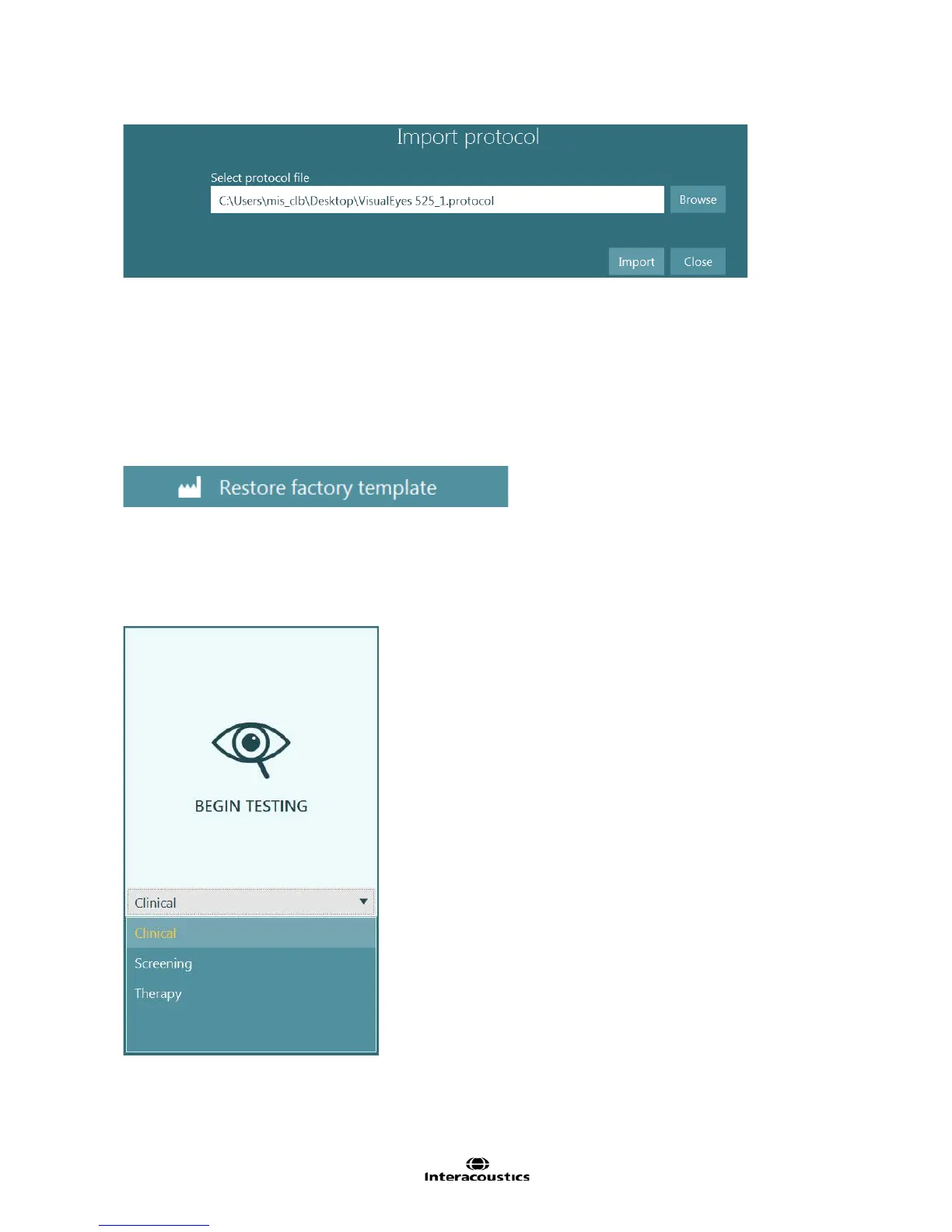
Figure 7.6.2 Import Protocol dialog
7.7 Restore factory template
The VisualEyes software has a default test template for each test type licensed in the system. The settings
for the default test template can be overridden using the Set as default button in each page of the test and
subtest settings pages (e.g. override the default setting and set all tests based on Spontaneous Nystagmus
should have the Split Eyes option set ON). To restore the default test template back to the system default
settings select the Restore factory template button. Any protocols currently created will not be affected, but
any new protocols and tests will be created using the default test template settings.
Figure 7.7.1 Restore factory template button
7.8 Selection of protocol
Select the protocol for testing by accessing the drop down menu below the BEGIN TESTING button. The default protocol
will be selected initially. The drop down menu will list the available protocols. After selecting the desired protocol,
click or touch the BEGIN TESTING button to begin testing with the first test of the selected protocol.
Figure 7.8.1 Begin Testing button with protocol selection














 To Next Page