VIsualEyes 515/525 - Additional Information Page 67
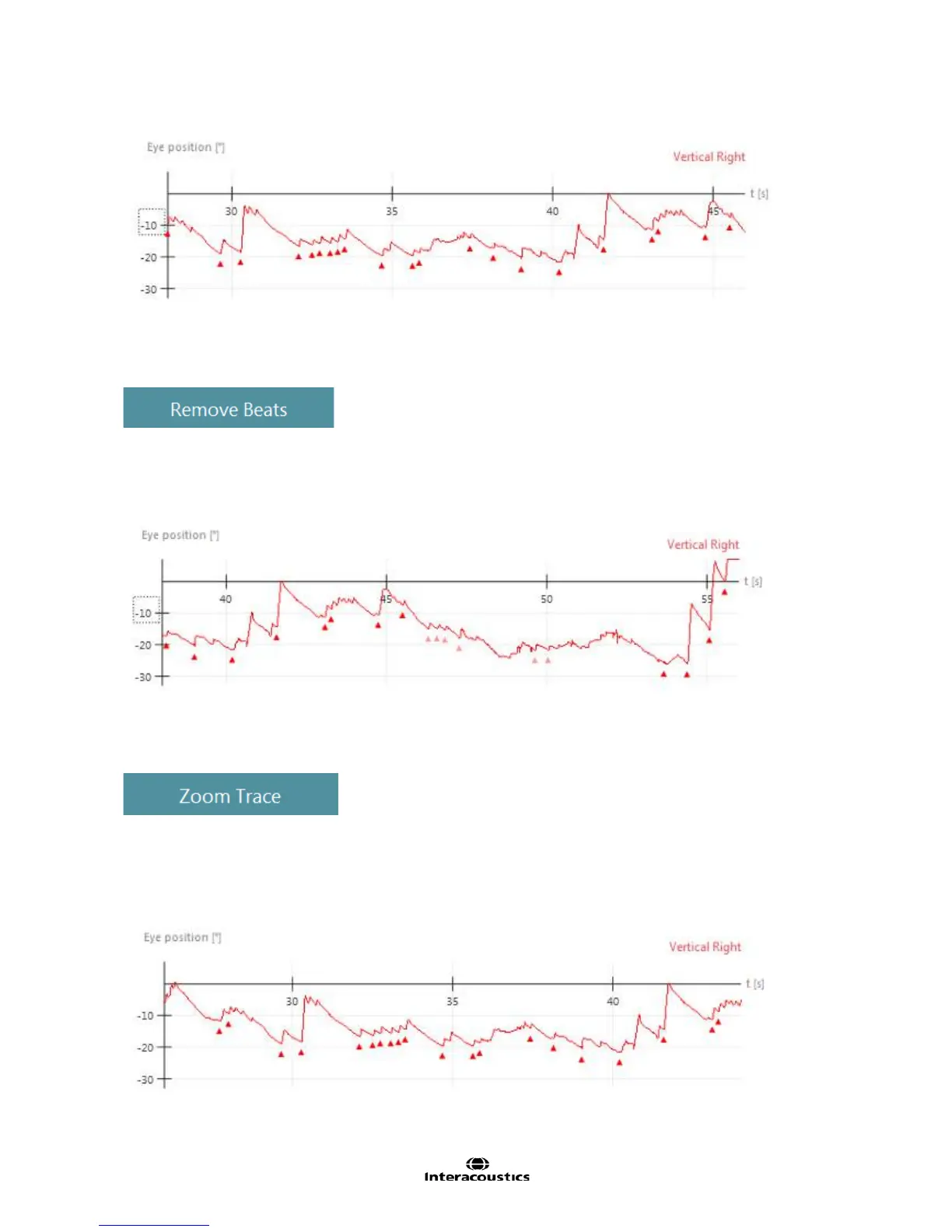
Figure 6.4.3 Added beats to nystagmus trace
6.4.2 Remove Beats
This function will remove multiple nystagmus beats at the operator’s discretion (Figure 6.4.4)
• Use the selection box to define the start and end points of the time to remove all nystagmus beats in
the selected time frame
• Once removed, the beats become translucent and are removed from the analysis
Figure 6.4.4 Removed beats are greyed out
6.4.3 Zoom Trace
Zoom Trace function provides the ability to zoom in and enlarge segments of the completed test graph for a
closer look of the raw data (Figure 6.4.5 and Figure 6.4.6). The magnification allows the operator to look at
the fine details of the waveform to help determine if a beat is actually noise or a real response.
• Select the tool and click on the area of interest
• The area selected will be magnified 2X
• To exit magnification click anywhere on the graph and it shall return to original view
Figure 6.4.5 Gaze test Right 30 degrees raw results (no zoom)














 To Next Page