VIsualEyes 515/525 - Additional Information Page 78
7 Protocol Management
7.1 Protocols
Protocols are able to be customized to the desired settings of the end user. They are composed of a list of
tests and designated to be performed in a specific order at the preference of clinician or clinic. Protocols can
be created for a specific clinician’s testing style, screening versus clinical test lists, or to create a default
protocol template for a clinic. There is no practical limit to the number of protocols that can be created.
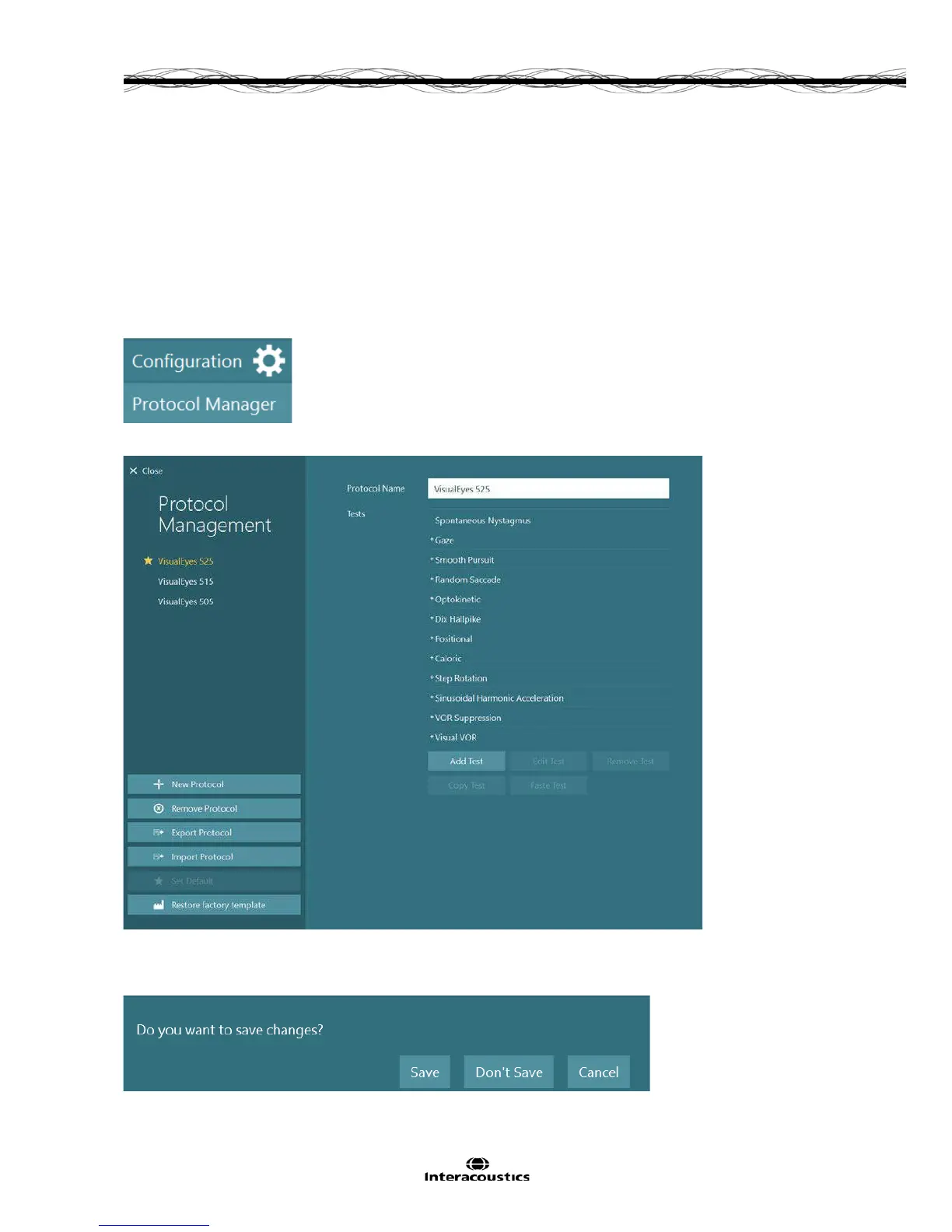
The protocols are accessed from the Protocol Manager button under the Configuration menu on the main
screen.
Figure 7.1.1 Configuration drop down menu with Protocol Manager displayed
Figure 7.1.2 Protocol Manager screen
Upon exiting Protocol Management, the user will be asked to confirm to save changes to the protocols. If the
user chooses Don’t Save, all changes will be discarded and the software will return to the main screen.














 To Next Page