VIsualEyes 515/525 - Additional Information Page 77
6.10 Override test results
Results will automatically be classified whether inside or outside threshold levels based on the criteria set in
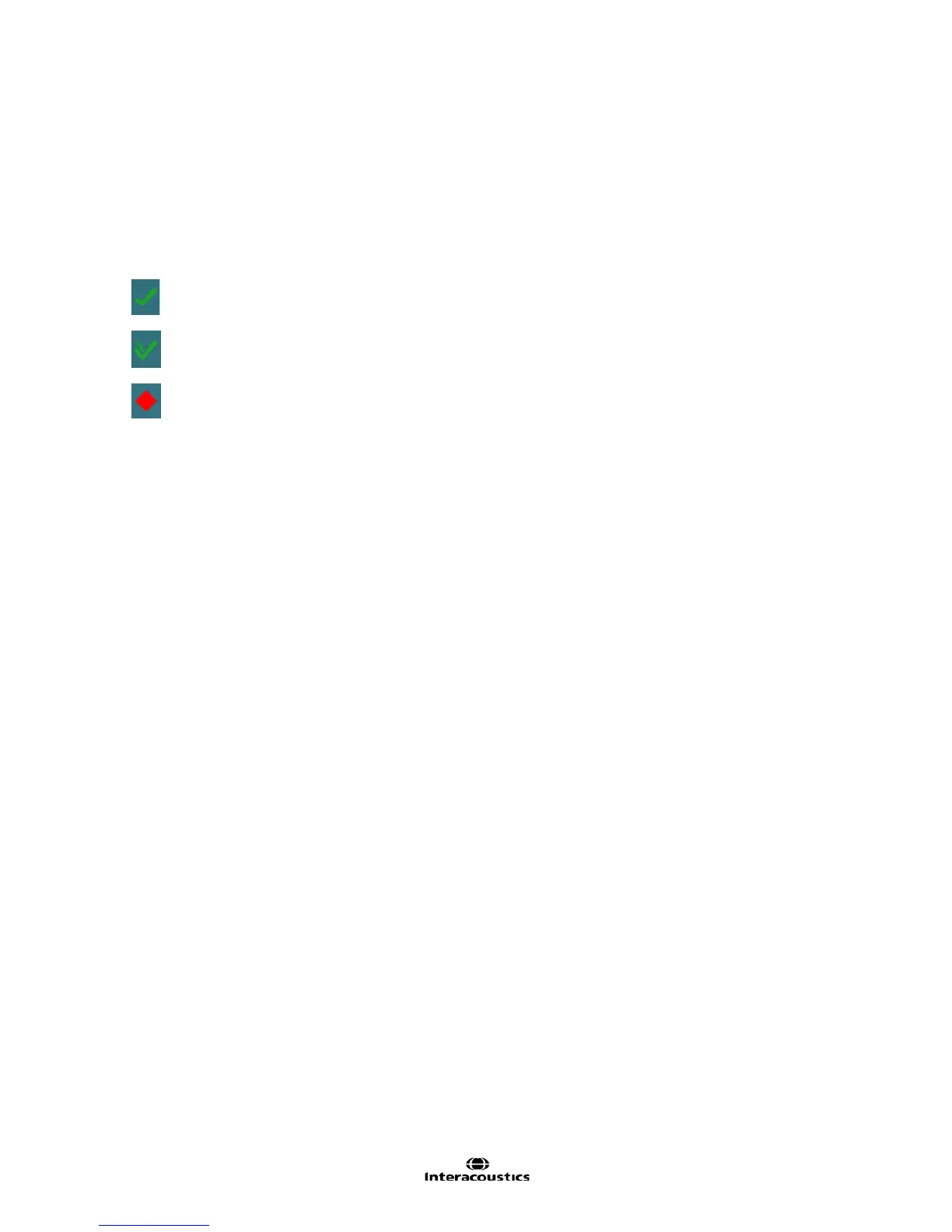
the suggested threshold tables in the system settings. The red diamond will indicate results outside of
threshold and the green tick will indicate results within threshold. Should the user decide to overrule an
outside of threshold test result, clicking on the red diamond (next to title of test/ sub test) will convert it to a
green checkmark and pencil symbol, indicating the user changed the results to within threshold levels.
Outside of Suggested Thresholds
Should any subtests outside the threshold ranges be altered, the overall test will convert to a within threshold
result.














 To Next Page