VIsualEyes 515/525 - Additional Information Page 117
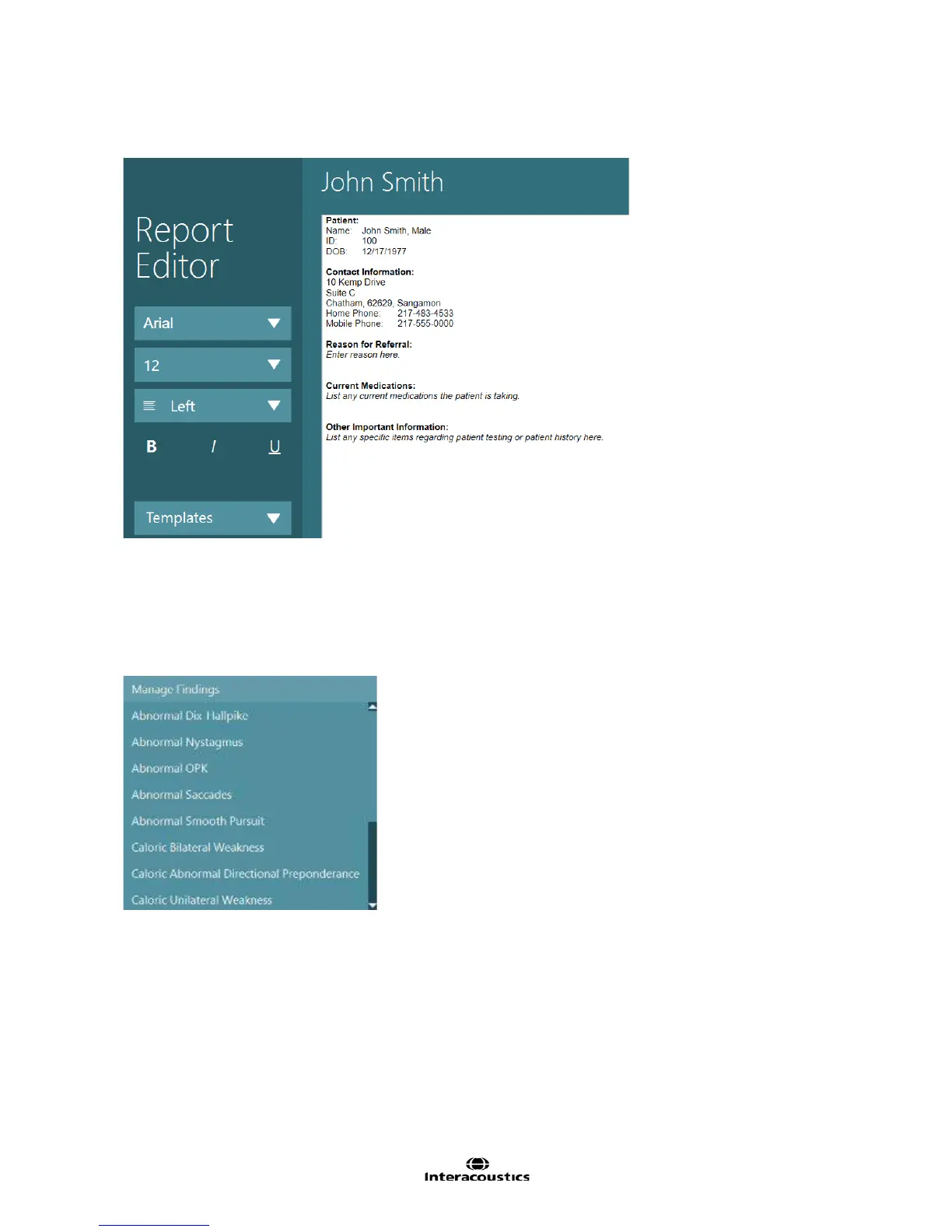
When the report template is applied, the keywords will be filled with the information from the patient
demographics entered into OtoAccess™. Fields that are not filled will be blank in the report.
Figure 10.3.9 Report Editor with example template
10.4 Findings
Findings are predefined templates that can be added into the written report within report editor. They are
used to quickly add a comment regarding the patient’s test result into the report. To use one of the findings
in the report, move the cursor to the location in the report to insert the finding, then select the desired finding
from the Findings selection menu.
Figure 10.4.1 List of available predefined findings
To add a new finding to the list of findings, choose Manage Findings from the Findings menu. This will
launch the Findings Editor screen.














 To Next Page