VIsualEyes 515/525 - Additional Information Page 115
10.3 Templates
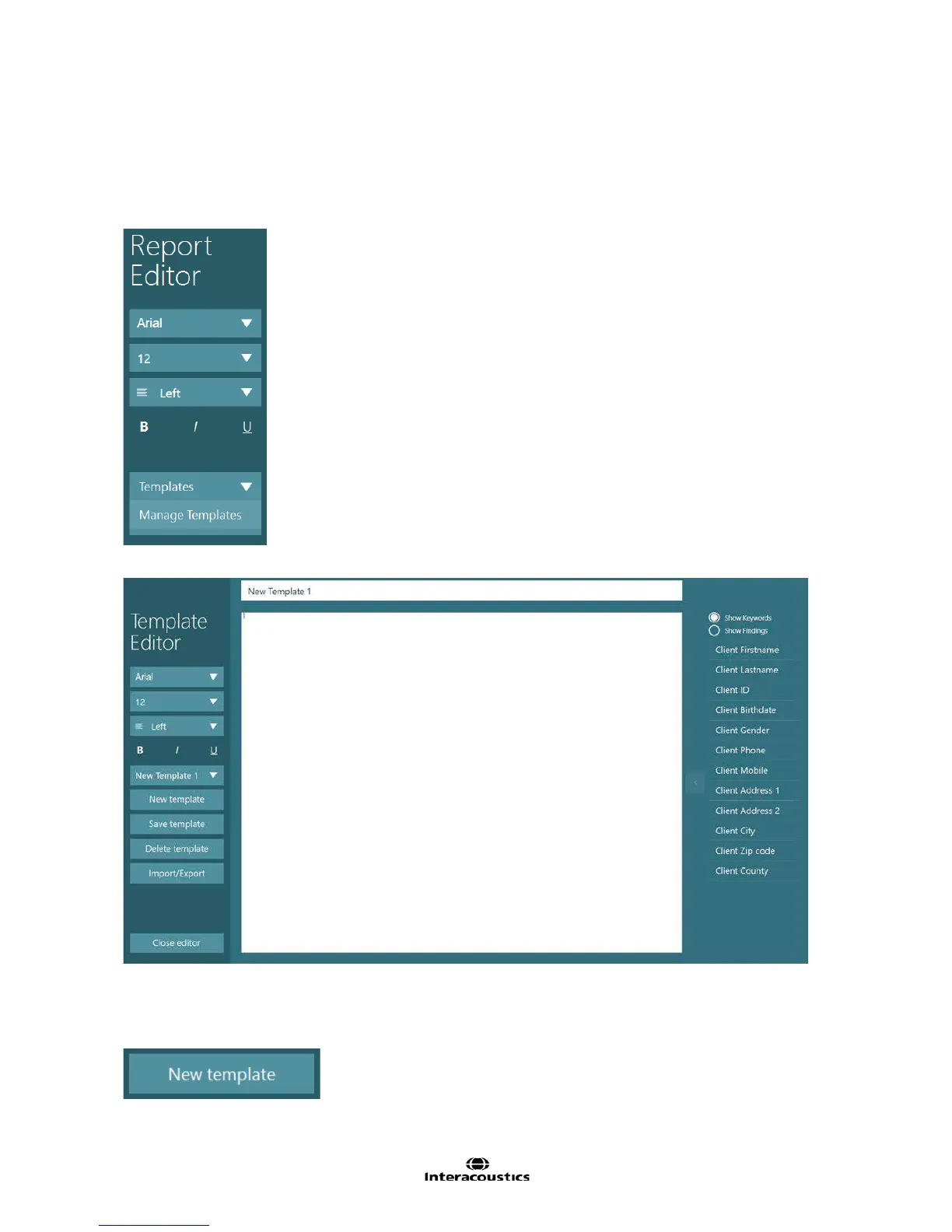
The templates section gives the operator an option to customize the patient report using patient information
from the OtoAccess database, keywords, and findings templates. Creating a template allows the user to
then access the predefined template from the Templates button to use in the report. Using a predefined
template will erase the currently written report and replace it with the template. Use the Manage Templates
item from the Templates button to enter the Template Editor.
Figure 10.3.1 Manage templates from the templates menu
Figure 10.3.2 Template Editor screen
With a new installation of VisualEyes™ 515/525, there are two predefined templates included, Normal VNG
and Normal VNG Detailed. To view these templates, select one of the templates from the pull-down box.
Otherwise click on the New template button to create a report template.
Figure 10.3.3 New template button














 To Next Page