VIsualEyes 515/525 - Additional Information Page 124
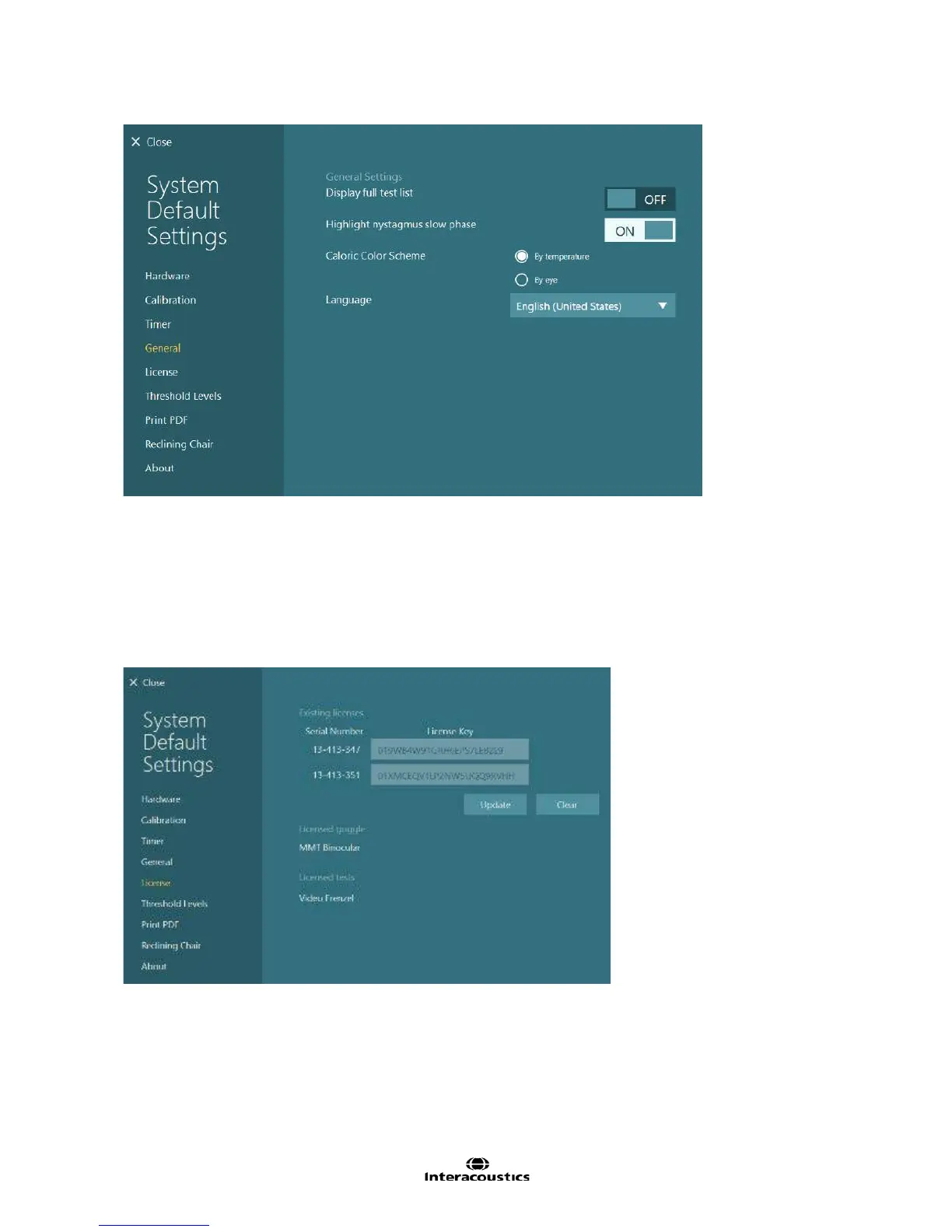
Figure 12.5.1 General settings
12.6 License
The License settings screen allows the user to enter the license keys for the eye cameras. Connect the
cameras to the computer, then click or touch the Update button. A dialog will appear with the camera serial
numbers that are detected. Enter the license key for the appropriate camera serial number. If a camera
serial number should be ignored (e.g. EyeSeeCam camera serial number), click or touch the ignore button
beside the license key box for that serial number. The ignore button will then change to yellow. To remove
all license keys registered, click or touch the Clear button.
Figure 12.6.1 License settings














 To Next Page