VIsualEyes 515/525 - Additional Information Page 59
5 Video recordings
5.1 Recording patient videos
Video recording is set to record some tests in the protocol by default. Which tests to record the video is set in
the individual test settings in Protocol Manager.
• Select Configuration
• Select Protocol Manager
• Highlight the protocol from the list for editing
• Select a test from the protocol
• Within the Summary Parameters screen, click the gear icon next to the subtest
• Select Test Parameters option
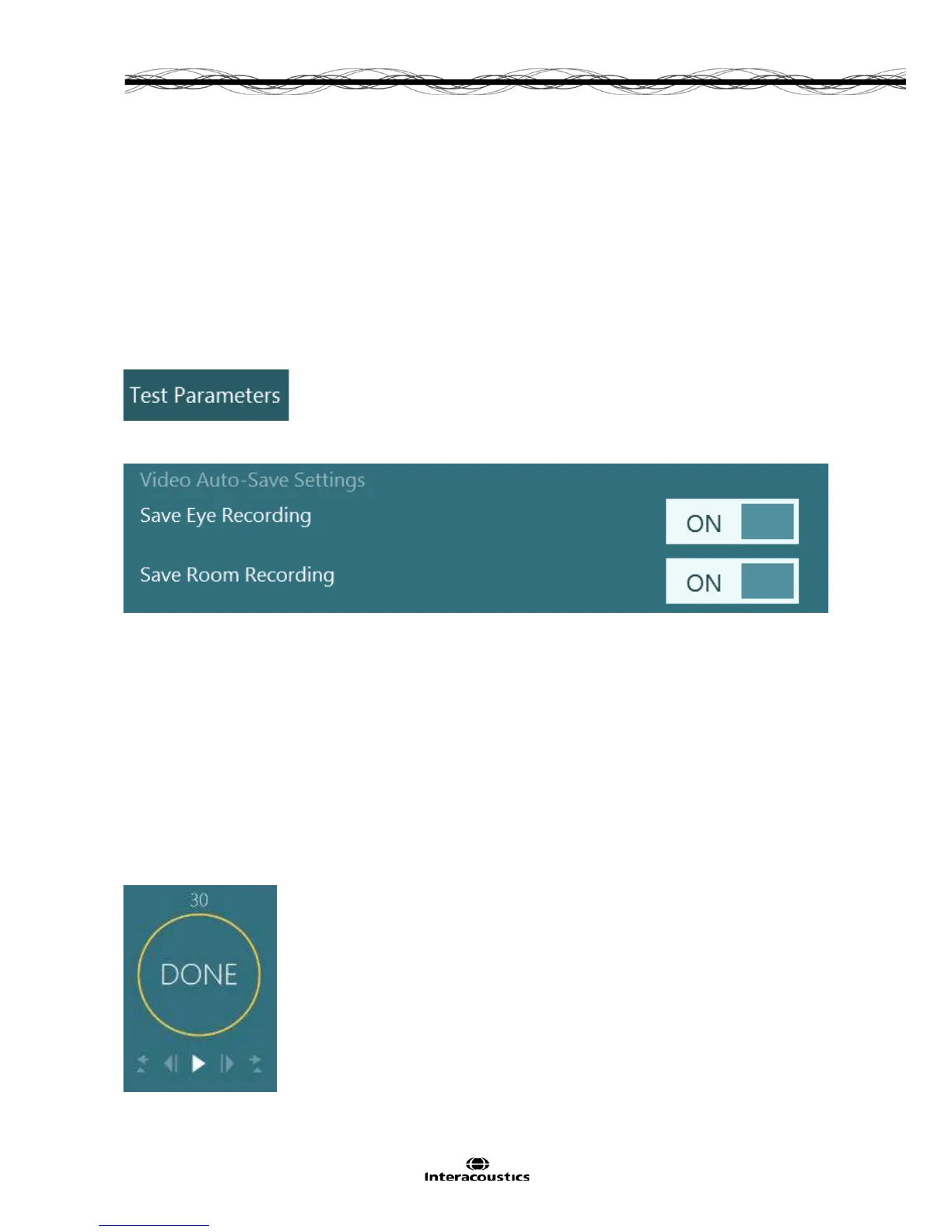
• A Video Auto- Save Settings dialogue box will appear (Figure 5.1.1)
Figure 5.1.1 Activate/ Deactivate Eye/s and or Room Recordings
VisualEyes™ provides a manual video save option for those times where one may encounter interesting
results in a test without video auto-save settings. Following the completed test, a Save Video button will
appear in the left side panel. By pressing this button, video recordings of the eyes will be automatically saved
to the patient session for current or later review.
5.2 Video playback
The videos recorded during the patient session may be reviewed during and/or after testing.
If the operator is within a current test session and has not yet completed the entire protocol, it is possible to
view the videos after each subtest.
This can be done by clicking on the play button within the review screen (Figure 5.2.1). A number above the
timer will specify how much recording time in seconds is available for review. The video playback will play full
recording from beginning to end.
Figure 5.2.1 Video playback display














 To Next Page