VIsualEyes 515/525 - Additional Information Page 60
The video playback can be controlled by buttons (Figure 5.2.2) displayed in a playback menu bar underneath
the timer:
Figure 5.2.2 Playback menu
Go to previous frame (hold to play backwards in slow motion).
Play/pause.
Go to next frame (hold to play forwards in slow motion).
Go to previous visible nystagmus point.
Go to next visible nystagmus point.
The video playback presents both eyes and raw trace data in parallel.
The eye movements can be reviewed on both primary and secondary screens. The eye recordings will show
the eye tracker (crosshair) for easier identification of abnormal eye movements.
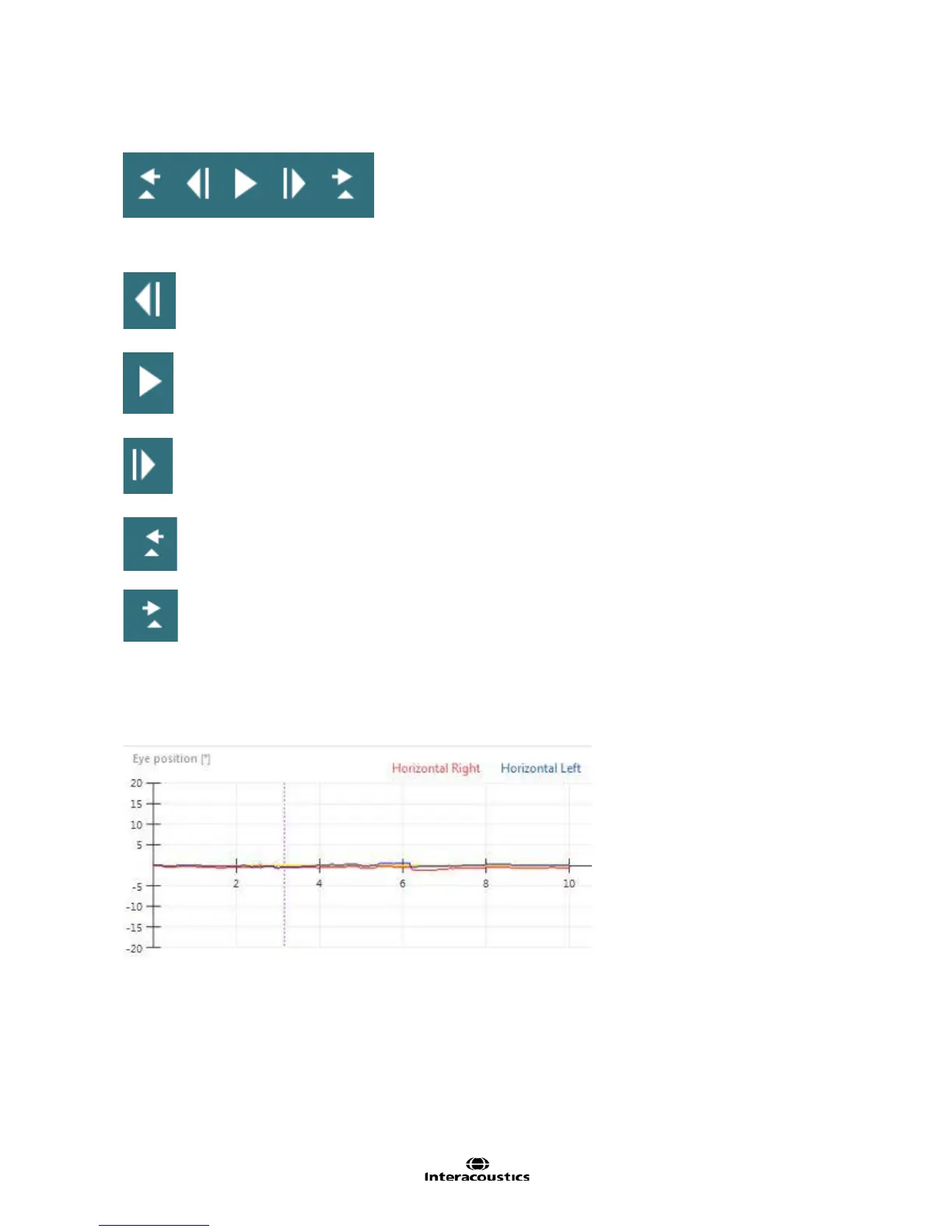
A moving dashed line (Figure 5.2.3) within the raw trace indicates the current point of video playback.
Figure 5.2.3 Dashed line indicating point of video playback














 To Next Page