VIsualEyes 515/525 - Additional Information Page 61
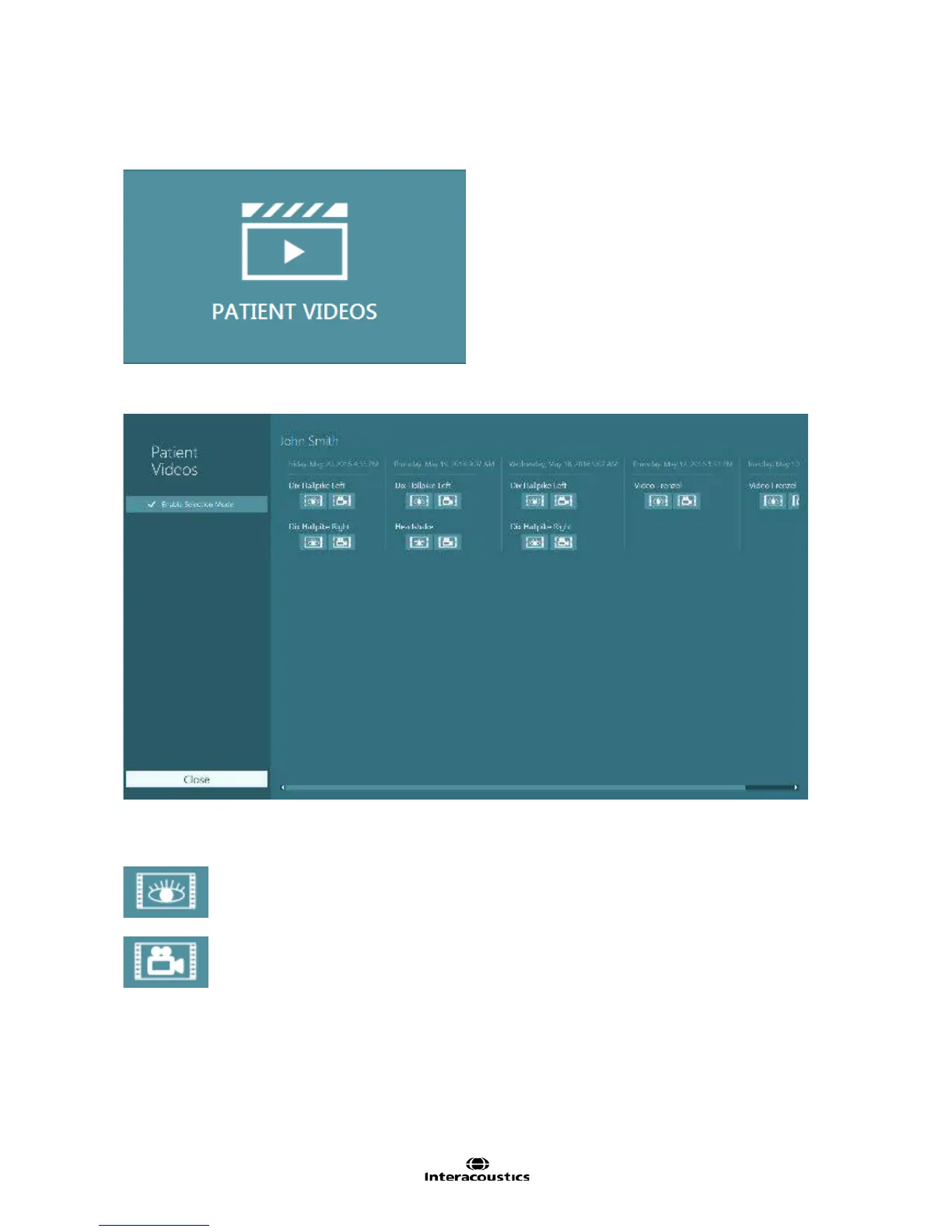
Following a completed session the recorded videos are archived in the Patient Videos menu.
The video for each individual test can be reviewed by selecting the Patient Videos menu from the main
screen (Figure 5.2.4).
Figure 5.2.4 Patient Videos button
The tests are categorized by date and test type (Figure 5.2.5).
Figure 5.2.5 Patient videos display categorized by date and type of test
To playback the video click on the video file of interest. It will be launched in a compatible video player.
Video of eye recordings (no raw data).
Videos of room recording














 To Next Page