VIsualEyes 515/525 - Additional Information Page 66
6.3 Pupil diameters
This graph shows how the pupil diameter changes over time. It is used for pupillometry assessment. The
value is given in pixels and refers to the pupil size shown on the camera. Only relative size is indicated and it
is not possible to indicate the absolute size (e.g., millimeter).
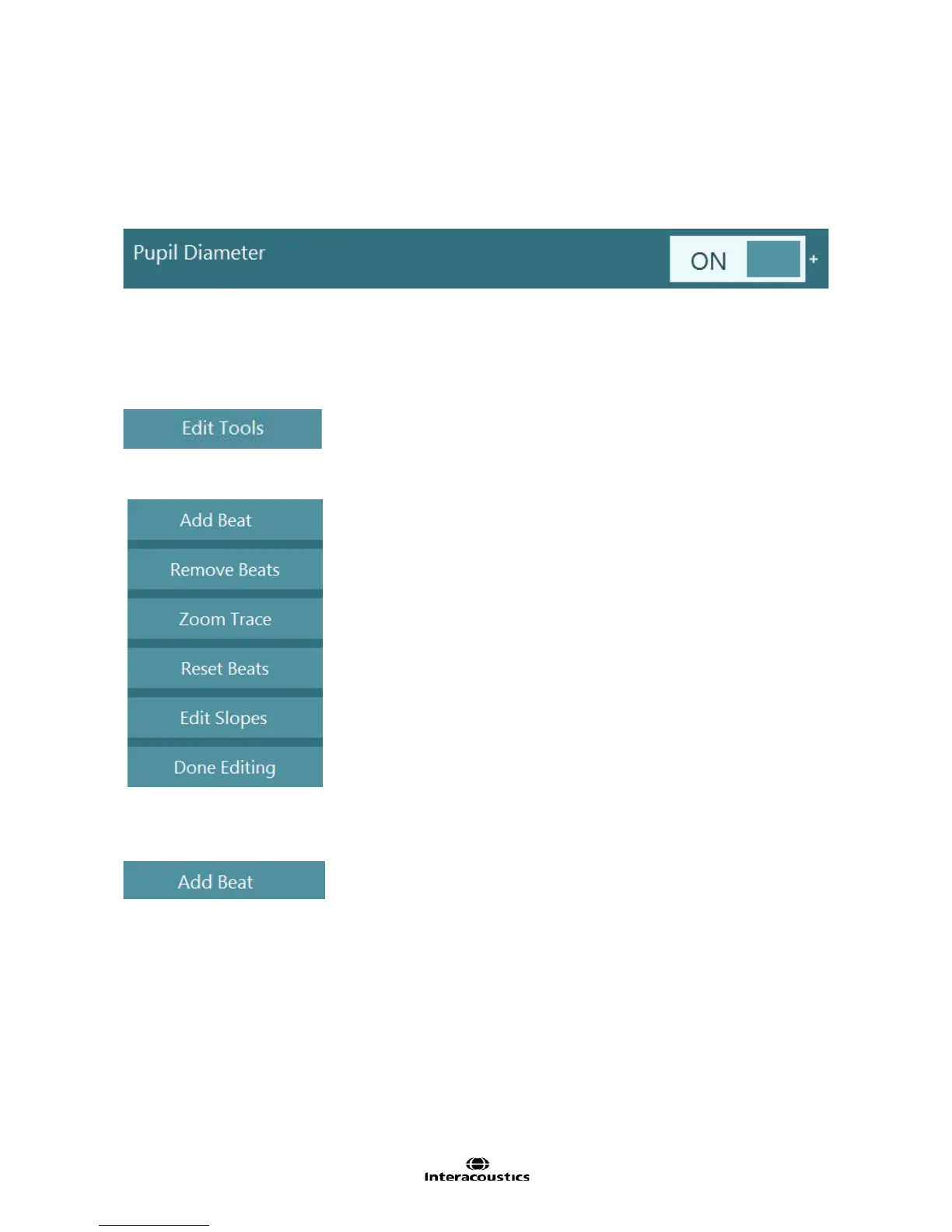
To activate this trace select ‘pupil diameter’ in the test settings:
Figure 6.3.1 Pupil Diameter option
6.4 Editing nystagmus
There is an Edit Tools item (Figure 6.4.1) for editing the nystagmus in the recordings. This menu will be
available in spontaneous, gaze, optokinetic, positional, Dix Hallpike, caloric, and step rotation tests.
Figure 6.4.1 Edit Tools button
The editing options in this menu include:
Figure 6.4.2 Edit Tools menu for nystagmus configuration
6.4.1 Add Beats
Selecting this function allows insertion of nystagmus beats that were not originally detected by the
nystagmus algorithm (Figure 4.1).
• Use the selection box to define the start and end points of a nystagmus beat’s slow phase velocity to
add to the analysis
• The software will measure the slope identified in the tracing and place a SPV marker in this position
or highlight the slope green depending on the system setting














 To Next Page