VIsualEyes 515/525 - Additional Information Page 121
12 System default settings
12.1 System Default Settings
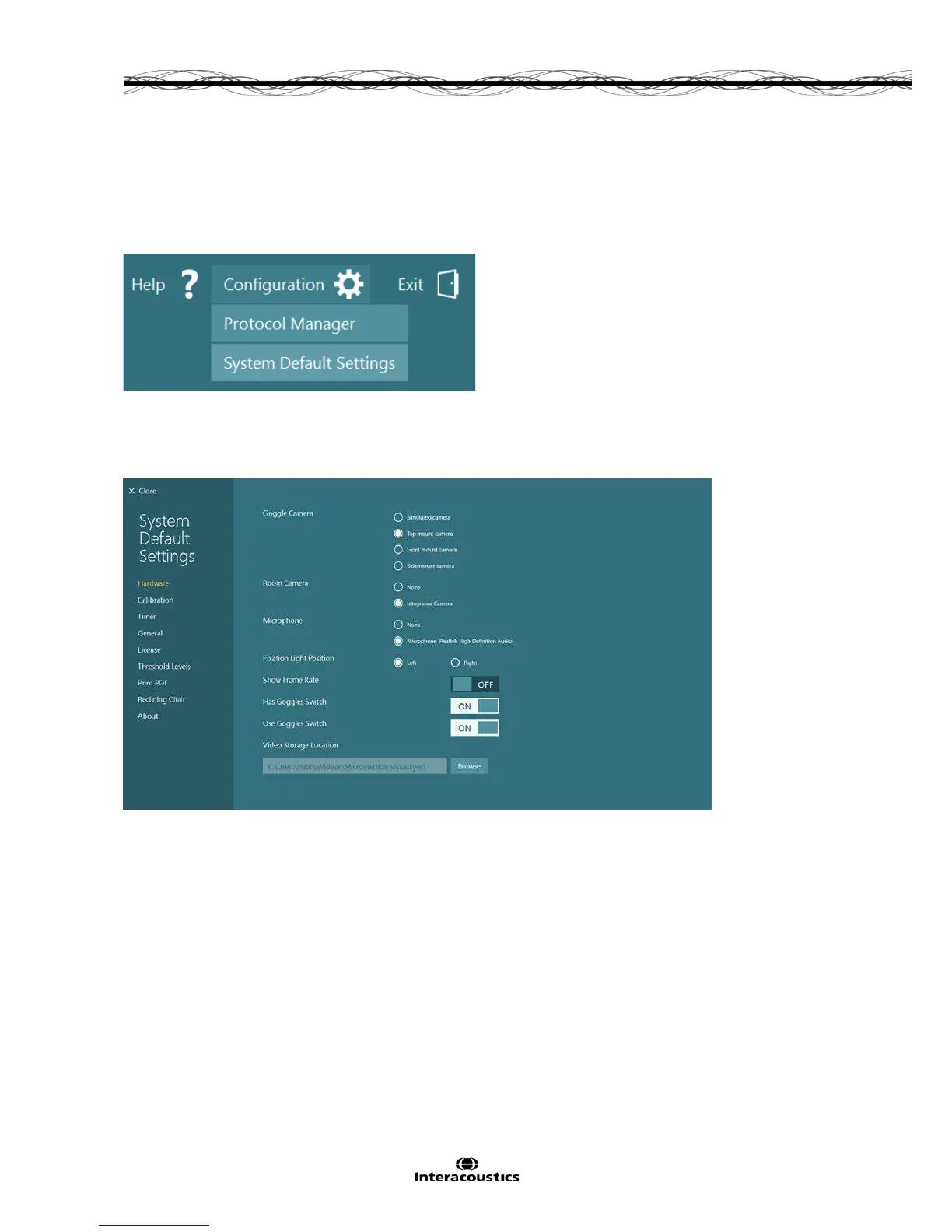
By selecting the Configuration button and choosing System Default Settings, the user will be able to
access the various hardware and software settings.
Figure 12.1.1 System Default Settings from Configuration menu
12.2 Hardware
The Hardware settings screen provides access to the cameras and video settings.
Figure 12.2.1 Hardware settings














 To Next Page