VIsualEyes 515/525 - Additional Information Page 123
The horizontal and vertical angles to be used for calibration, as well as target size, target color, and
background color can all be adjusted within Calibration settings.
12.4 Timer settings
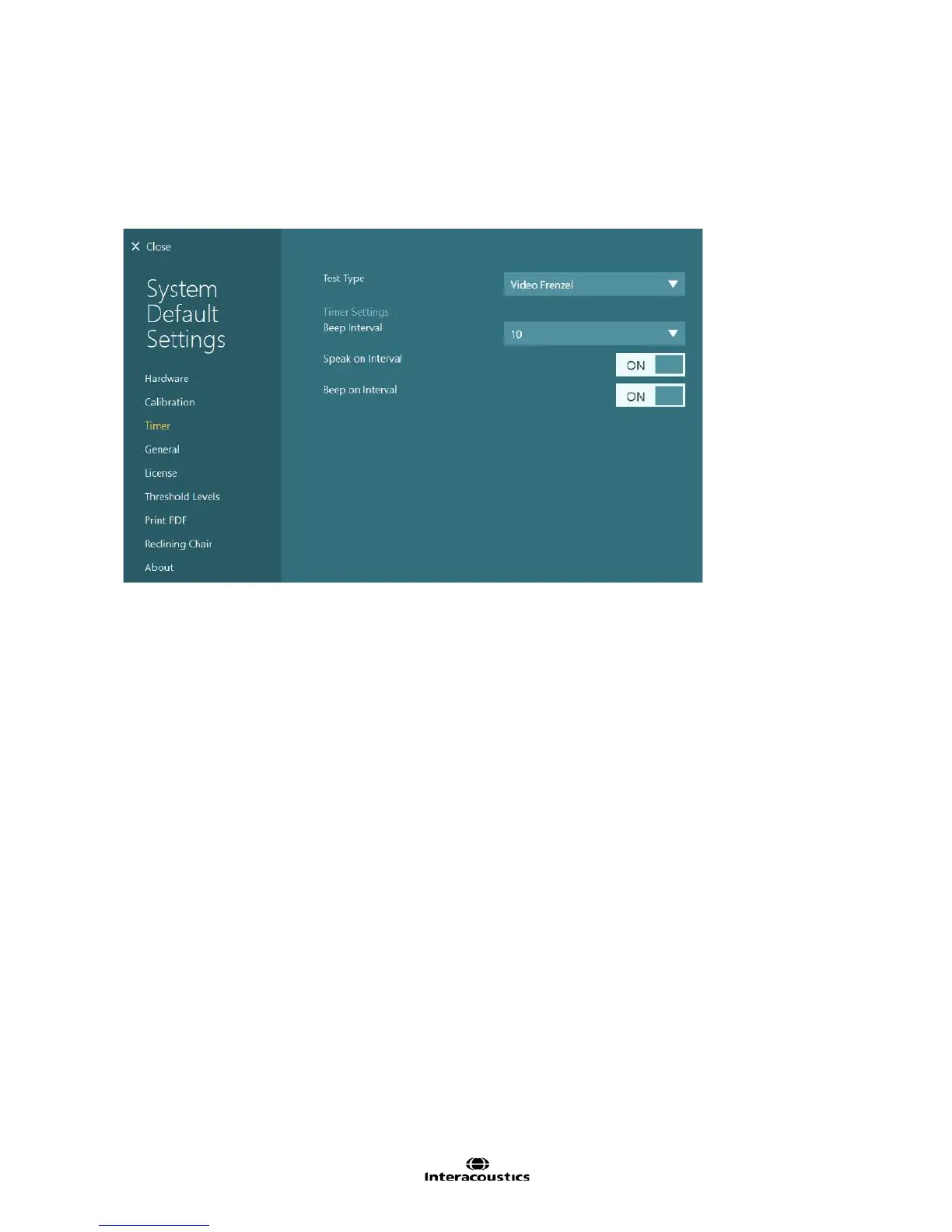
The timer settings menu (Figure 12.4.1) presents options to customize the timer function.
Figure 12.4.1 Timer settings
Beep interval: Assigns the length of time between presentations of the beep and/or speaker. Selecting the
numerical field will provide a drop down menu with interval options of 5, 10, 20 and 30 seconds.
Speak on Interval: Activating this feature will enable a vocal alert in English for each interval. The voice
pronounces the time at the interval.
Beep on Interval: Activating this feature will enable a tonal alert to be presented at each specified interval.
12.5 General
The General Settings page contains additional program settings.
Diplay full test list allows the entire session tree with all tests and subtests to be displayed in expanded view.
By default the test list is condensed to only show test headings and no subtests beneath the headings.
Clicking or touching the plus sign next to the heading then allows for the expansion of all subtests. Enable
the Display full test list option to display all permanently.
Highlight nystagmus slow phase option is not enabled by default. To highlight nystagmus slow phases in
green, enable this option.
Caloric Color Scheme can be set to temperature (cool irrigations in blue and warm irrigations in red) or set to
eye (left eye recordings in light blue for cool irrigations and dark blue for warm irrigations, right eye
recordings in light red for cool and dark red for warm).
Language can also be selected within General Settings. Changing the program language will display the
text in the selected language. The software supports English, German, Spanish, Chinese, Russian,
Portuguese, Japanese, Korean, French, and Danish. The software will have to be restarted when the
program language is changed.














 To Next Page