VIsualEyes 515/525 - Additional Information Page 19
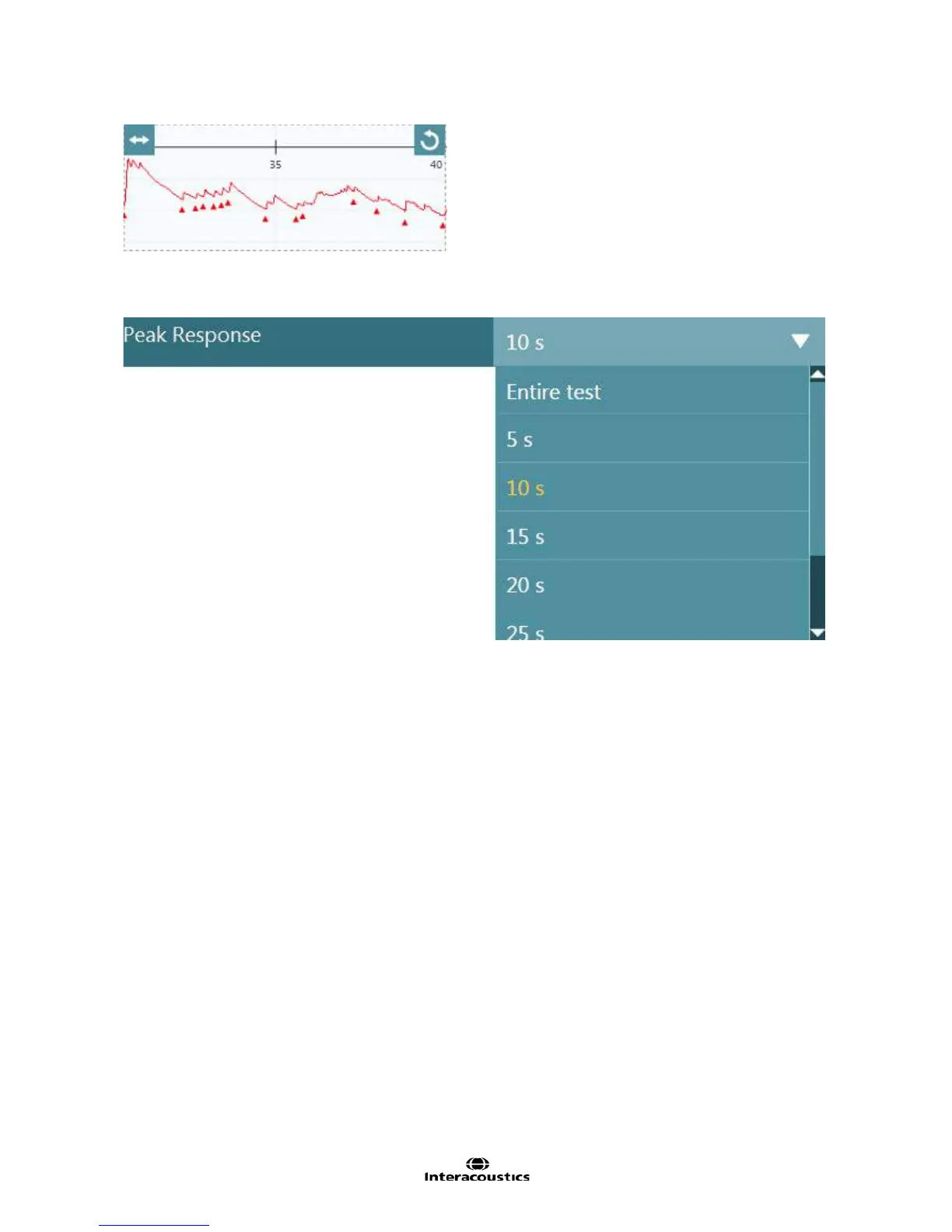
Figure 3.2.3 Peak Reponse window
The time for determining peak response can be set in the test settings under Nystagmus parameters. The
peak response cannot be longer than the allotted test time.
Figure 3.2.4 Peak Response times
3.3 Nystagmus Testing
Nystagmus tests (spontaneous, Dix Hallpike, Positional) measure the patient’s nystagmic response when
placed in different head and body positions. VisualEyes will measure the eye movements to detect the
magnitude of nystagmus if present. In tests where the patient’s nystagmus direction changes, the average
slow phase velocity (a.SPV) will be measured separately in each direction and the results will be displayed in
the a.SPV graph. Nystagmus tests are available in VisualEyes 515 and VisualEyes 525 configurations.
3.3.1 Spontaneous nystagmus test
The spontaneous nystagmus test is used to record non-evoked eye movements. This test is conducted with
the vision denied cover attached to the front of the mask. This allows for recordings with the eyes open in
complete darkness thus eliminating any possibility of fixation. If nystagmus is detected, the Add Time button
can be used to extend the testing time. The fixation light will come on automatically at 15 seconds and last
for 10 seconds. This can be changed in the test settings to come on manually if desired.
The average slow phase velocity (a.SPV) graph to the right side of the data graph shows the a.SPV for
horizontal and vertical channels. The result value is displayed as a bar with the white portion representing
values within test thresholds and grey portions exceeding the test threshold.














 To Next Page