Home Chair: Orion Reclining Chair and Nydiag 200 Chair
The chair will have a default position to which it will move prior to testing. This position is called the home
position. Ideally the chair should be set in front of the television or projection screen so the home position is
lined up with the center of the screen. If the chair is installed with the home position not centered with the
screen, the Zero Position can be adjusted to the new location. This value is found in System Default Settings
(see Chapter 12.8 Reclining chair). The Home Chair button will move to this override location.
6.9 Fixation suppression
There may be times in certain nystagmus tests (i.e. spontaneous and positional) where a fixation light is
presented to the patient to differentiate peripheral from central abnormalities.
The fixation suppression index (FI) quantifies the ability of a patient to deliberately suppress nystagmus by
fixating on a given target. It is determined by switching on the fixation light within the goggles. The value
quantified will be displayed as a percentage in the bar graph in both horizontal and vertical channels.
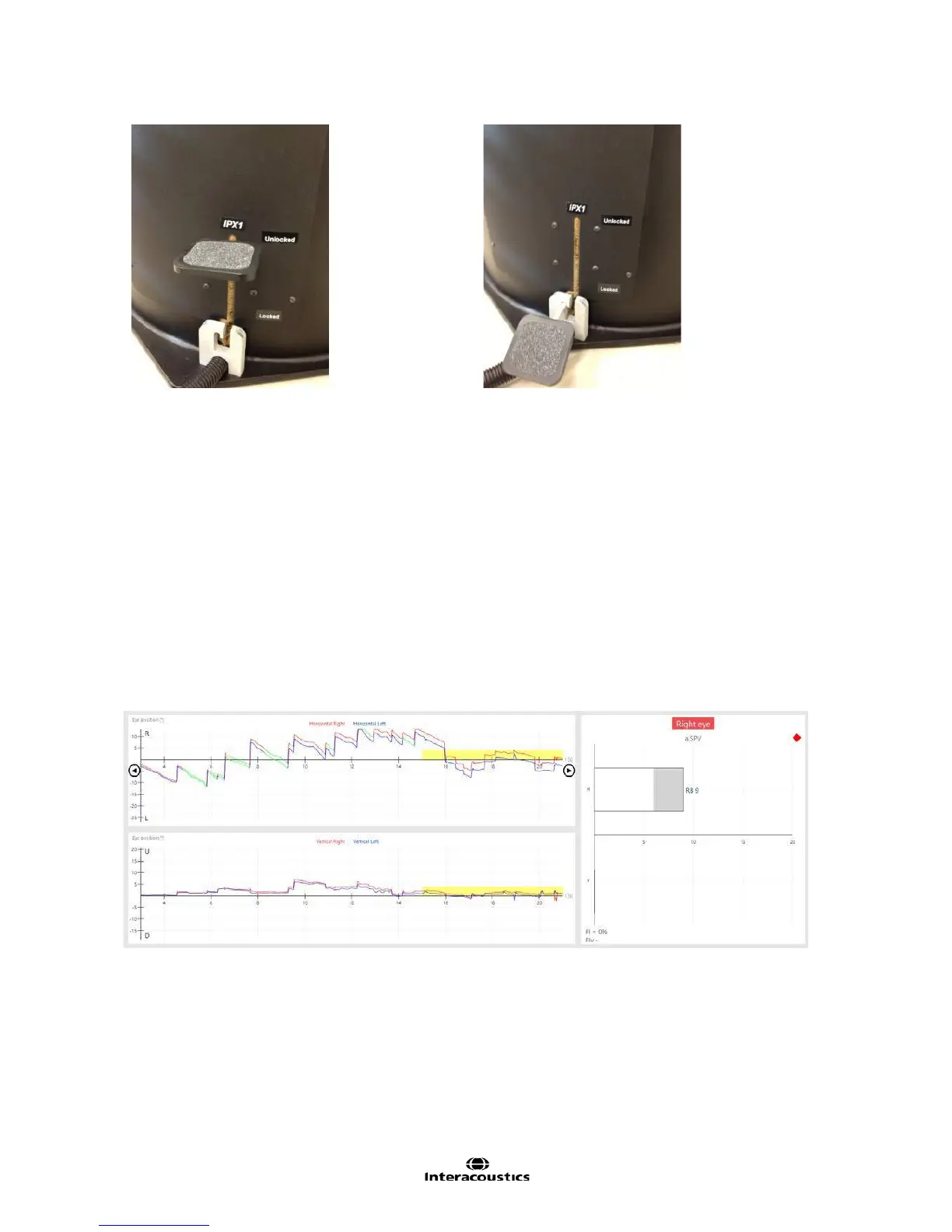
A yellow bar appears in the trace to acknowledge the presence of the fixation light (Figure 6.9.1). The length
of the bar determines the length of time the fixation light was active.
Figure 6.9.1 Yellow bar shows presence of fixation light in eye recording trace
The fixation light can be turned on in one of three different ways:
• Manually: Controlled by examiner using the RF Remote or Fixation Manual button
• Timed: Time predefined in the test settings. If the examiner turns on the fixation light manually before
the time set in the test settings, the software will change to manual mode
• Automatic: In the caloric test, the fixation light is turned on automatically post detection of peak
response
The fixation light can also be set to be displayed in either left or right eye (see 12.2 Hardware).














 To Next Page