VIsualEyes 515/525 - Additional Information Page 75
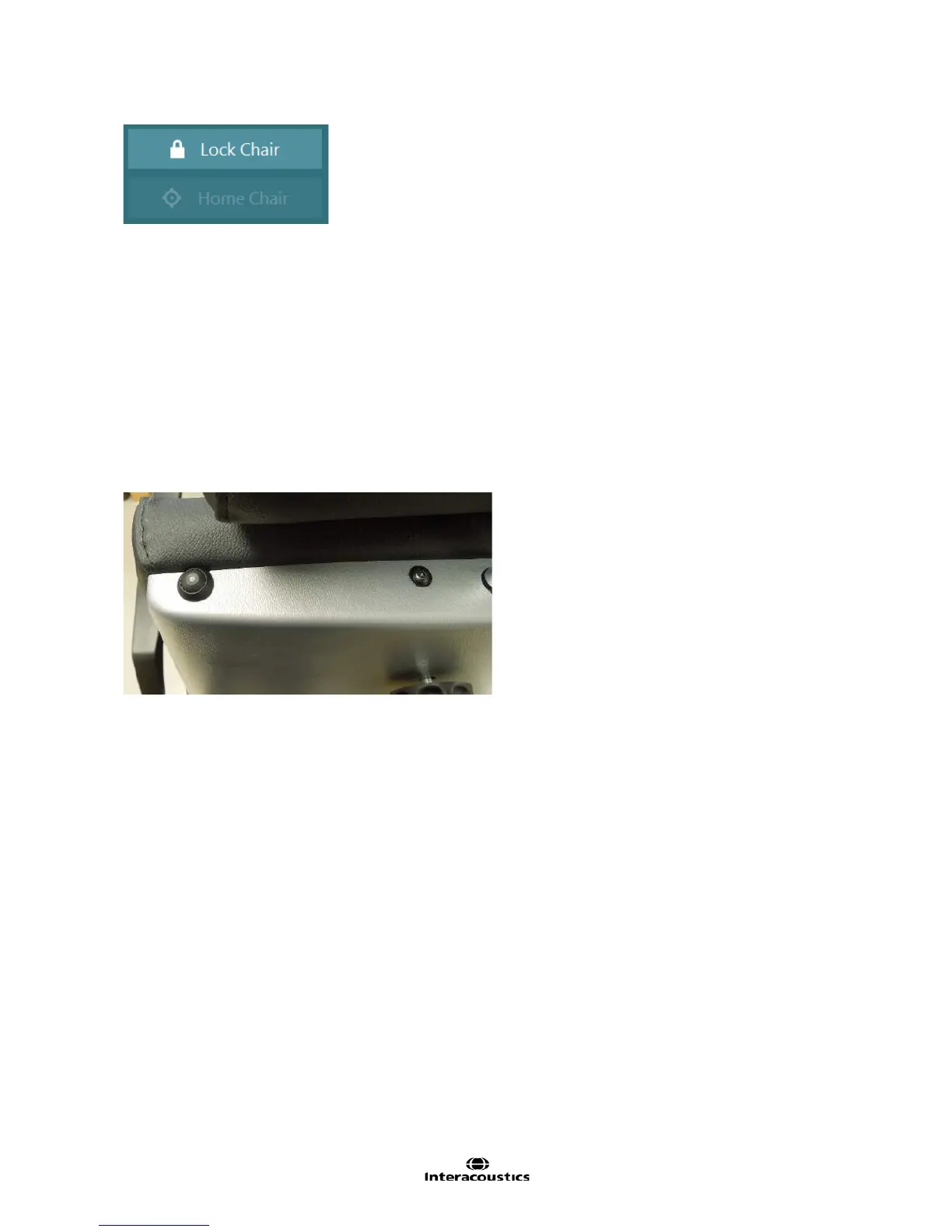
Figure 6.8.4 Rotational Chair functions
When a reclining rotary chair is configured with VisualEyes™ 515/525 there may be additional side menu
functions available to the user (Figure 6.8.4).
Lock Chair:
Orion Reclining Chair
This function is designed to place the chair into an immobile state in order to ensure patient safety when
seating and/or disembarking the patient from the reclining chair. It is also used to keep the chair immobile
during the VNG test battery. The lock chair function is only made available prior to the test and cannot be
activated during the testing procedure. This will automatically be switched off when performing a rotational
chair test. To lock or unlock the chair at any other time, tap the Lock Chair button. The chair is locked when
the button is yellow and unlocked when the button is light green. The chair can be unlocked as well using
the electronic locking mechanism (ELM) switch found on the top left of the chair. While depressing the ELM
switch, the chair can be rotated freely. Releasing the ELM switch will lock the chair in approximately in that
position (may require minor rotation to allow the gear lock to fit properly).
Figure 6.8.5 Electronic Locking Mechanism (ELM) switch on Orion Reclining chair
Nydiag 200 Chair
This function is designed to place the chair into an immobile state in order to ensure patient safety when
seating and/or disembarking the patient from the reclining chair. It is also used to keep the chair immobile
during the VNG test battery. The lock chair function is only made available prior to the test and cannot be
activated during the testing procedure. This will automatically be switched off when performing a rotational
chair test. To lock or unlock the chair at any other time, tap the Lock Chair button. The chair is locked when
the button is yellow and unlocked when the button is light green.
System 2000 Reclining Chair
The System 2000 Reclining chair does not have an electronic braking system. A manual foot brake is found
on the side of the chair drum. The operator should apply the brake to keep the chair in place for patient
entry and VNG testing. When reclining the chair for Dix Hallpike, Positional, and Caloric tests, the foot brake
should be released in order to rotate the chair if needed due to space constraints. The foot brake should then
be reapplied when the chair is reclined to the appropriate position to keep the chair from rotating during the
test. When the rotational chair tests are performed, verify the foot brake is released.














 To Next Page