VIsualEyes 515/525 - Additional Information Page 14
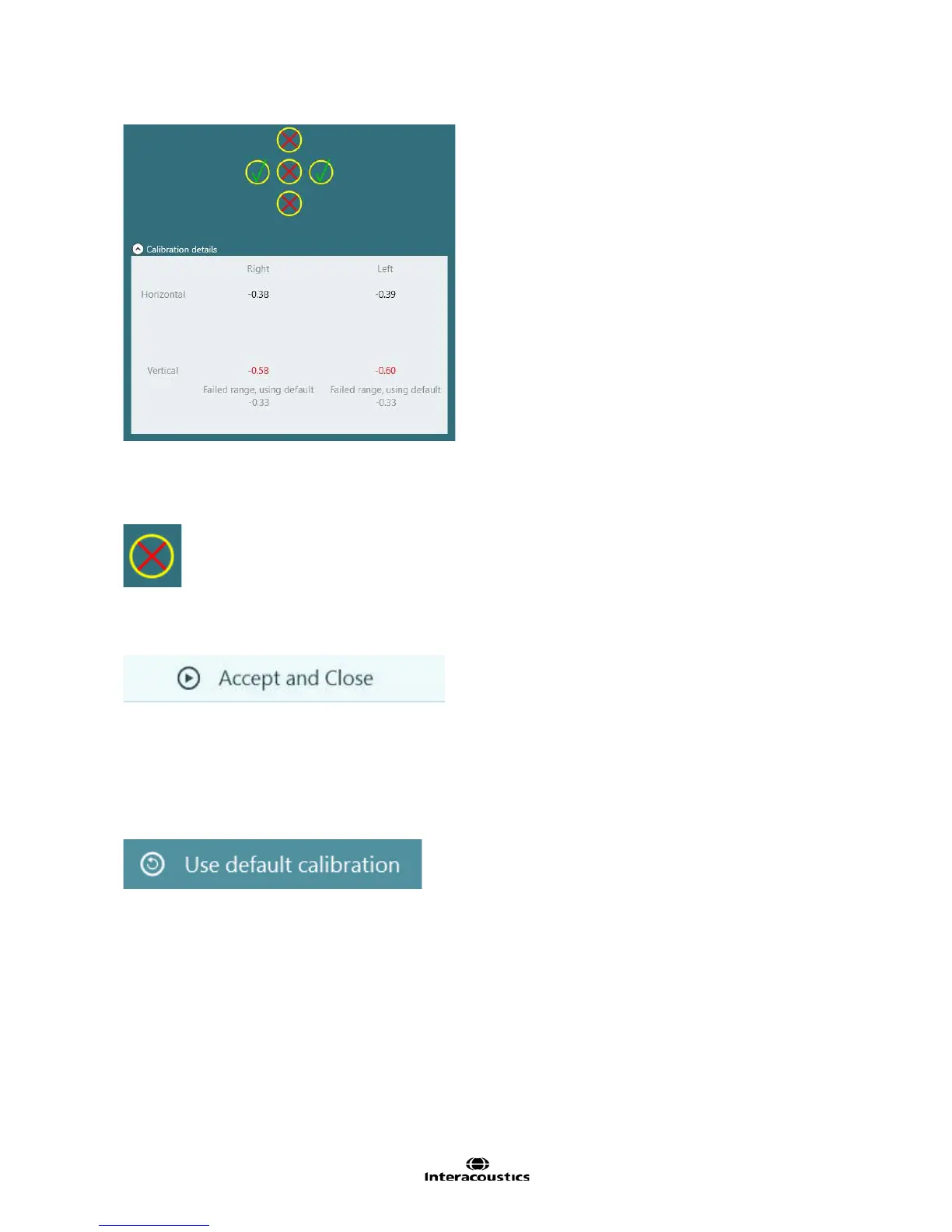
Figure 2.1.9 Calibration failure with values and failure reason
If the patient could not fixate on one or target positions, a red cross mark (Figure 2.1.10) shall appear to
indicate failure. The software will provide a Redo Horizontal, Redo Vertical, or Redo All button to clear the
failure points and allow the calibration of the direction(s) again.
Figure 2.1.10 Unsuccessful target mark
If the calibration is completed successfully, the Accept and Close action becomes available. Selecting this
action will use the patient derived calibration values and close the calibration screen.
Figure 2.1.11 Accept calibration and close calibration screen button
2.2 Default calibration
Should a calibration be unable to be completed, use the default calibration option (Figure 2.2.1). This sets
the VisualEyes™ system to use software default calibration settings which provide only an approximate
calibration value. Be aware that results for oculomotor tests and nystagmus velocities need to be interpreted
with caution.
Figure 2.2.1 Use default calibration button














 To Next Page