VIsualEyes 515/525 - Additional Information Page 82
8 Test Properties
8.1 Configuring the tests
All tests within the VisualEyes™ VNG software suite can be configured to the user’ preference.
The changes need to be performed prior to conducting the test (cannot be changed post-test).
The specific test can be adjusted in 2 ways:
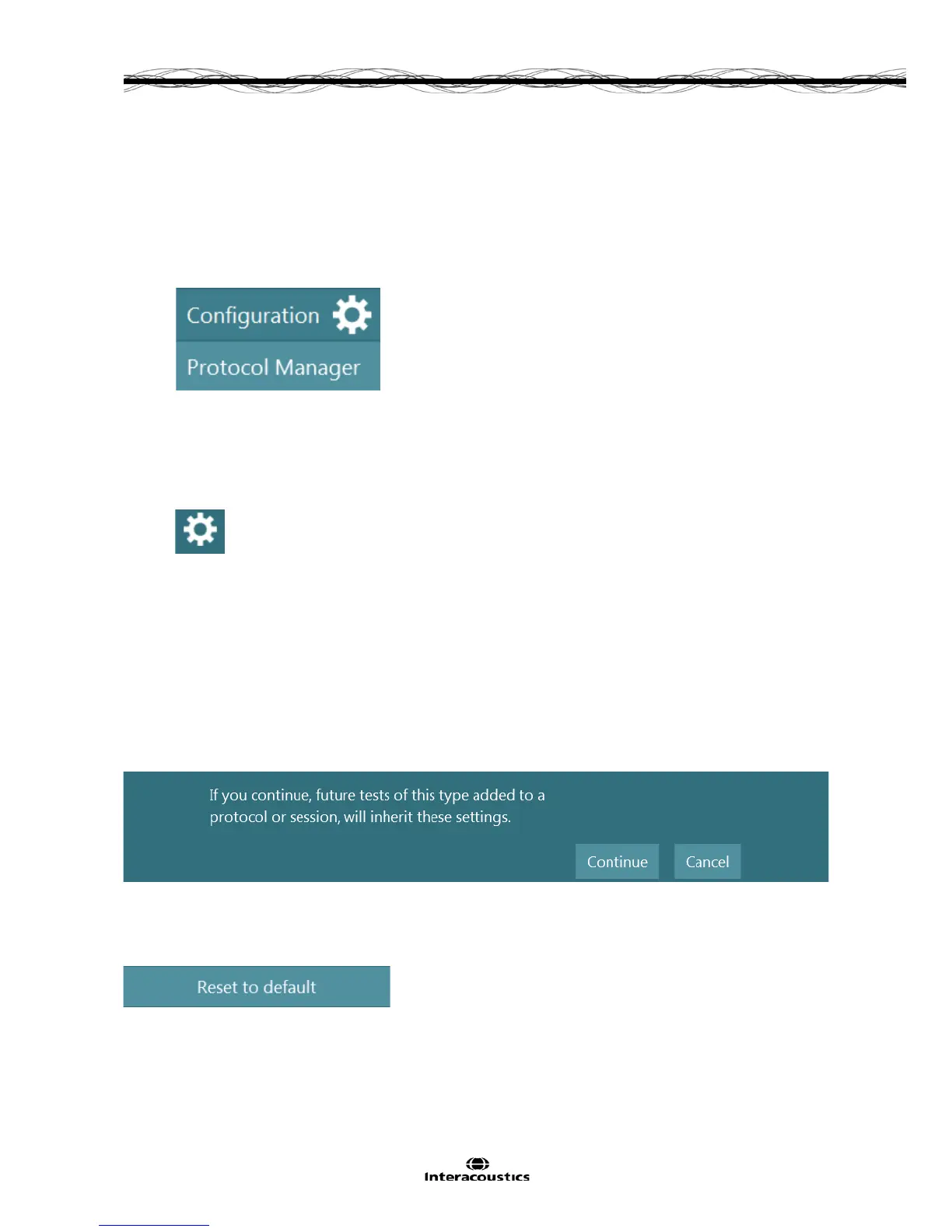
1. From the main screen select Protocol Manager section (under configuration).
Figure 8.1.1 Configuration drop down menu with Protocol Manager displayed
Select the test in Protocol Management and choose Edit Test.
Settings changed under the protocol manager will be made permanent.
2. In the Test screen, by clicking the configuration button:
Figure 8.1.2 Configuration button from testing
Settings changed under the configuration button are temporary and only apply to the current patient.
Temporary test settings will also have fewer options to alter compared to those under the Protocol
management menu.
Each test will have some unique features to it that other tests may not. However, there are many features
that will be similar and may be adjusted based on user preference.
Once the user is satisfied with the changes made to the test parameters, the settings may be incorporated
into the protocol by selecting Set as default. These parameters will now be applied to that test within the
specific protocol. A prompt will ask for confirmation to inherit the settings:
Figure 8.1.3 Saving test parameters to the protocol's default settings
By selecting Reset to default all settings for the page of settings with that test will return to the factory
default settings.
Figure 8.1.4 Reset to default button














 To Next Page