VIsualEyes 515/525 - Additional Information Page 108
9 Suggested threshold values
The VisualEyes™ VNG software suite has suggested threshold tables. The values in these tables are
suggested threshold values as published from the text book of Gary Jacobson and Neil Shepard, Balance
Function Assessment and Management 2cd edition unless otherwise referenced. It is recommended that the
clinician collects a sample of data from the clinics, using the customized protocols and settings and
document any differences to the findings in these tables. If the clinic decides to use custom test thresholds,
the test thresholds can be updated to reflect the clinic settings.
9.1 Updating test thresholds
• Tap the Configuration option from main screen
• Select System Default Settings
• Choose Threshold Data from the list in the side panel menu
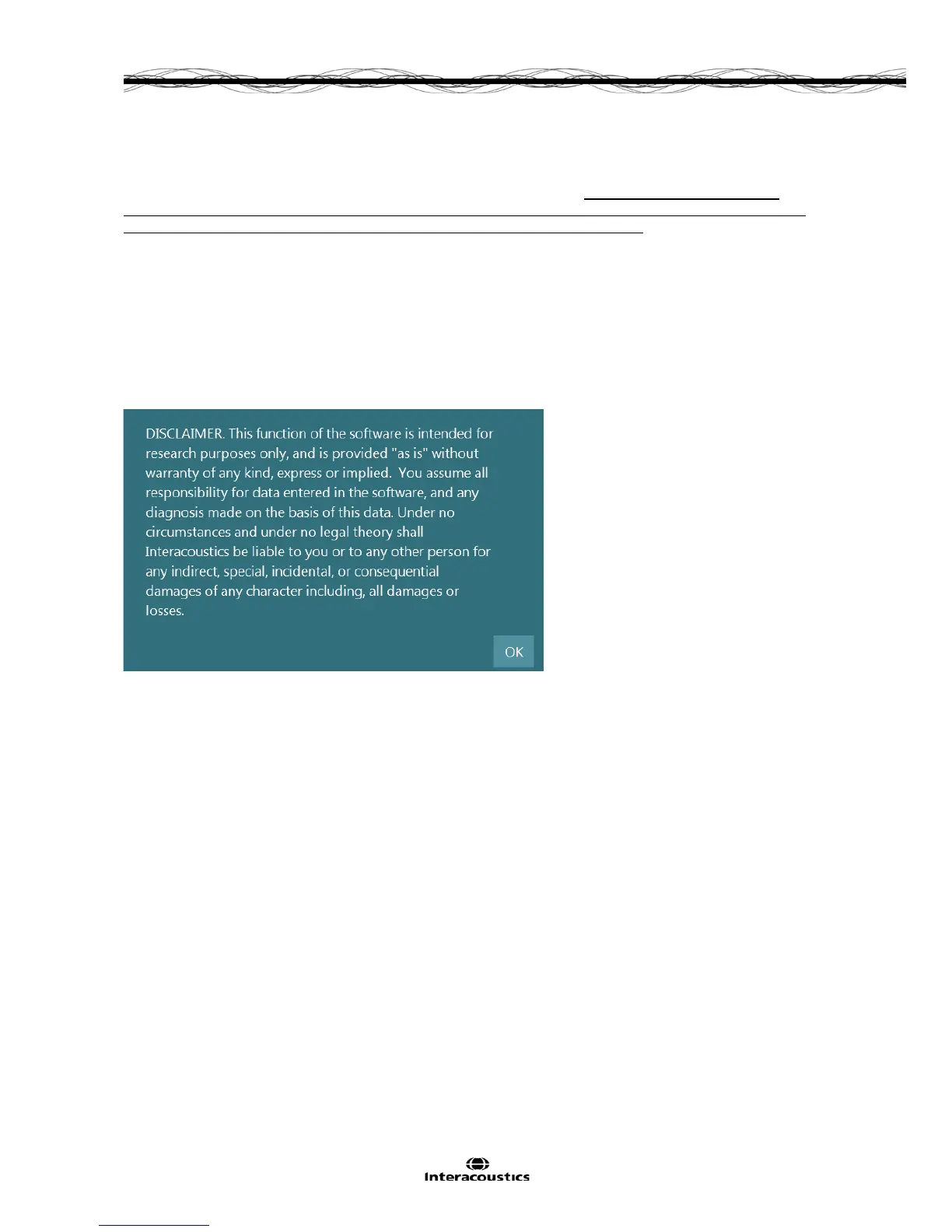
• A disclaimer will appear (Figure 9.1.1), prior to allowing access to the suggested threshold values.
Click Ok to accept the disclaimer and move onto the threshold data tables.
Figure 9.1.1 Disclaimer for suggested threshold values
Changes can be made to the threshold data by entering the new value(s) into the appropriate fields. An
Undo button is available to restore all values back to the values prior editing. To reload the default
suggested threshold data, click the Reset to default button. To save the new laboratory specific threshold
data for use with all patients (new or previously tested), click the Save button.














 To Next Page