VIsualEyes 515/525 - Additional Information Page 10
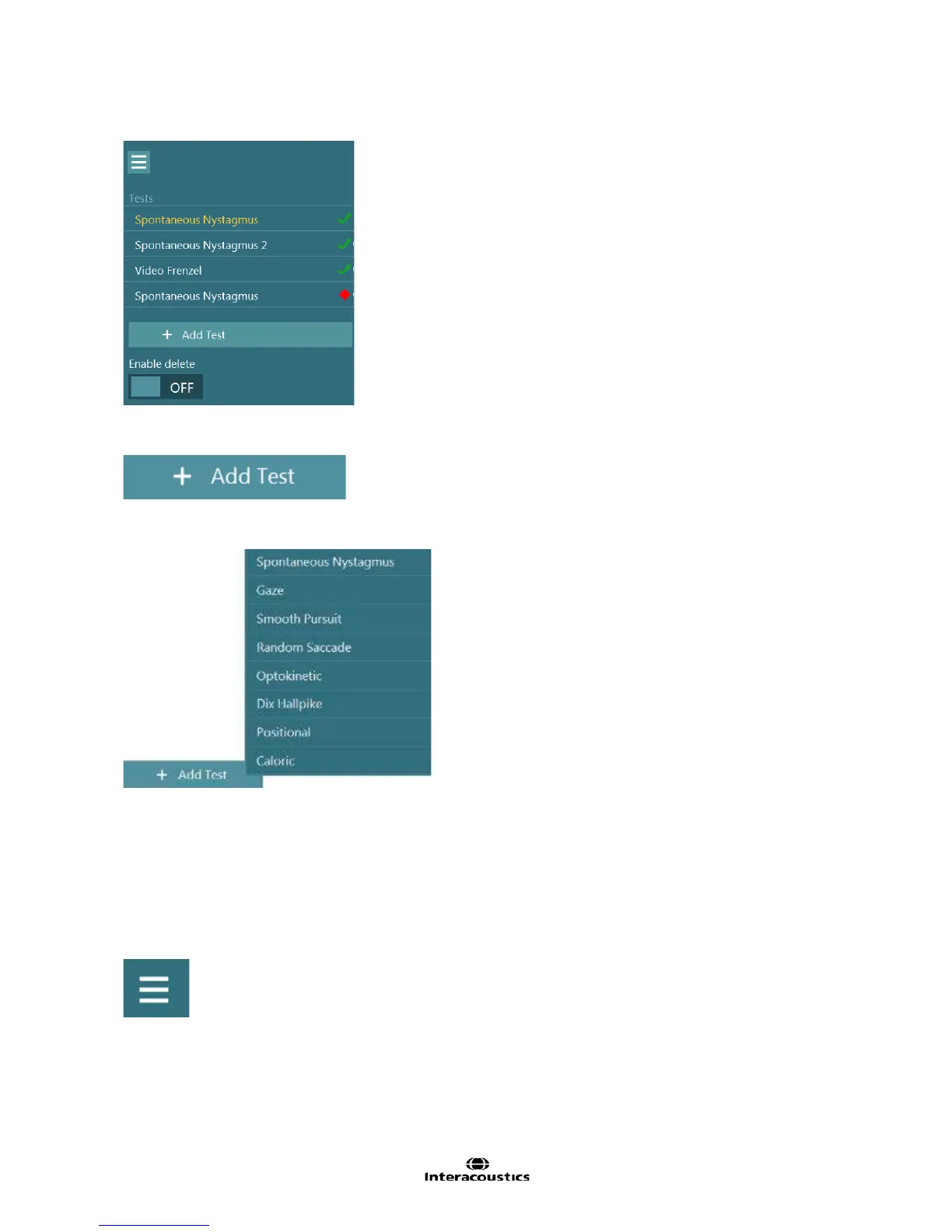
The left side menu panel will display the currently test session. At the end of the list is the Add Test button.
Figure 1.10.2 Test menu
Select the Add Test button (Figure 1.10.3).
Figure 1.10.3 Add Test button
This will present a list of tests to choose to be added to the session. (Figure 1.10.3)
Figure 1.10.4 Adding a test
Once the test is selected, it is added to the bottom of the patient’s test session.
1.11 Delete tests
Tests with or without data can be removed from the session from the test menu allowing to clear irrelevant
tests or deleting tests to replace with new customized tests.
Select the test menu button.
Figure 1.11.1 Test Menu button














 To Next Page