VIsualEyes 515/525 - Additional Information Page 11
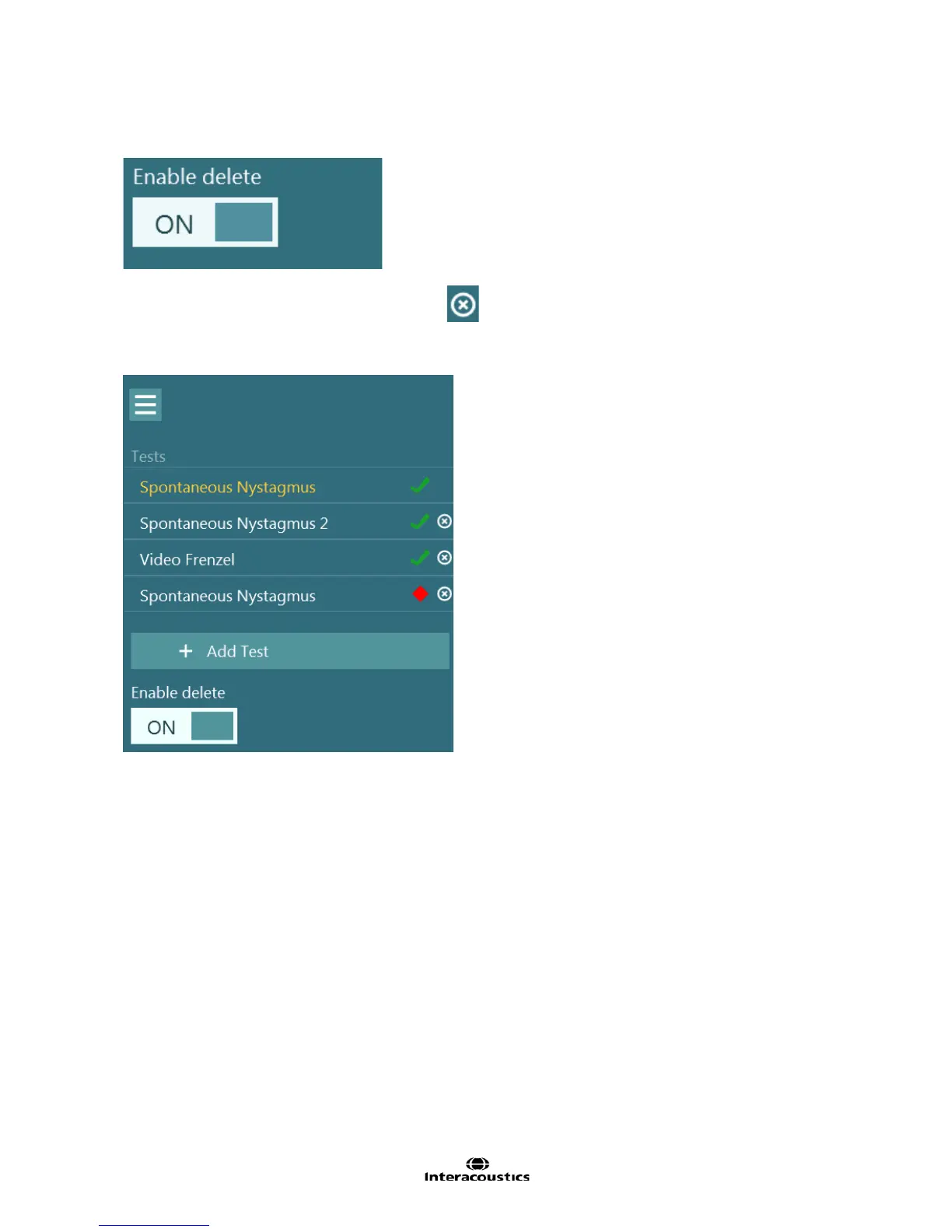
The left side menu panel will display the currently test session. At the end of the list is the Enable delete
option. Activate the Enable delete option. (Figure 1.11.2)
Figure 1.11.2 Enable delete option
This will present the list of performed tests with a symbol.
Clicking or touching this symbol will remove the test from the session. The current test cannot be deleted.
Note: Once deleted, the test data cannot be recovered.
Figure 1.11.3 Test menu with delete option enabled














 To Next Page