VIsualEyes 515/525 - Additional Information Page 62
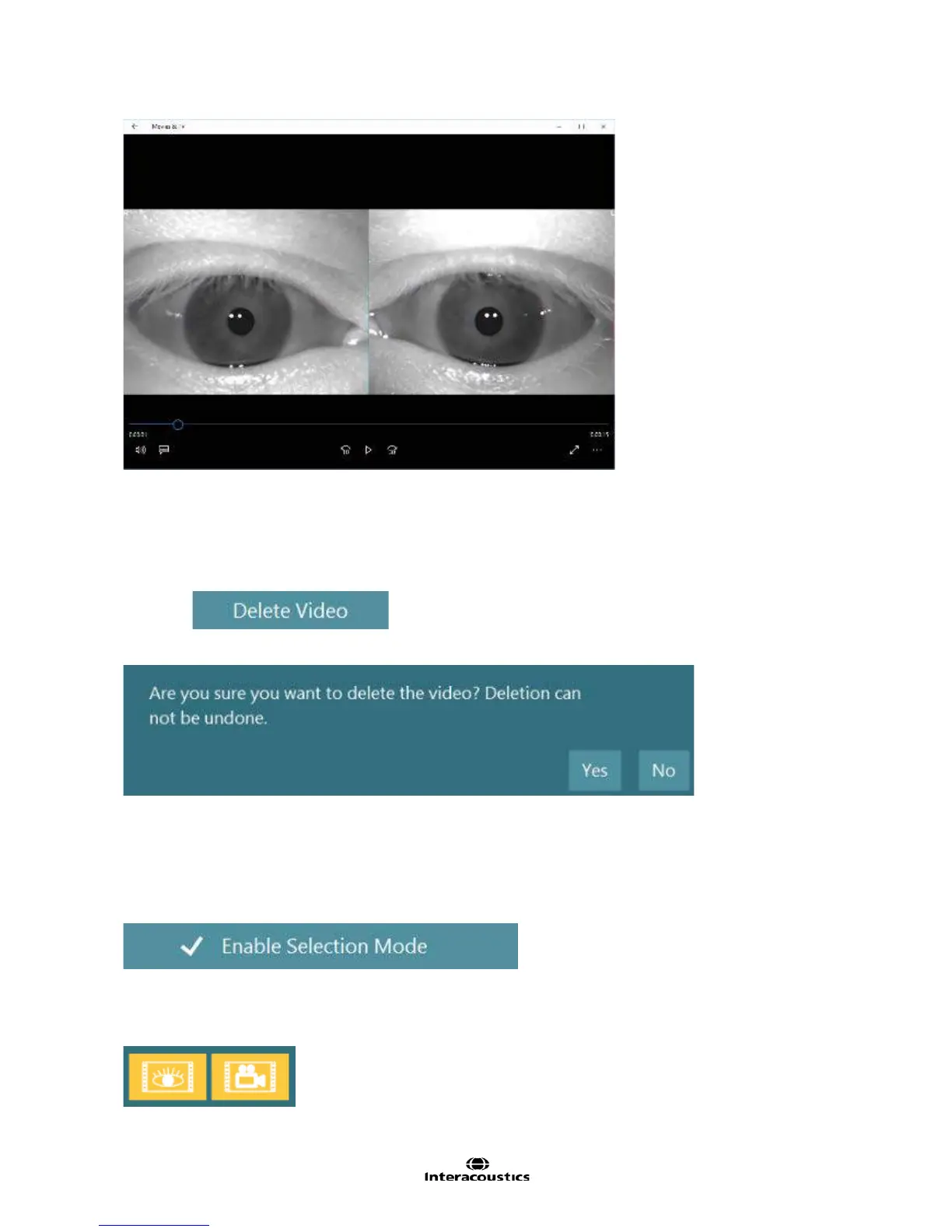
Figure 5.2.6 Video playback within a compatible video player
5.3 Delete selected patient videos
Should it be decided that the video recording for a specific test is of low importance (i.e. normal) it can be
deleted after the test is complete.
Select the from the side bar menu.
A prompt to confirm removal will appear (Figure 5.3.1):
Figure 5.3.1 Warning to delete video
Select Yes to continue or No to cancel.
The user can delete the videos from the Patient Videos menu:
• Open Patient Videos
• Select Enable Selection mode
This will allow choosing the videos that are to be deleted from VisualEyes™.
• Touch or click the videos for removal. Both room and eye recordings can be deleted.
• The files will highlight yellow to indicate that these are the chosen files for removal
Figure 5.3.2 Highlighted selected videos














 To Next Page