VIsualEyes 515/525 - Additional Information Page 106
Test Name: Name of the test
Results Displayed: Selects which eye is shown by default. Left Eye will set each subtest to display the left
eye. Right Eye will set each subtest to display the right eye.
SHA velocity profile: This option defines whether the SHA subtests use a discrete standard velocity of 60
dps or use a variable velocity which is higher at lower frequencies (80 dps at 0.01 Hz and drops 10 dps for
each increase in frequency to 20 dps at 0.64 Hz.) The default setting is Variable. This value should be the
same as the VOR tests and VOR Suppression tests.
Active Tests: The subtests selected will appear in the testing screen. The configuration gear button beside
each test will open the subtest settings. The Nydiag 200 chair can test up to 0.32 Hz, and the Orion Reclining
chair and System 2000 Reclining chair can test up to 0.64 Hz. By default only the 0.32 Hz test is selected.
Move To Zero When Test Is Complete: If enabled, the chair (Nydiag 200 and Orion Reclining chair models
only) will return to the zero position as set in System Default Settings.
Visual VOR Target Settings:
Target Type: Creates a tessellation pattern or stretches a background image across the stimulus screen.
Tessellation patterns include checkerboard, stripes, and spheres. Stretched image patterns include firetruck,
pilot and airplane, landscape, toy train, yellow airplane, and trains and tracks.
Foreground Color: If the Target Type is a tessellation pattern, this selection will change the color of the
primary shape.
Alternate Color: If the Target Type is set to Spheres, this selection will change the color of the even rows of
spheres.
Background color: If the Target Type is a tessellation pattern, this selection controls the background color
or fill color depending on the tessellation pattern.
Pattern Size: Adjusts size of shape used in the pattern tessellation. As the target size is increased, the
number of shapes used in the pattern will decrease. Only available with Target Type of Checkerboard,
Stripes, and Spheres.
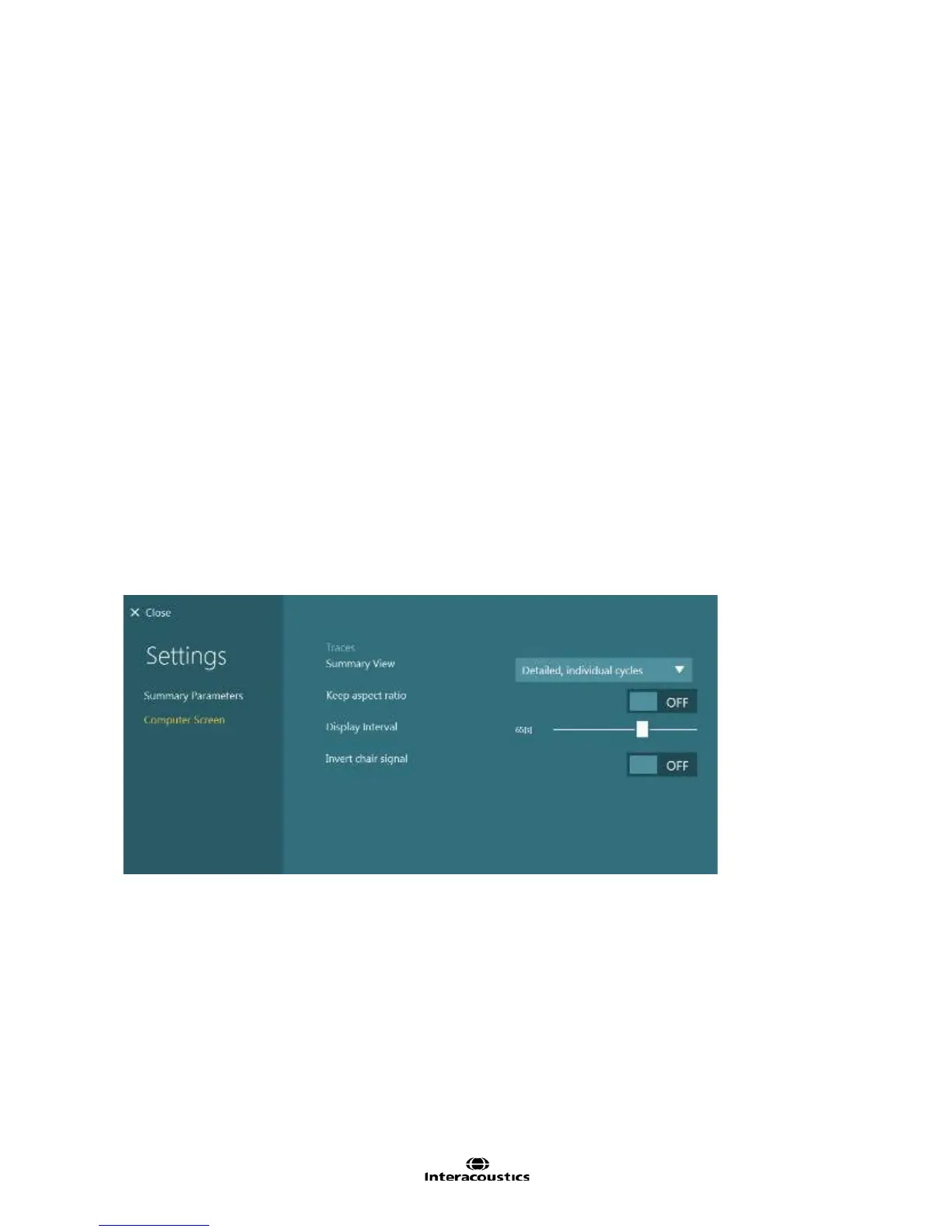
Figure 8.4.13 Visual VOR summary Computer Screen settings
Summary View:
Detailed, individual cycles: Detailed view will draw each cycle individually and fit a line to each cycle
Concise combined cycles: Concise will show every cycle overlapped and a single fitted line is drawn
through the concise view.
Keep aspect ratio: This allows the nystagmus to be displayed in a non-compressed form, allowing for easy
recognition of the slow phase velocities of nystagmus. Disabling this feature will cause the nystagmus to
appear more compressed.
Display Interval: Set the desired length of time (in seconds) to display data in the test window. This feature
only becomes available when “Keep aspect ratio” is disabled.














 To Next Page