VIsualEyes 515/525 - Additional Information Page 26
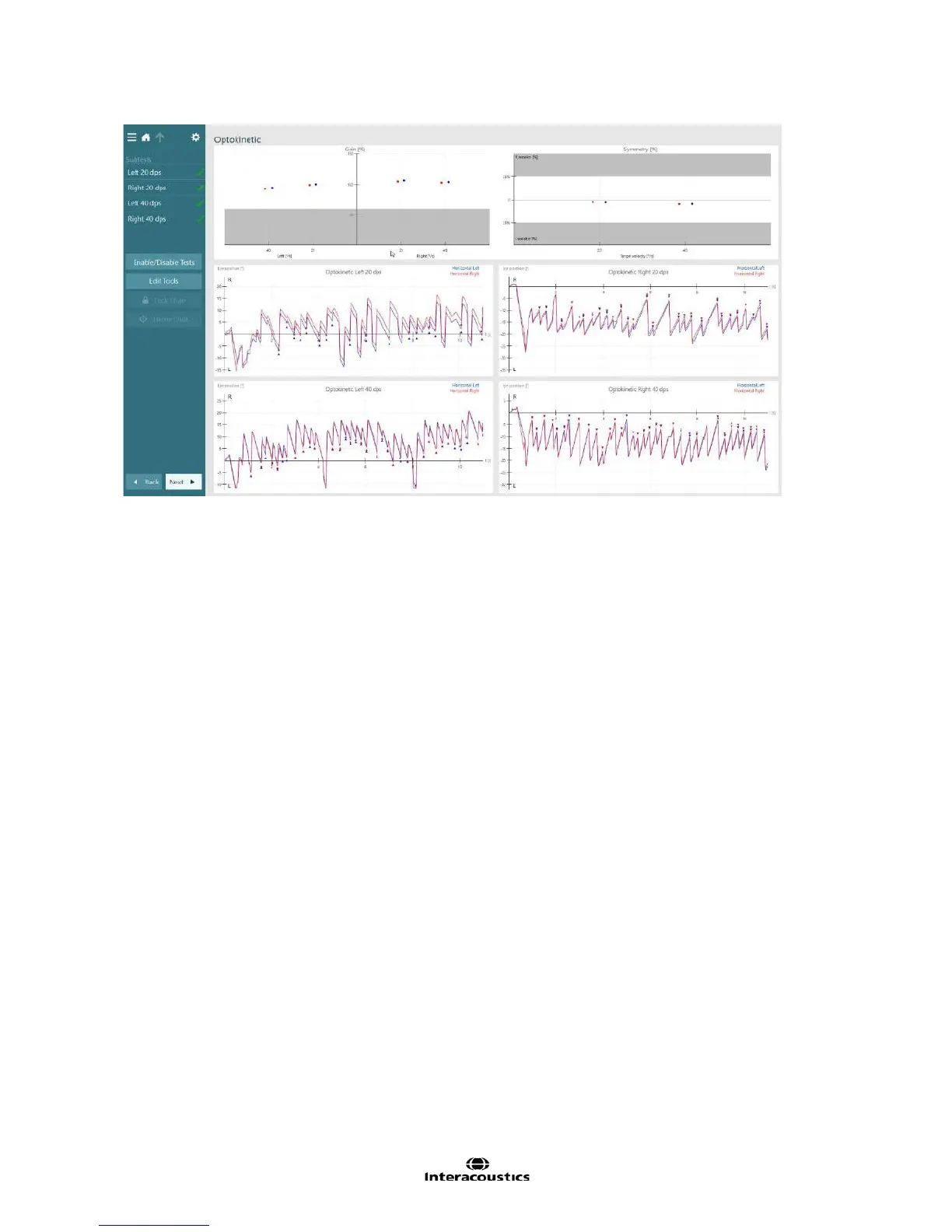
Figure 3.4.8 Optokinetic summary
The optokinetic subtest will display the stimulus pattern on the TV or projection screen. The test will last 15
seconds (though more time can be added with the Add Time button) and display the stimulus moving in the
selected direction. Have the patient follow the targets as they go across the screen. Typically the patient will
focus on the center 10 degrees of the stimulus, picking up the target as it comes from one side, then as the
target leaves the patient’s field of focus, the patient will go back and pick up the next target. The optokinetic
test is considered fairly intensive, and may not be performed correctly by the patient on the first attempt. If
the patient does not appear to be following the target and producing a noticeable nystagmus pattern, it may
be needed to restart the test and instruct the patient again.
During data collection, the Gain graph will update with the patients response with an average gain for each
eye. The average gain is defined as the patient’s average slow phase velocity divided by the stimulus
velocity as a percentage. In the Optokinetic summary, the average gain from each subtest will be compared
with the other subtests and the results will be displayed in the Symmetry graph. If the average gain falls
outside the test thresholds or the symmetry value at one of the velocity pairs falls outside the test thresholds,
the test will be marked as outside thresholds and have a red diamond displayed.














 To Next Page