SECTION 8—ARMS
Part No 1125104 49 ProSPIN™ X4™
Installing/Removing T-Arms
NOTE:Forthisprocedure,refertoFIGURE8.3.
Installing T-Arms
1. PositiontheT‐armovertheT‐arm
socketonthewheelchairframe.
NOTE:Makesurethelockingleveristowards
thefrontofthewheelchair.
2. SlideT‐armintoT‐armsocketuntilthe
lockingleverisintheslotintheT‐arm
socketandanaudibleʺclickʺisheard.
3. PulluponT‐armtomakesureT‐armis
lockedinplace.
NOTE:IftheT‐armdoesnotslideintheT‐arm
socketasdesired,adjusttheT‐armsocket.Refer
toAdjustingT‐ArmSockets
onpage 52.
4. AdjusttheT‐armfordesiredheight,
widthanddepth,ifnecessary.Referto
AdjustingTheT‐Armsonpage 50.
5. RepeatSTEPS1‐4foroppositesideof
wheelchair.
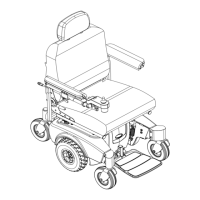
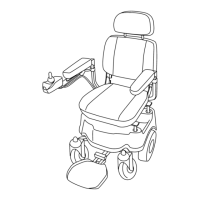
FIGURE 8.3 Installing/Removing T-Arms
Removing T-Arms
1. PressthelockingleverinandlifttheT‐armstraightupandoutoftheT‐armsocket.
NOTE:IftheT‐armdoesnotslideupanddownintheT‐armsocketasdesired,adjusttheT‐arm
socket.RefertoAdjustingT‐ArmSockets
onpage 52.
2. RepeatSTEP1foroppositesideofthewheelchair.
T-Arm
Socket
Locking Lever
(towards the front
of the wheelchair)
T-Arm
Wheelchair
Frame
Slot










 To Next Page

