Calibrate white balance
Calibrate white balance
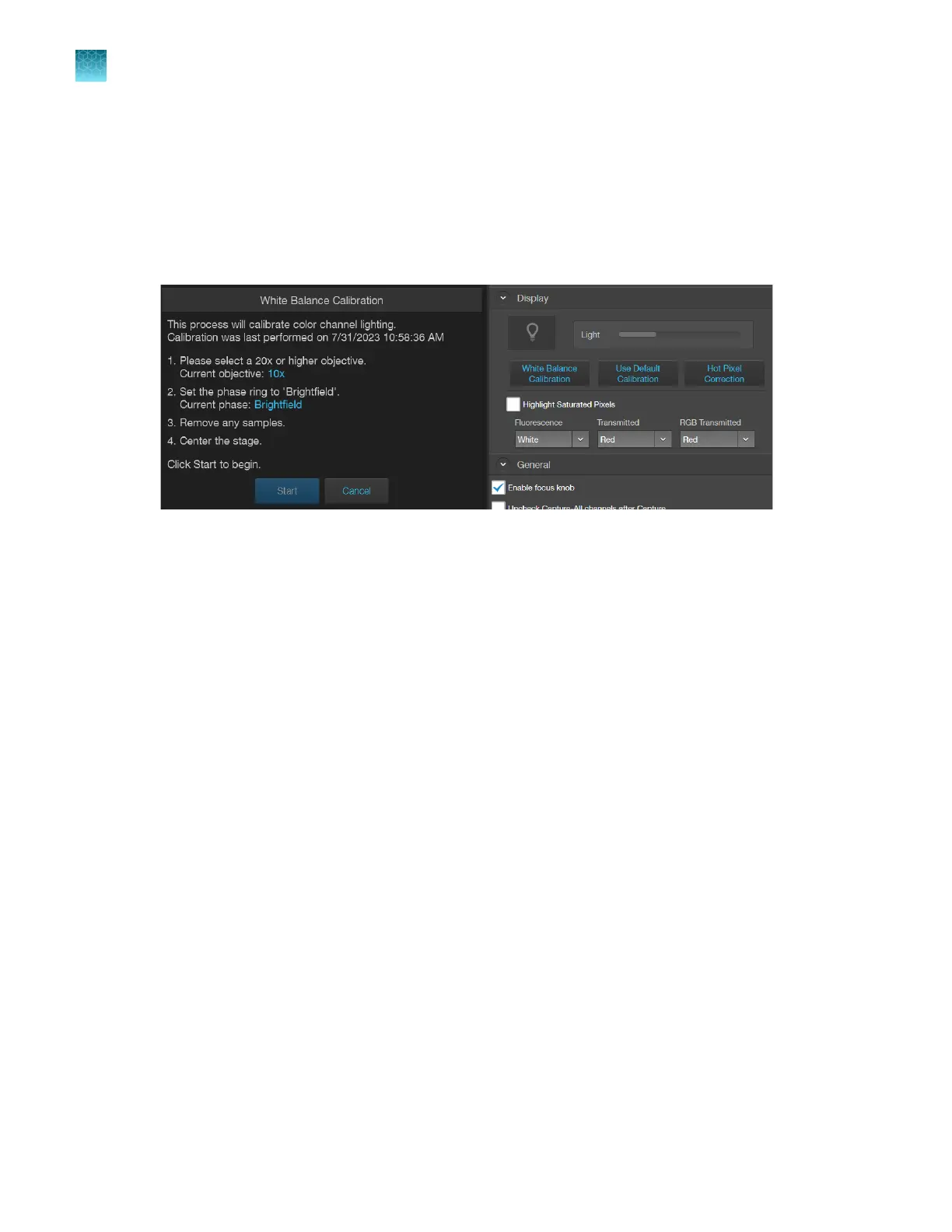
Calibrate White Balance calibrates color channel lighting.
1.
Go to Settings4Display tab, then click White Balance Calibration.
2.
Follow the screen instructions. Select a 20X or higher objective, then set the phase ring to
Brightfield
using the Phase ring selector (“Rear view” on page14).
3.
Remove any samples from the X-Y stage, then center the stage using the stage positioning knobs
(
“Rear view” on page14).
4.
Click
Start to begin the automatic white balance calibration procedure.
Chapter11Configure instrument settings
Calibrate white balance
11
100
EVOS
™
M5000 Imaging System User Guide



 To Next Page