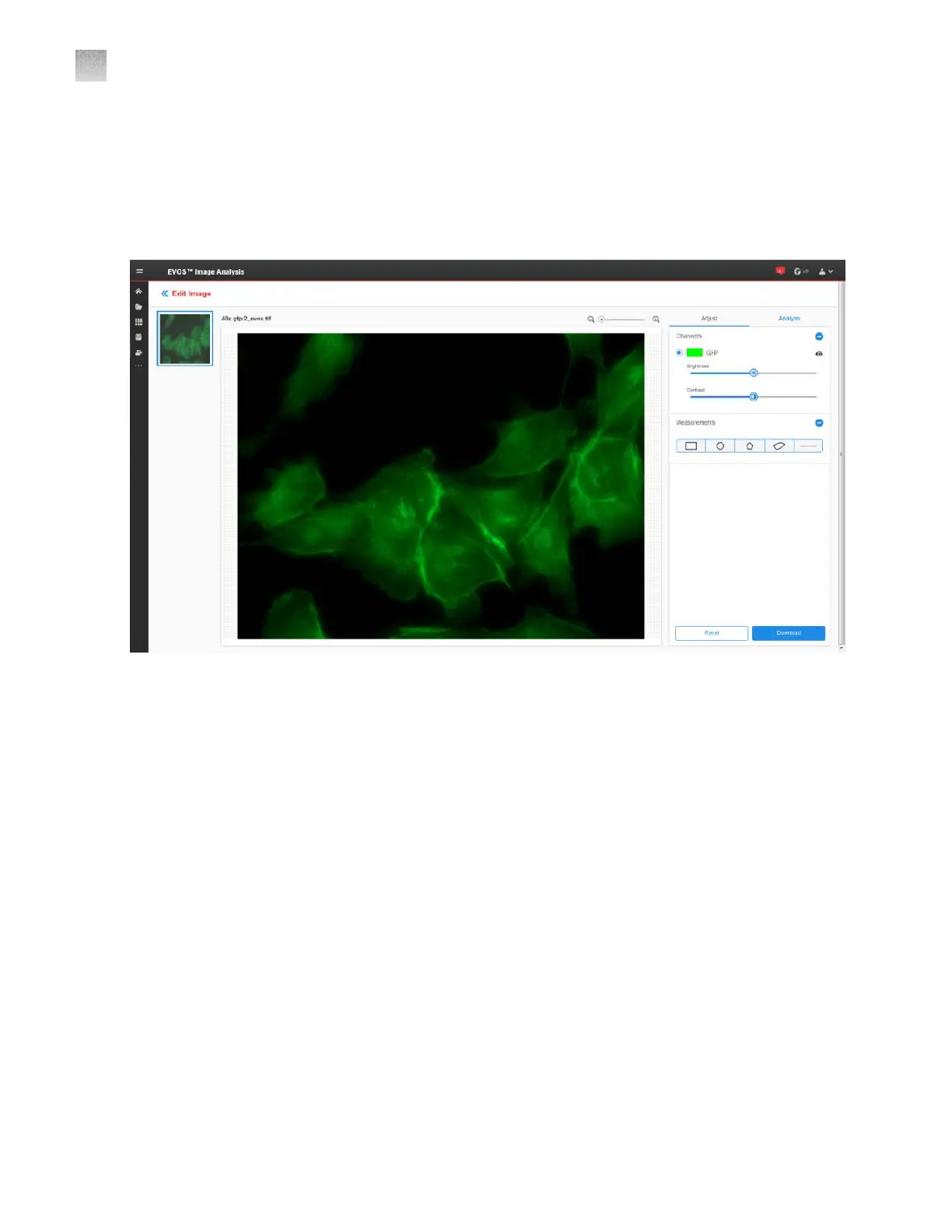
Adjust tab
The Adjust tab allows you to zoom in to your selected image, adjust brightness and contrast values,
and add line measurements and annotations. The measurement and annotation functions of the EVOS
™
Image Analysis application are identical to the Analysis tools of the EVOS
™
M5000 Imaging System
(Chapter 5, “Measure, annotate, and analyze captured images”).
AppendixDEVOS
™
image analysis
Edit image
D
140
EVOS
™
M5000 Imaging System User Guide



 To Next Page