Capture images in multiple channels
Capture multiple channels automatically
1.
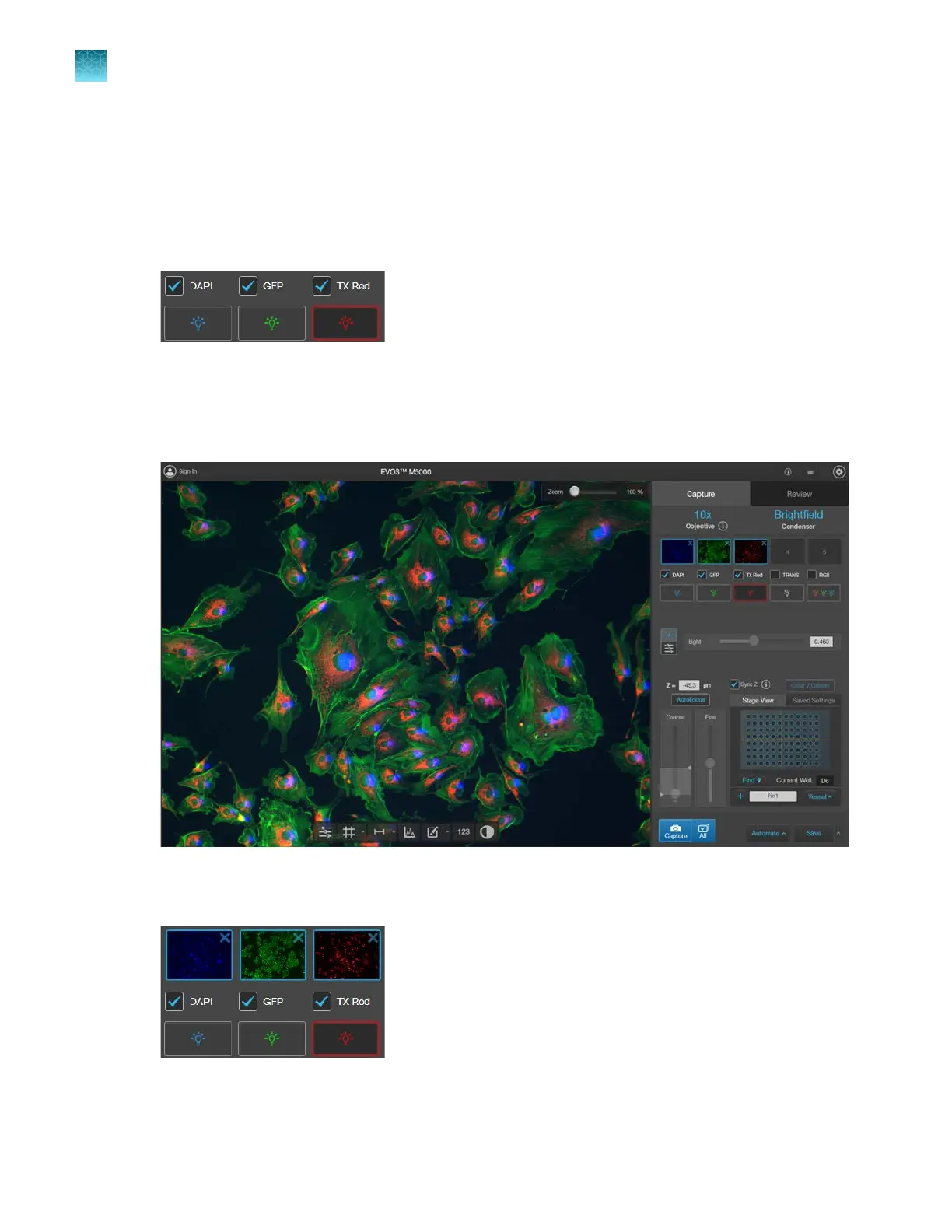
To capture multiple channels automatically, select the desired channels by checking the
corresponding boxes.
2.
If needed, adjust brightness and focus for each of the selected channels as described.
3.
Click
All to automatically acquire an image in each of the selected channels.
The Viewing area shows a multicolor overlay of the images captured for each selected channel.
A thumbnail of the captured image is displayed for each captured channel (in this example, DAPI,
GFP, and Texas Red
™
).
Chapter4Capture images
Capture images in multiple channels
4
34
EVOS
™
M5000 Imaging System User Guide



 To Next Page