the left may help reduce undesired background fluorescence. For images with very faint fluorescence
signals, moving the Gamma slider to the right may help the intensity of faint signals to stand out from
the background. This can help to see or detect signals at the lower limits of brightness..
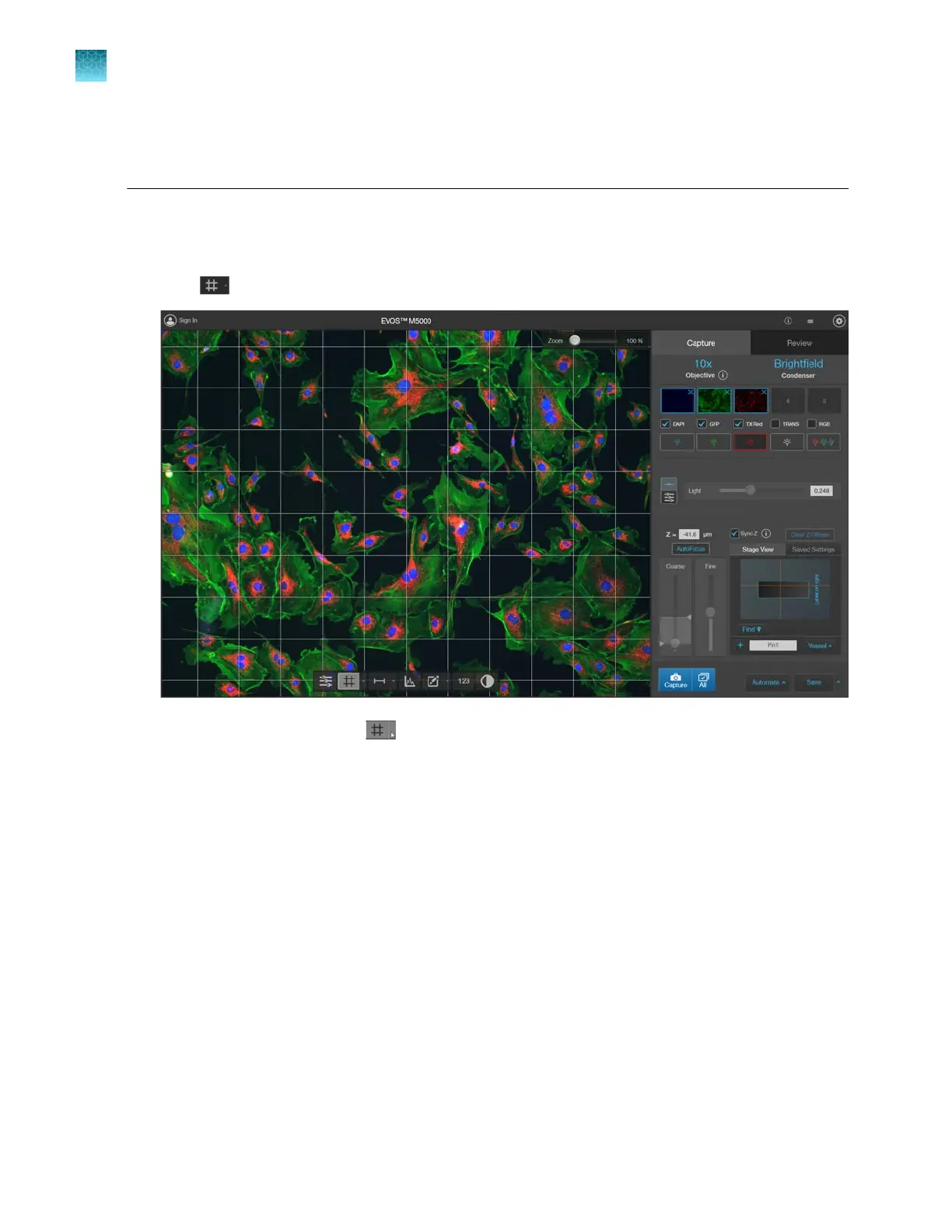
Display grid
1.
Click (Grid) to superimpose a grid over the Viewing area.
2.
To change the grid size, click (Grid Settings)
(arrow on the Grid split button) to open the Grid
Settings tool.
3.
Select the Size for the grid. Available grid sizes depend on the magnification of the selected
objective. Also pr
ovided is the option to display the center point to identify the center of the field of
view.
4.
Click the
Grid Settings button again to save your settings and close the tool.
Chapter5Measure, annotate, and analyze captured images
Display grid
5
38
EVOS
™
M5000 Imaging System User Guide



 To Next Page