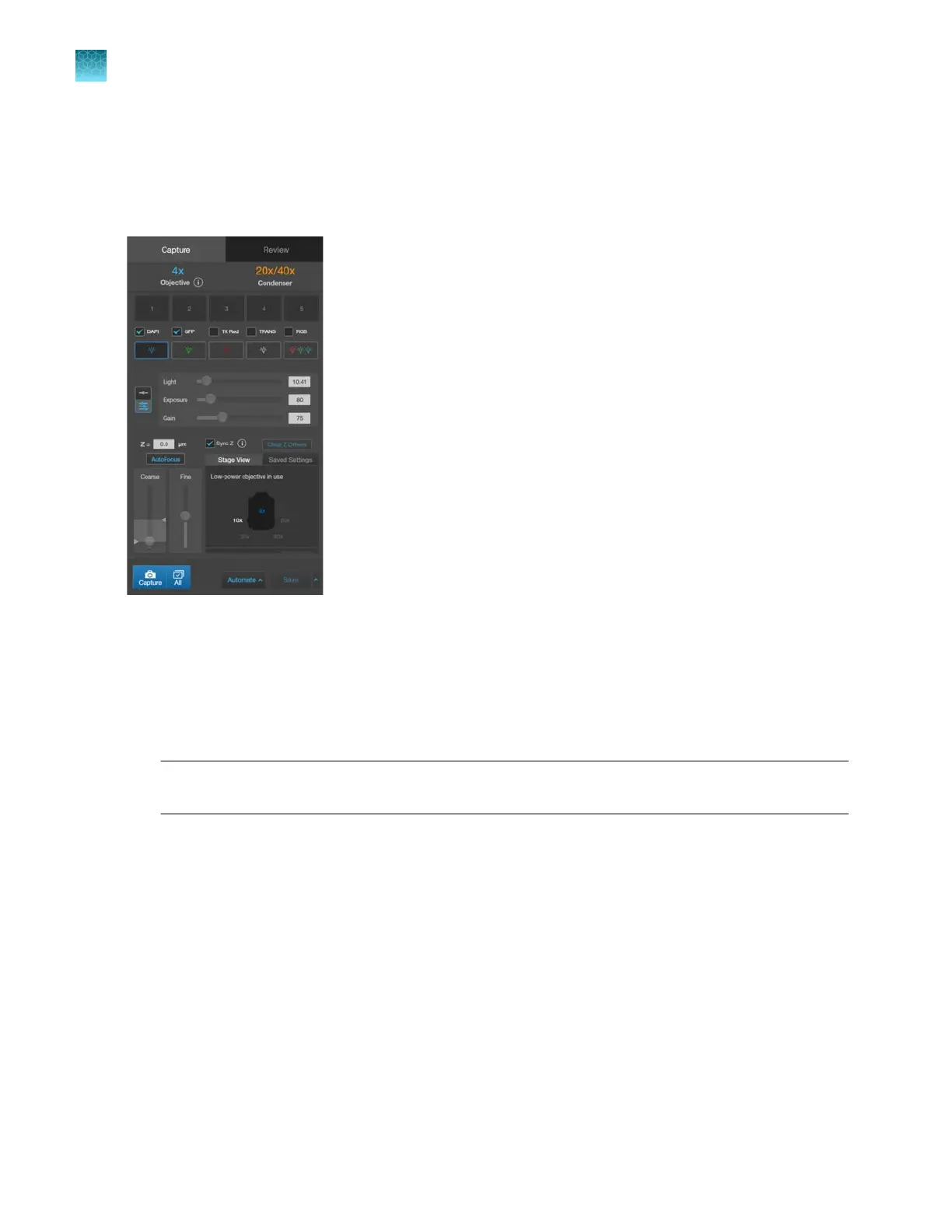
Capture tab
The basic functions of the EVOS
™
M5000 Imaging System, such as viewing the sample, setting optimal
focus, and capturing and saving images are performed in the Capture tab, which is the first screen after
start-up.
Capture images in a single channel
Select objective and light source
1.
Place the vessel containing your sample on the stage using the appropriate vessel holder.
Note: When capturing images in fluorescence channels, place the light shield box on the stage,
over the sample. This is important for optimal image quality.
2.
Set the
magnification using the objective selection wheel (“Front view” on page13).
3.
Select the desired
Phase option by turning the phase ring selector (“Front view” on page13).
Available options are:
•
Oly 4x: Used for Olympus
™
4x phase contrast objectives (Olympus
™
4x PH)
•
4x/10x: Used for EVOS
™
4x or 10x phase contrast objectives (EVOS
™
4x/10x PH)
•
20x/40x:
Used for EVOS
™
20x or 40x phase contrast objectives (EVOS
™
20x/40x PH)
•
Brightfield (phase contrast o)
The active objective and phase ring information is displayed above the Channel buttons.
Chapter4Capture images
Capture images in a single channel
4
28
EVOS
™
M5000 Imaging System User Guide



 To Next Page