Configure display settings
Adjust display settings for saved images
Display settings and analysis tools allow you to change image display settings, and to analyze and
annotate captured images.
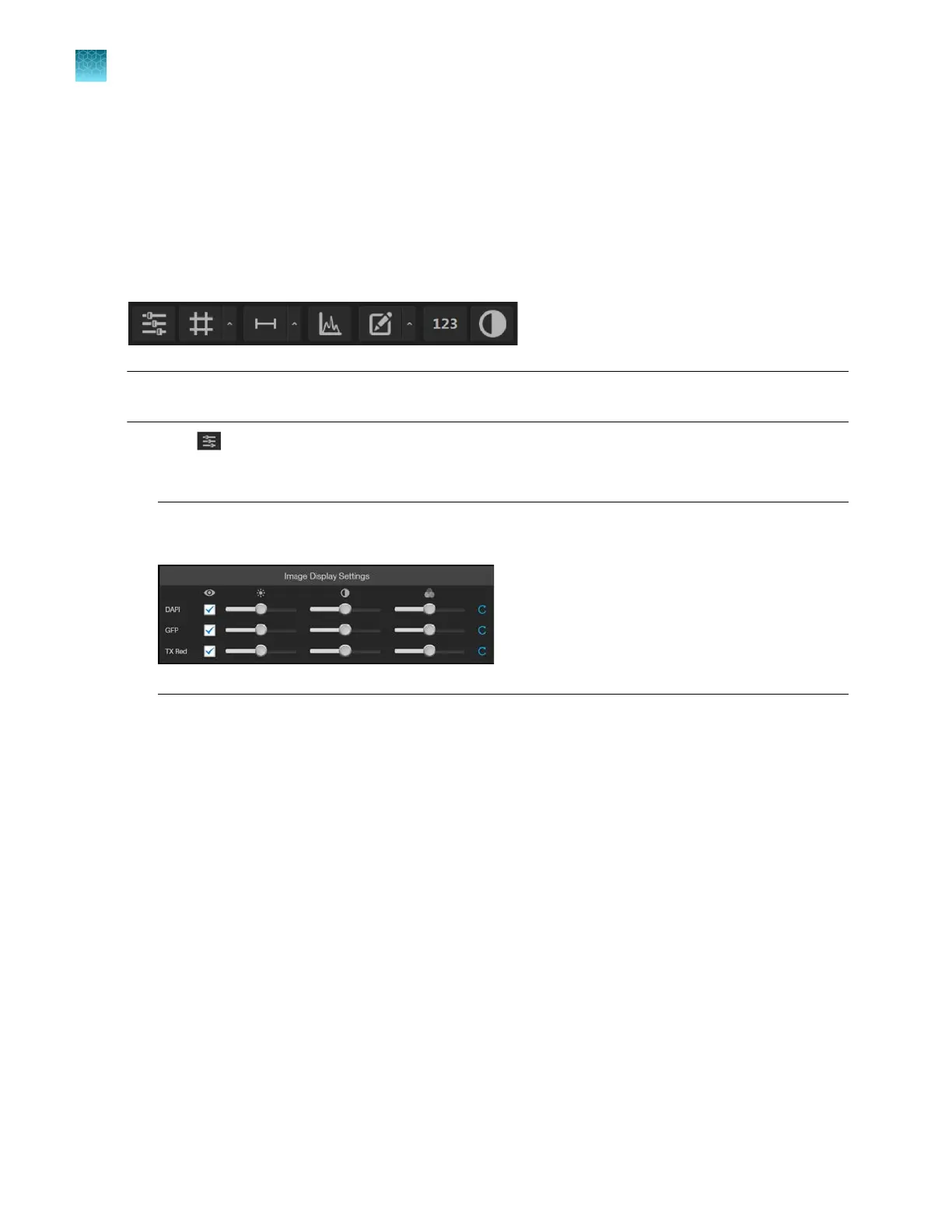
Hover the pointer over the Viewing area to reveal the buttons for Display Settings and Analysis Tools.
Note: Display Settings
are available in both the Capture and the Review tabs and function the same
way.
•
Click (Image Display Settings) to expand the controls for image display parameters
(brightness, contr
ast, gamma). For detailed instructions, see “Adjust image display settings” on
page37.
Note:
The controls for image display settings are available only for captured channels. In the
e
xample below, the controls are available only for the DAPI, GFP, and Tx Red channels.
Chapter10Review and analyze saved images
Configure display settings
10
88
EVOS
™
M5000 Imaging System User Guide



 To Next Page