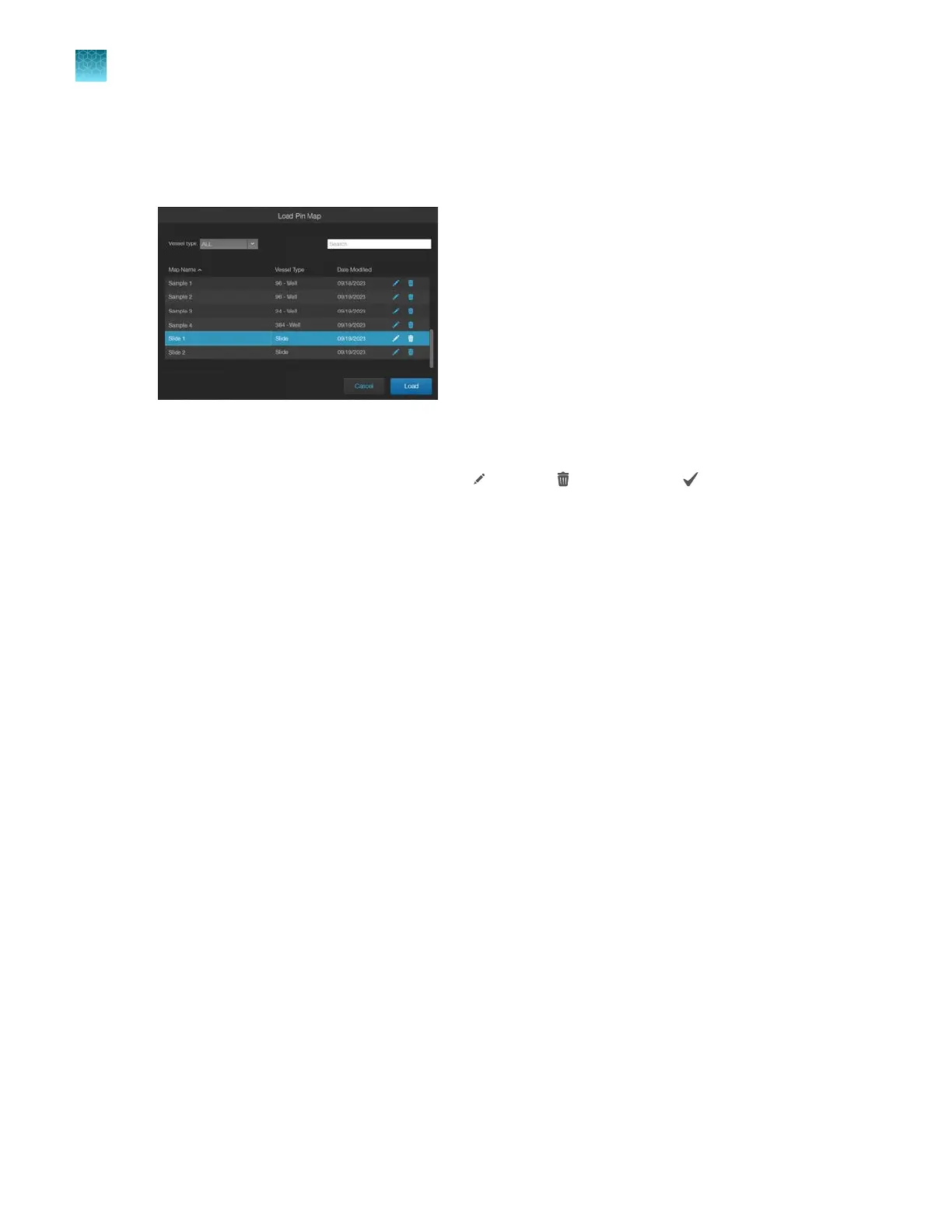
Load Pin Map
•
To use a previous map, select a row, then click Load.
–
This window also allows for searching and editing saved maps. Saved maps can be selected
from the current list by using the Search function or sorting by vessel type.
–
Map names can be changed by clicking (Edit) or (Delete). Click to complete the edit.
Update the target pin location
If the target has shifted in the field of view relative to the pin (for example, your cell of interest has
migrated over time), you can update the pin's position to correct it. After clicking Done to dismiss the
Find Target window and verifying that the target has shifted relative to the pin, do the following:
1.
Re-center the target using the stage knobs in live observation mode (that is, with the light on).
2.
Open
Find Target.
3.
Select the pin to correct. By default, the
first pin is selected when opening the window, so you will
likely need to re-select the pin to be adjusted.
4.
Click
Update within the Target ΔX/ΔY area to move the pin to the current stage location
A window will display asking for confirmation you are moving the correct pin. Click Confirm.
Chapter9Stage View
Load Pin Map
9
84
EVOS
™
M5000 Imaging System User Guide



 To Next Page