Calculate transfection eciency
Transfection Eciency tool
Transfection of a cell population typically results in a varying number of cells expressing the desired
genes of interest. Transfection eciency is the percentage of cells that are transfected compared to the
entire population.
The Transfection Eciency tool calculates the fluorescence area (transfected cells expressing the
fluorescence marker) divided by the entire cell area in the image.
IMPORTANT! For analysis, only use 16-bit image files
(TIFF or PNG), which contain the full dynamic
range and metadata needed for quantitative analysis.
Calculate transfection eciency
1.
After you have completed the
confluence measurement, click Transfection Eciency to expand
the controls for the Transfection Eciency tool.
2.
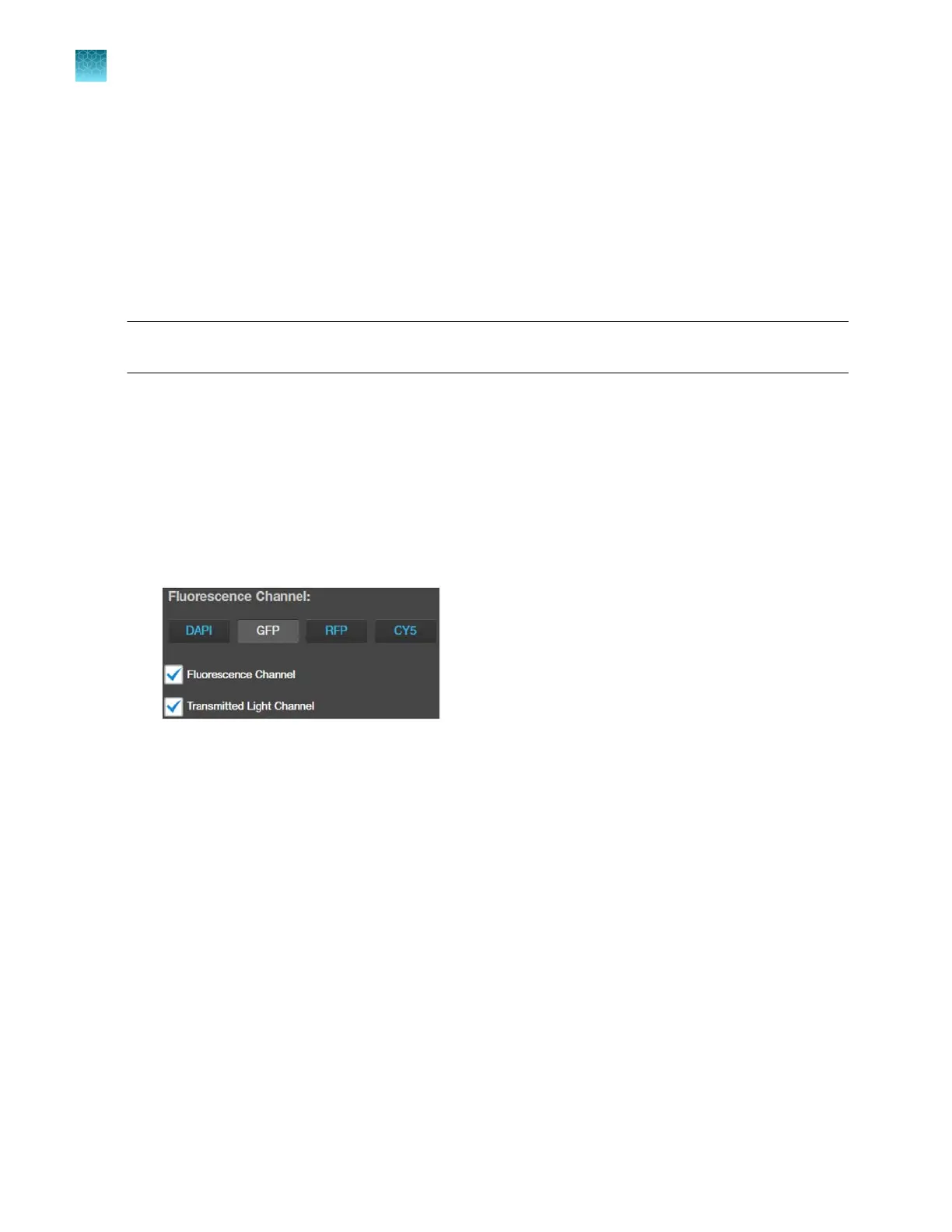
Select the
Fluorescence Channel for which you wish to calculate the transfection eciency.
In this example, we want to calculate the percentage of cells that express GFP. Therefore, the
GFP channel is selected. For display options, Fluorescence Channel and the Transmitted Light
Channel options are checked, so that both channels are displayed in the viewing area.
Chapter5Measure, annotate, and analyze captured images
Measure confluence
5
58
EVOS
™
M5000 Imaging System User Guide



 To Next Page