Review and analyze saved images
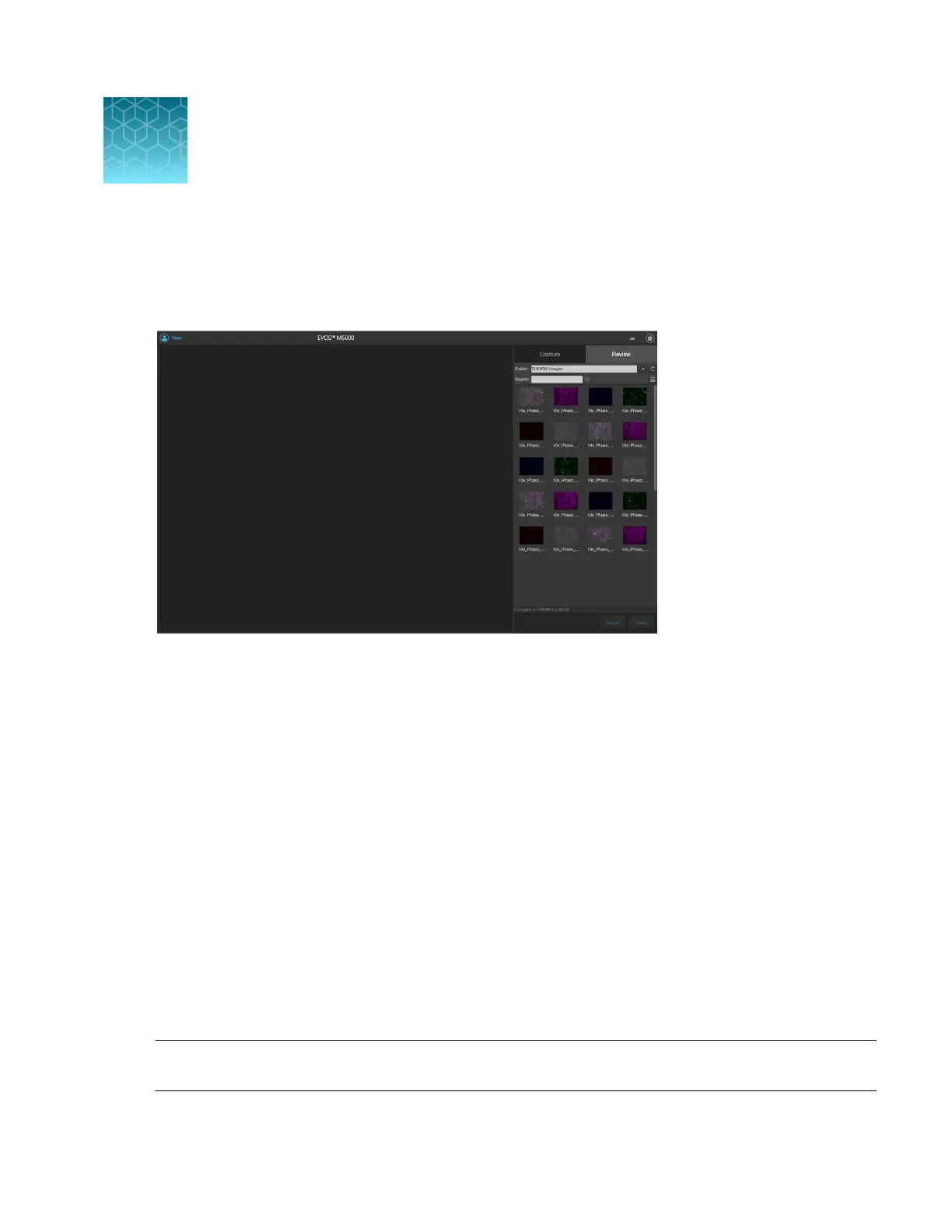
The Review tab allows you to review, annotate, and analyze still images, including those captured in
Time Lapse routines and Z-Stacks. You can also re-save or delete saved files.
•
Review saved images (“Review images”
on page86)
•
Configure display settings (“Configure display settings” on page88)
–
Adjust image display settings (“Adjust display settings for saved images” on page88)
–
Display grid (“Display grid” on page89)
–
Display scale bar (“Display scale bar” on page89)
•
View pixel intensity histogram (“View pixel intensity histogram” on page89)
•
Add measurements and annotations to saved images (“Add measurements and annotations to
saved images” on page90)
•
Analyze cell culture using saved images (“Analyze cell culture using saved images” on page90):
–
Perform Auto Count (Auto Count on page91)
–
Perform Manual Count (Manual Count on page91)
–
Measure confluence (Confluence on page91)
–
Calculate transfection eciency (Transfection Eciency on page91)
•
Save analysis results (“Save analysis results” on page92)
•
Perform batch analysis of saved images (“Save analysis results” on page92)
Note:
For a detailed description of the Review tab controls, see Appendix B, “Graphical user interface
(GUI)”
(“Review tab” on page126).
10
EVOS
™
M5000 Imaging System User Guide
85



 To Next Page