Count cells – manual count
Perform manual count
1.
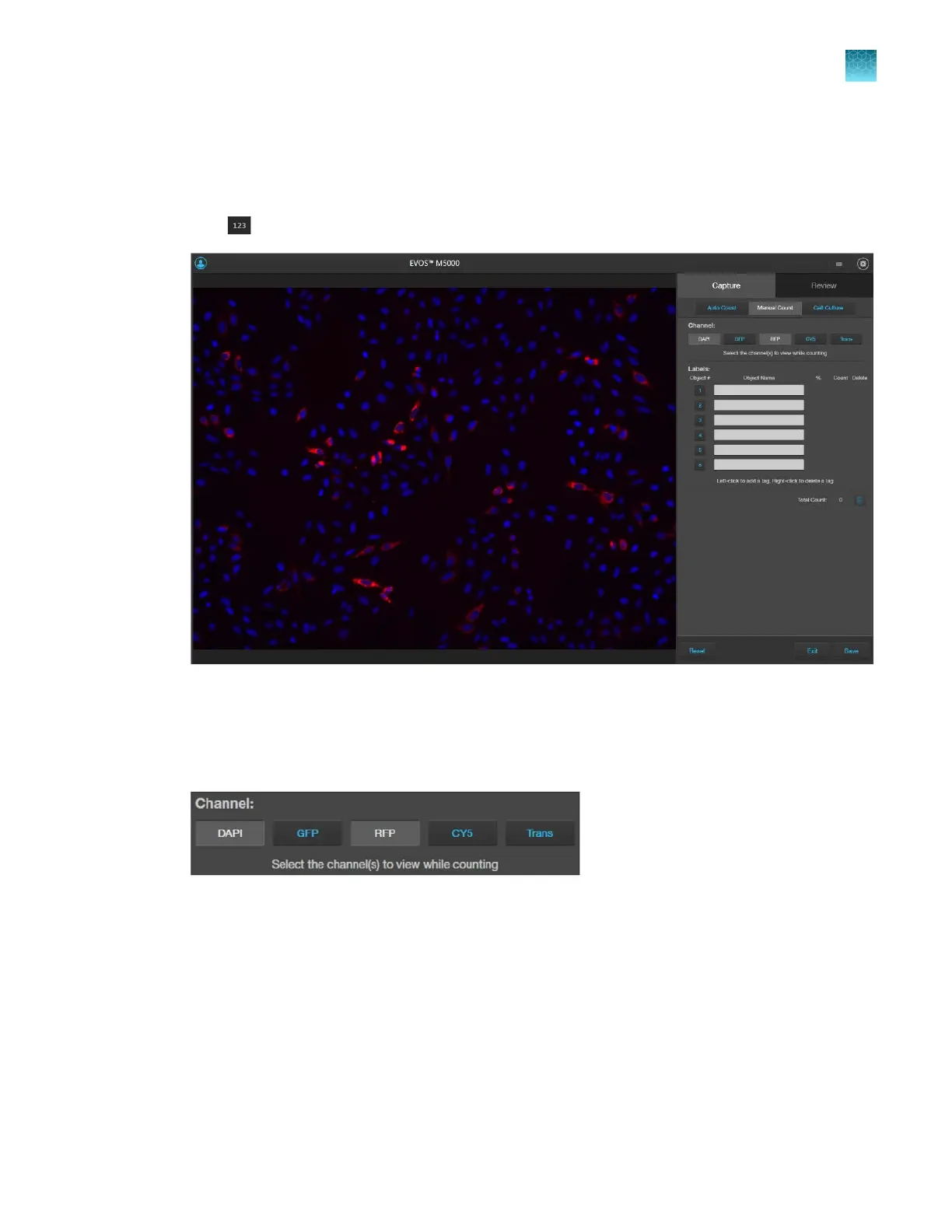
Click (Show Cell Count), then select Manual Count.
2.
Select the
Channels to display in the Viewing area for manual count. You can select multiple
channels that contain captured images.
In this example, DAPI and RFP channels contain captured images, and both are selected for the
manual count.
Chapter5Measure, annotate, and analyze captured images
Count cells – manual count
5
EVOS
™
M5000 Imaging System User Guide
51



 To Next Page