Link instrument to your Connect account
You can link the EVOS
™
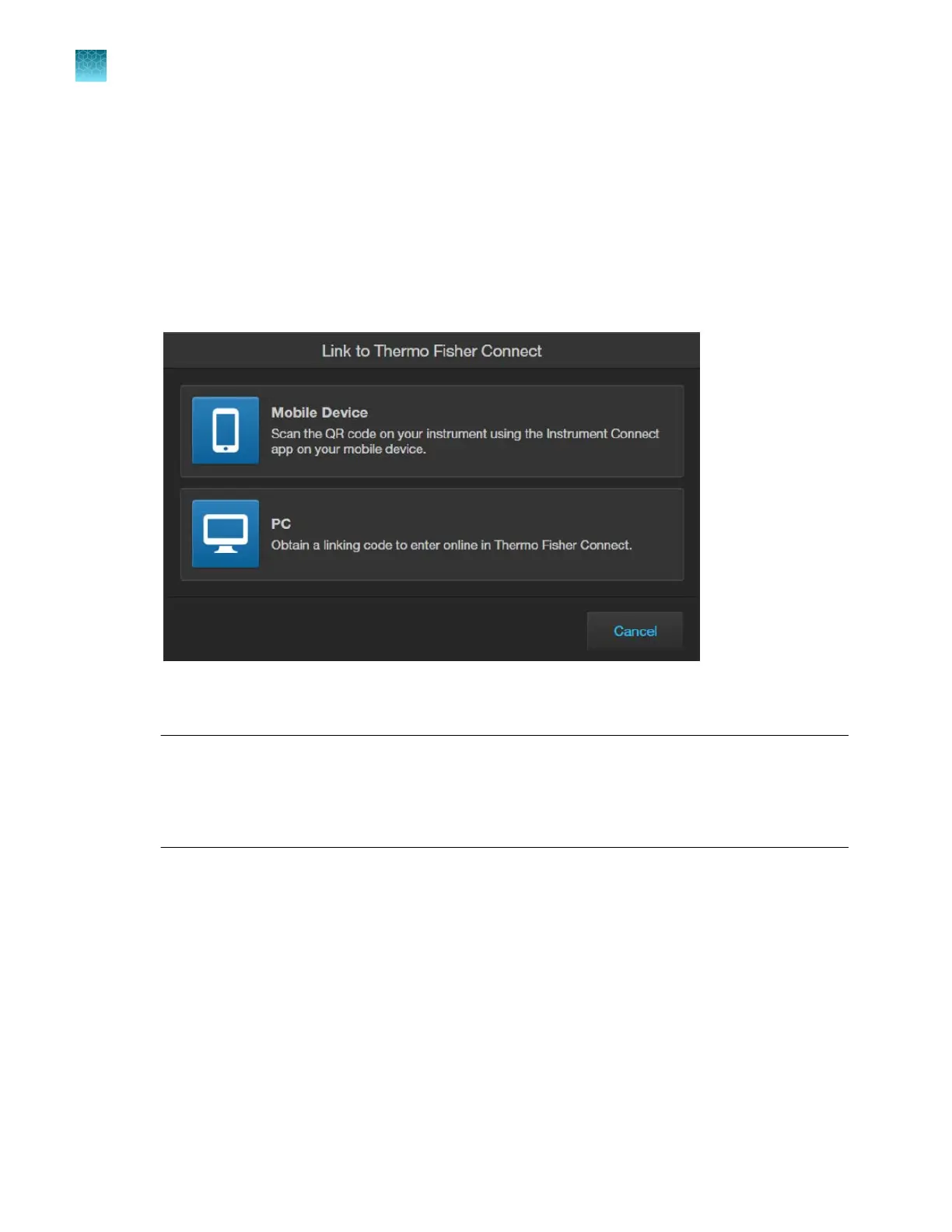
M5000 instrument to your Connect account using one of the following options:
1.
Mobile Device (QR code): Scan the QR code on your instrument using the Instrument Connect
application on your mobile device (“Add instrument to your Connect account with QR code (Mobile
Device)” on page25).
2.
PC (linking code): Obtain a linking code to enter online in Thermo Fisher
™
Connect Platform (“Add
instrument to your Connect account with QR code (Mobile Device)” on page25).
When the instrument is linked, you can save captured images in your unique user account in
addition t
o local storage.
IMPORTANT! The first Connect
account that links to the instrument becomes Administrator by
default. If the first user needs to be unlinked from the instrument, a new user must be assigned
the Administrator role beforehand. Failure to do so will result in the loss of instrument connectivity
for all other linked users. For instructions on how to setup a new Administrator see “Set up a new
administrator” on page26.
Chapter3Installation
Connect to the Thermo Fisher
™
Connect Platform
3
24
EVOS
™
M5000 Imaging System User Guide



 To Next Page