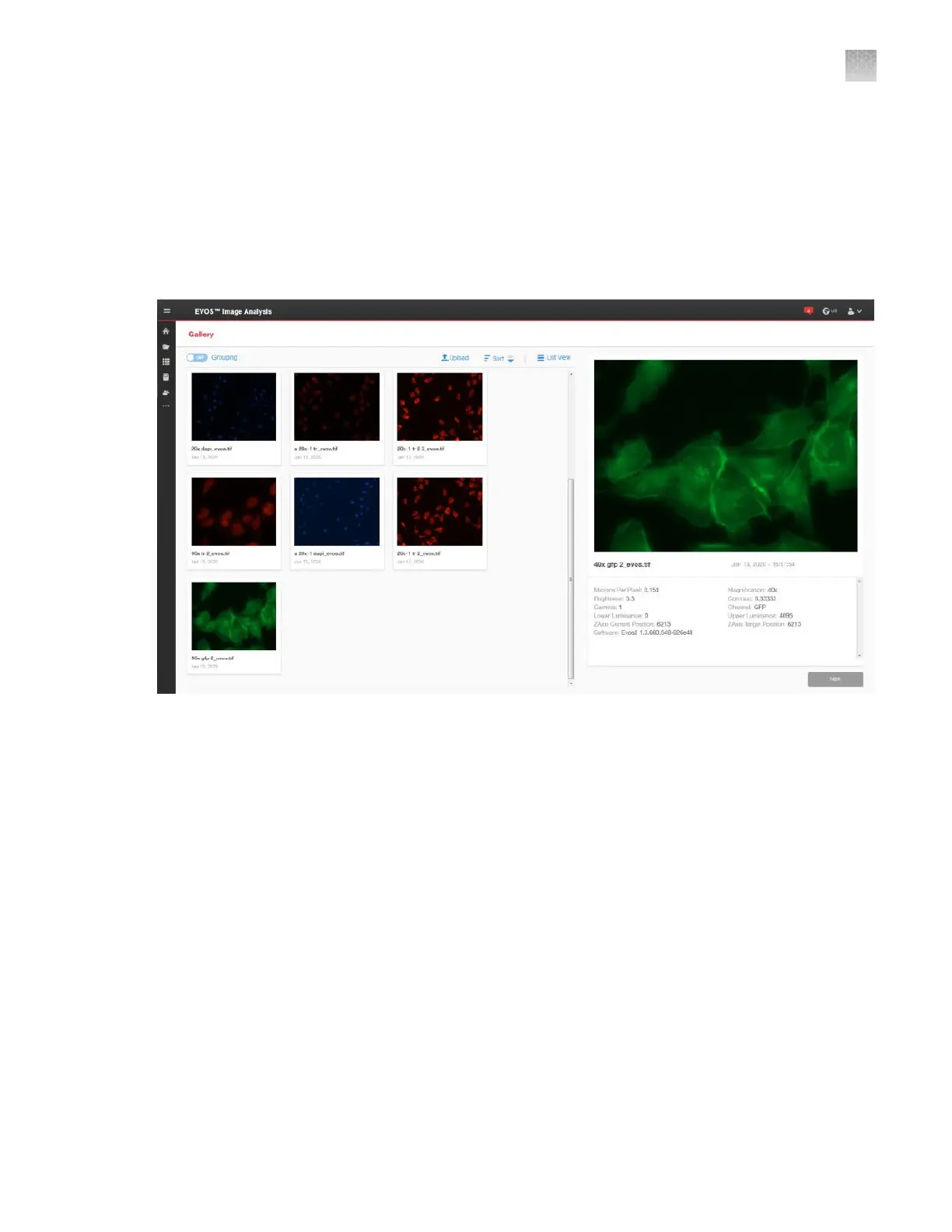
Gallery
The EVOS
™
Image Analysis Gallery contains the images saved from your EVOS
™
M5000 Imaging
System to your Connect account. You can view the images and image metadata in this tab and select
individual images for further image adjustment and analysis.
To adjust an image or to analyze it (that is, perform Auto Count and Manual Count), select the desired
image in the Gallery, then click Next to open the Edit Image screen (“Edit image” on page139).
Edit image
The
Edit Image screen contains the Adjust and Analyze tabs.
AppendixDEVOS
™
image analysis
Gallery
D
EVOS
™
M5000 Imaging System User Guide
139



 To Next Page