Save analysis results
Save
1.
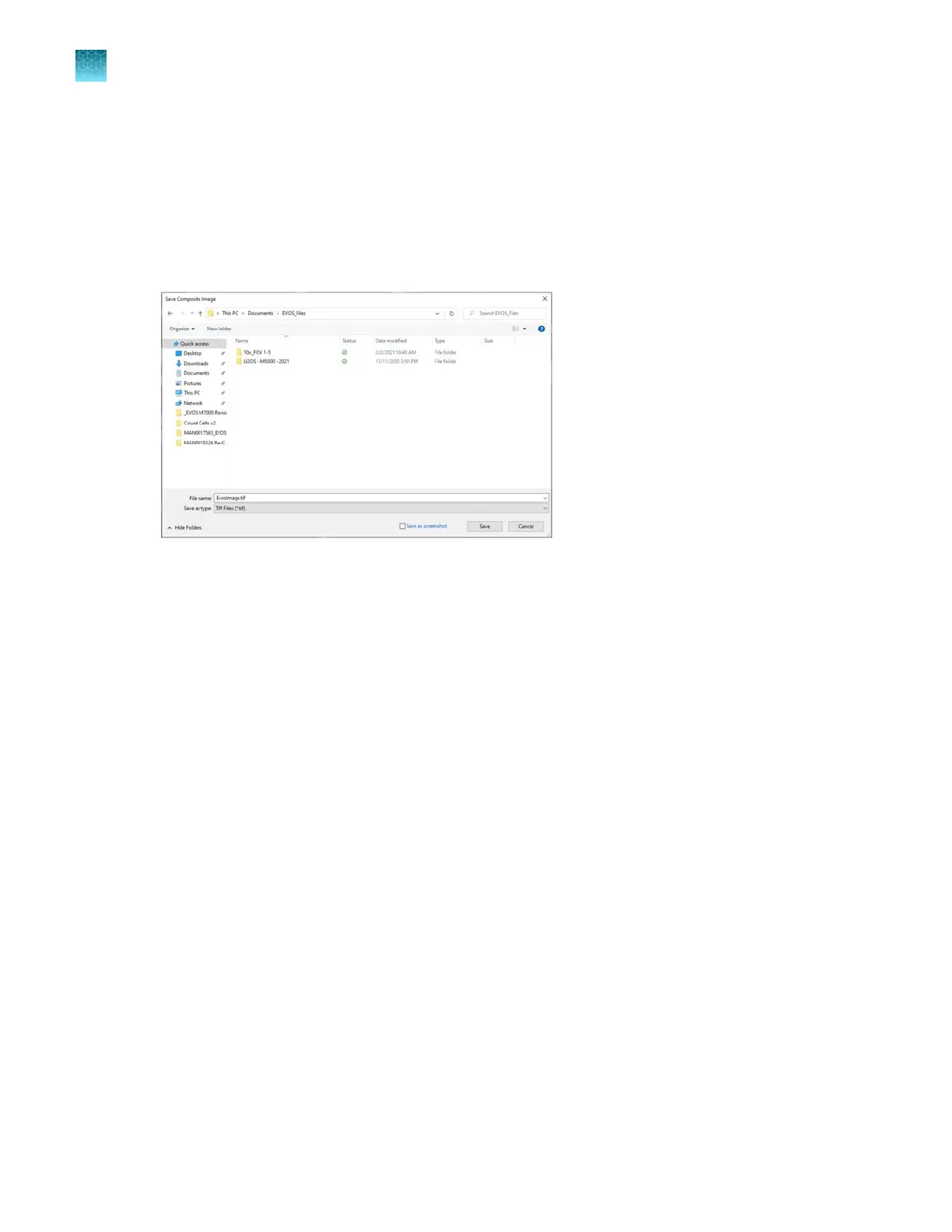
When finished with the Auto Count, Manual Count, or Cell Culture analysis (Confluence and
Transfection Eciency), click Save to open the Save Composite Image dialog, then navigate to
the destination folder to save your count results.
2.
Enter the File name and select File type.
Chapter10Review and analyze saved images
Save analysis results
10
92
EVOS
™
M5000 Imaging System User Guide



 To Next Page